PRINTING A CARBON COPY
(CARBON COPY)
Overview
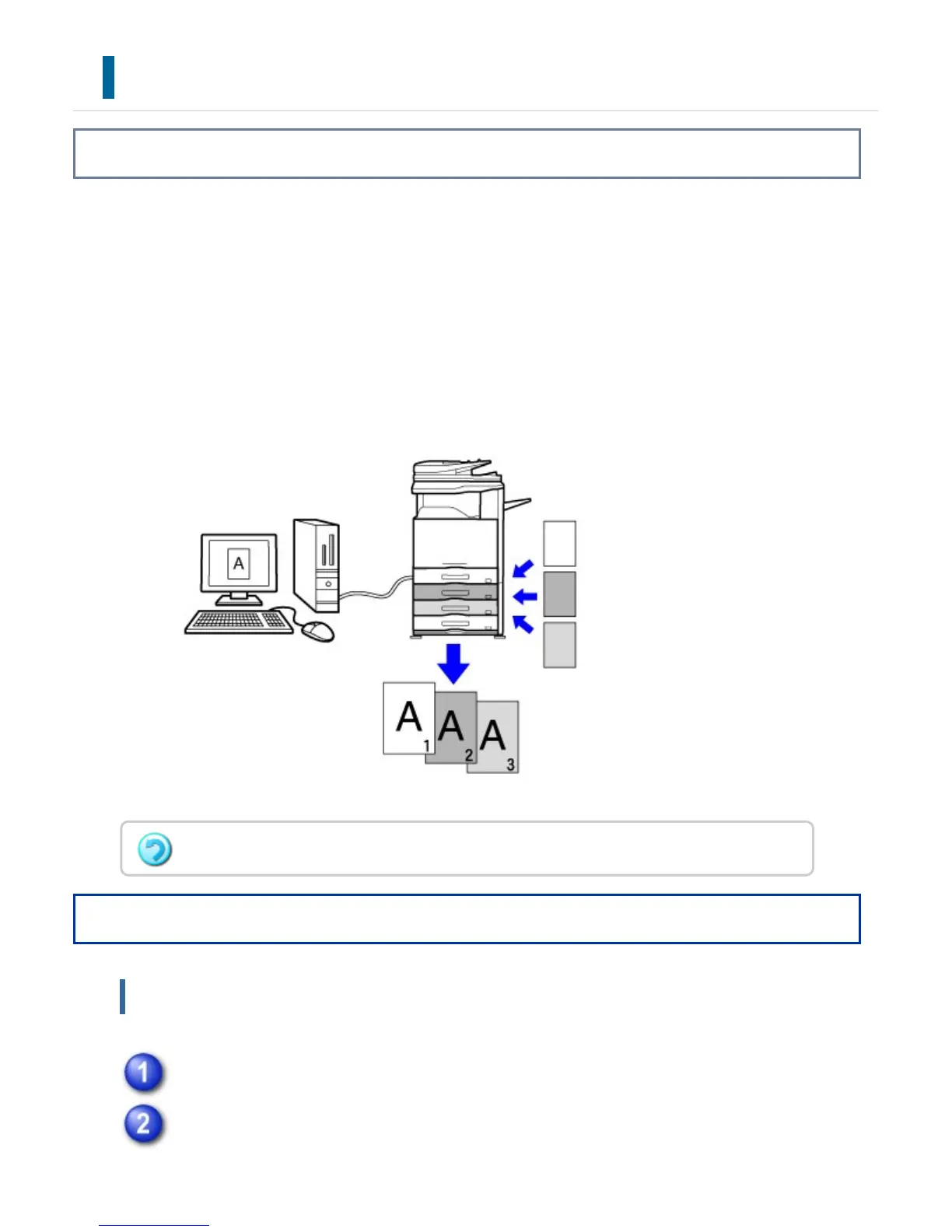
This function prints an additional copy of the print image on paper that is of the same
size but from a different paper tray.
For example, if carbon copy print is selected when plain paper is loaded into tray 1 and
colored paper is loaded into tray 2, a print result similar to a carbon copy slip is obtained
with a single selection of the print command. If plain paper is loaded into tray 1 and
recycled paper is loaded into tray 2 as necessary, selecting Carbon Copy simultaneously
prints one copy for presentation and one copy as a duplicate.
Operation
Windows
Click the [Special Modes] tab.
Select [Carbon Copy] and click the [Settings] button.
This function is available in a Windows environment.
USER'S MANUAL | MX-M365N/MX-M465N/MX-M565N USER'S ... http://siica.sharpusa.com/portals/0/downloads/Manuals/MX-M365N-M...
468 of 1441 3/17/2016 7:14 AM



 To Next Page