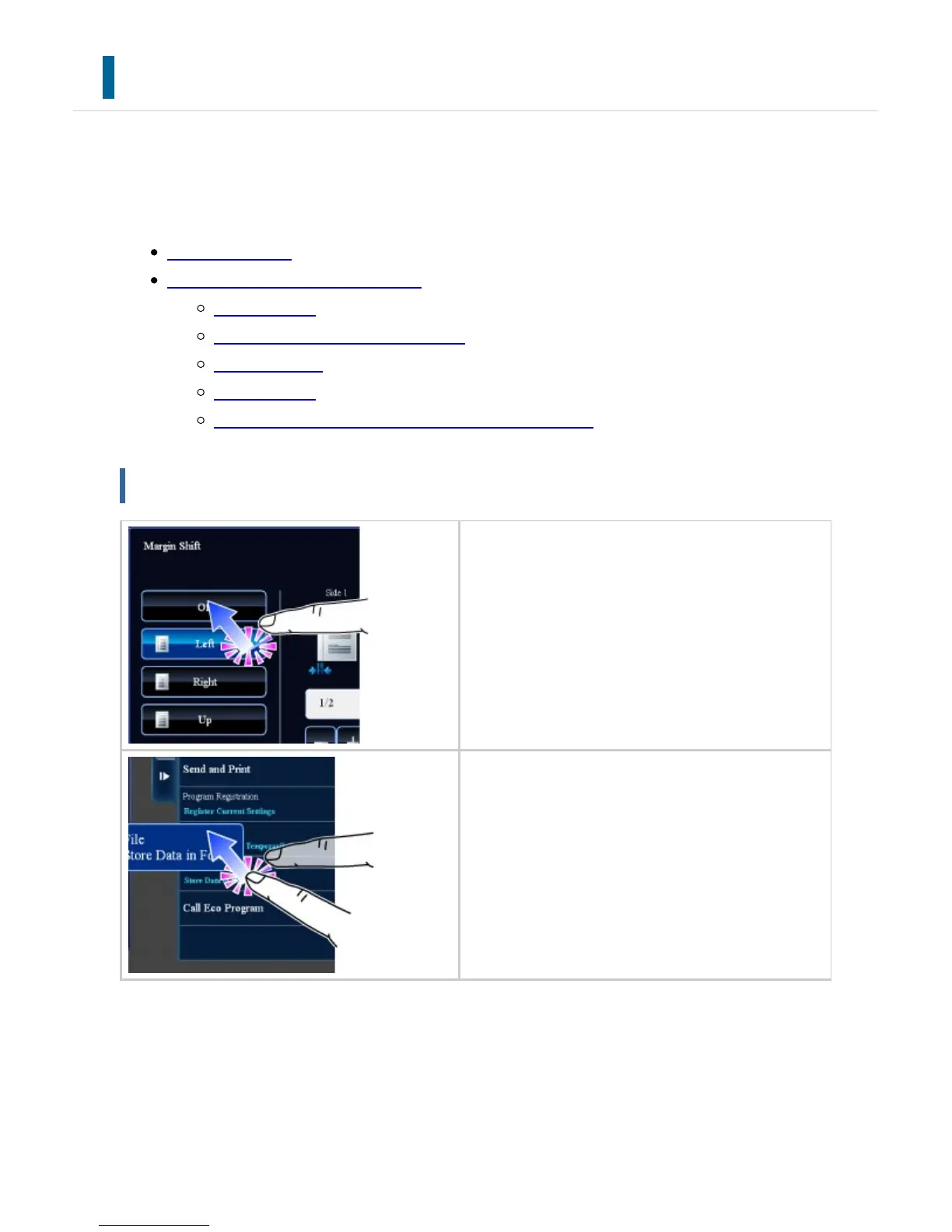
TOUCH TYPES
In addition to tapping, equivalent to conventional touching, the touch panel of the machine
can be operated by long touching, flicking and sliding.
Operation types
Operation on respective screens
Key (tapping)
List (tapping, sliding and flicking)
Slider (sliding)
Tab (tapping)
Preview screen (Double tapping/ Pinch/ Spread)
Operation types
Tapping
Touch the panel with your finger and then lift
it quickly. Use this method to select a key, ta
b or check box.
Long touching
Touch the panel with your finger and hold it f
or a while.
Keep holding (long touching) it on the action
panel or characters in the text box to display
characters in a balloon.
USER'S MANUAL | MX-M365N/MX-M465N/MX-M565N USER'S ... http://siica.sharpusa.com/portals/0/downloads/Manuals/MX-M365N-M...
47 of 1441 3/17/2016 7:14 AM



 To Next Page