PRINTING PATTERN DATA
(HIDDEN PATTERN
PRINT)
Overview
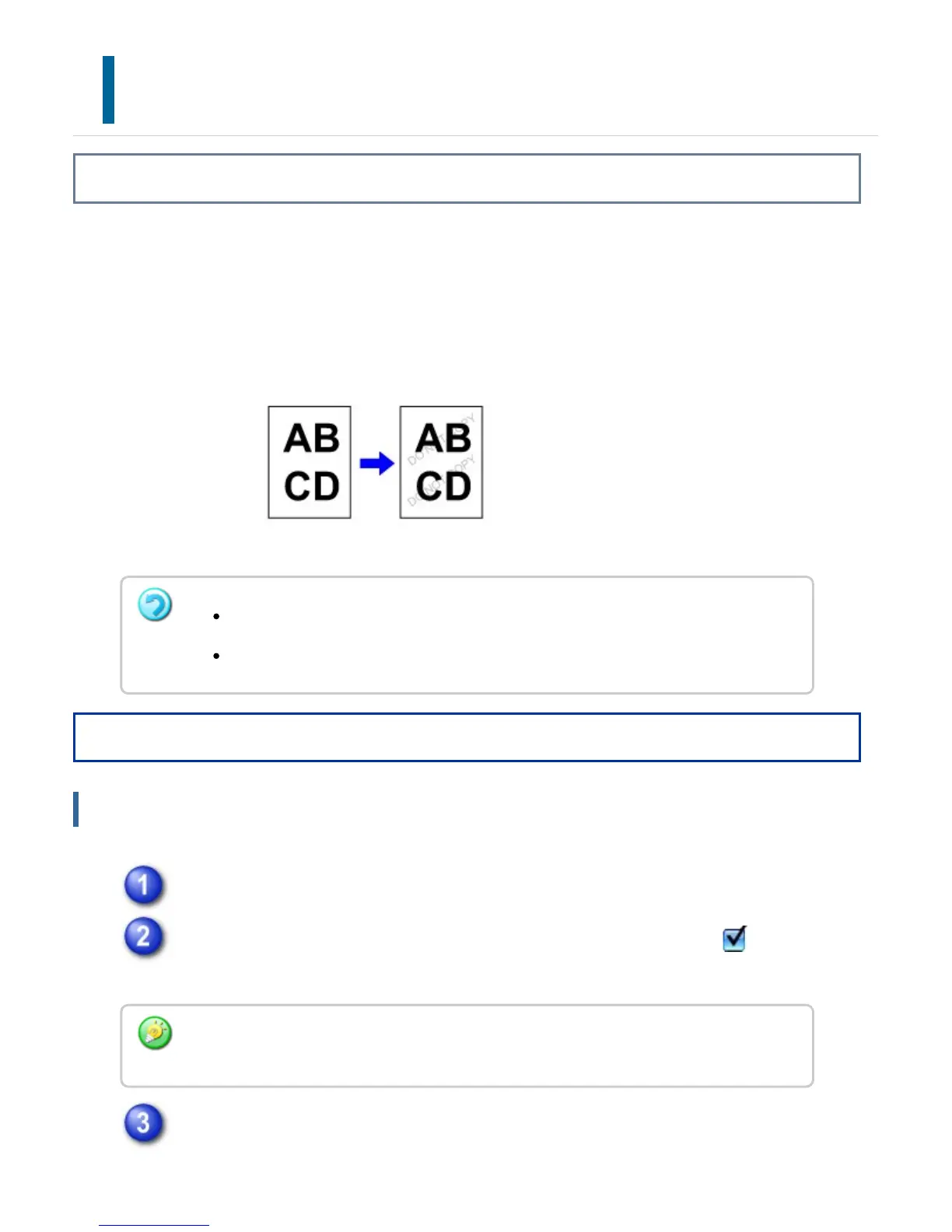
This function prints pattern data such as "DO NOT COPY" behind the print data.
If paper with pattern data is duplicated, the pattern data emerges in the background,
which will help to prevent information from being leaked through unauthorized document
copying.
Operation
Windows
Click the [Advanced] tab.
Select the [Hidden Pattern Print] checkbox so that the checkmark
appears, then click the [Settings] button.
Configure the settings for hidden pattern printing and click the [OK] button.
This function is available in a Windows environment.
This function can be used when the PCL6 printer driver is used.
The hidden pattern printing function cannot be used when "Print Mode" is set to [Ultra
Fine].
USER'S MANUAL | MX-M365N/MX-M465N/MX-M565N USER'S ... http://siica.sharpusa.com/portals/0/downloads/Manuals/MX-M365N-M...
482 of 1441 3/17/2016 7:14 AM



 To Next Page