FAX TRANSMISSION SEQUENCE
First, tap the [Fax] icon on the home screen to enter fax mode.
SELECTING FAX MODE
Place the original.
Place the original in the document feeder tray of the automatic document feeder, or
on the document glass.
AUTOMATIC DOCUMENT FEEDER
DOCUMENT GLASS
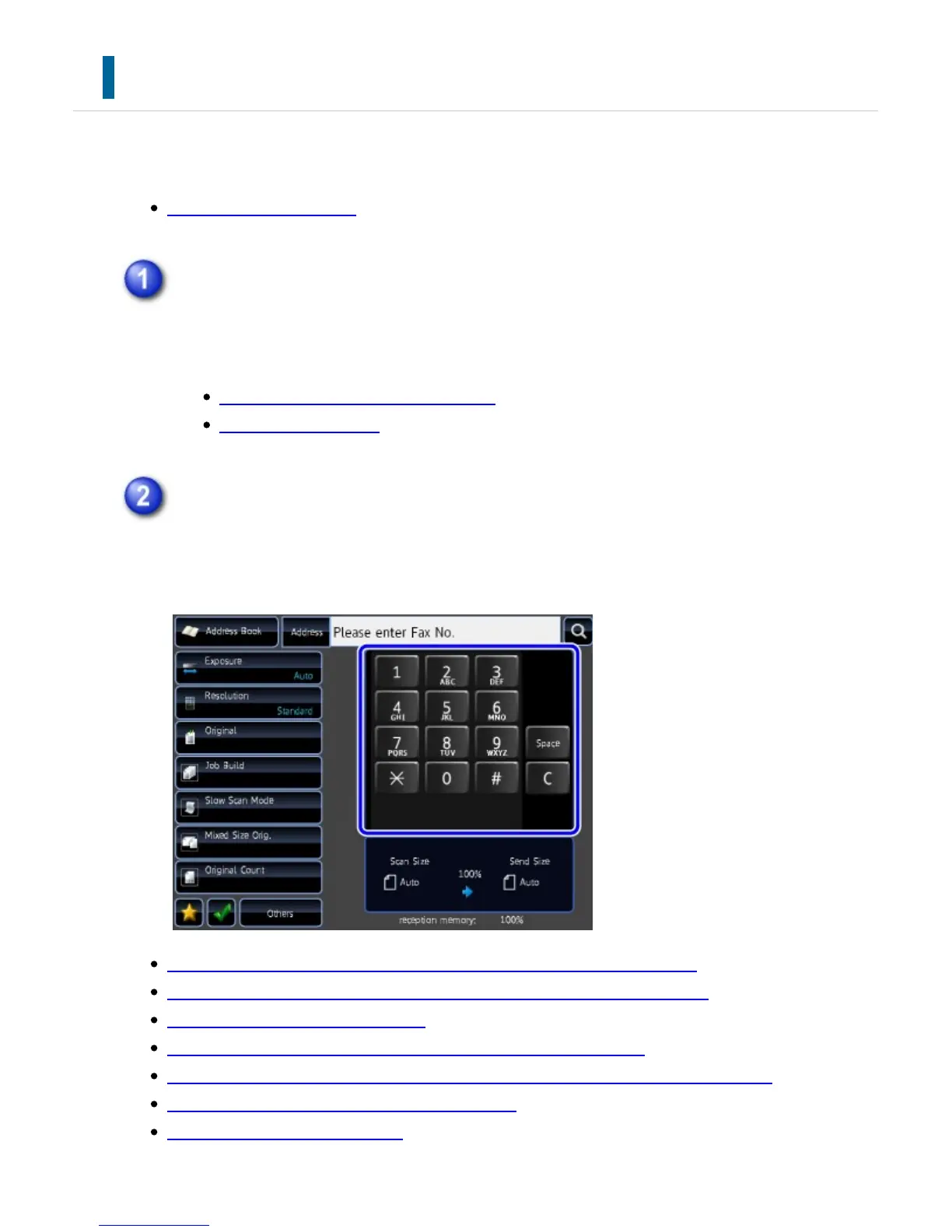
Enter the destination fax number.
Tap the numeric keys to enter the destination number directly, or search and
retrieve the address book or number.
ENTERING A DESTINATION NUMBER USING THE NUMERIC KEYS
RETRIEVING A DESTINATION NUMBER FROM AN ADDRESS BOOK
THE SELECTED DESTINATIONS
USING A SEARCH NUMBER TO RETRIEVE A DESTINATION
RETRIEVING A DESTINATION NUMBER FROM A GLOBAL ADDRESS BOOK
USING A TRANSMISSION LOG TO RESEND
SENDING BY CHAIN DIALING
USER'S MANUAL | MX-M365N/MX-M465N/MX-M565N USER'S ... http://siica.sharpusa.com/portals/0/downloads/Manuals/MX-M365N-M...
532 of 1441 3/17/2016 7:14 AM



 To Next Page