SENDING THE SAME FAX TO MULTIPLE
DESTINATIONS
(BROADCAST TRANSMISSION)
Overview
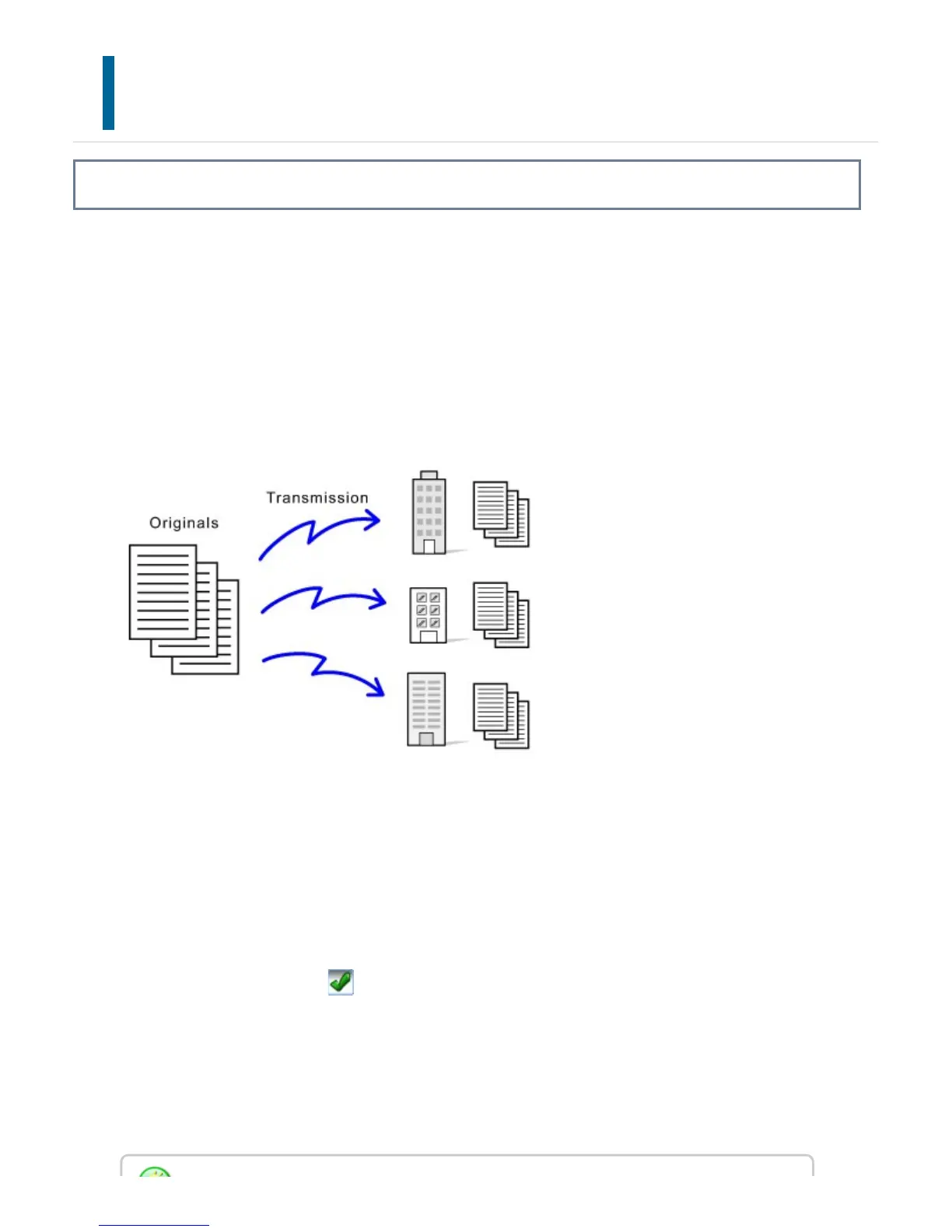
You can send a fax to multiple destinations in a single operation when, for example,
sending a report to branch offices in different regions. This function is called
"Broadcasting".
One operation allows you to send data to up to 500 destinations, including the reserved
send jobs. (For example, if broadcast transmission jobs with 450 destinations are already
reserved, data can be broadcasted to up to 50 destinations.)
It is convenient to store destinations you frequently use for broadcast transmission as
contacts or groups. Maximum of 500 destinations can be stored in a contact.
For broadcast transmission, the contact or group key can be simply tapped to retrieve
multiple fax numbers.
You can also send faxes with the one-touch key by setting the [Set to the address as
usually used] checkbox to when addresses are registered. If you wish to temporarily
remove a destination from the stored addresses, open the detail confirmation screen and
remove the destination in the screen.
When a one-touch key is used to dial, the number of fax numbers that are dialed is the
number of destinations that are stored in the one-touch key. When a one-touch key that
has 10 destinations is used, 10 fax numbers are dialed.
USER'S MANUAL | MX-M365N/MX-M465N/MX-M565N USER'S ... http://siica.sharpusa.com/portals/0/downloads/Manuals/MX-M365N-M...
573 of 1441 3/17/2016 7:14 AM



 To Next Page