SENDING AN ORIGINAL AS TWO SEPARATE
PAGES
(DUAL PAGE SCAN)
Overview
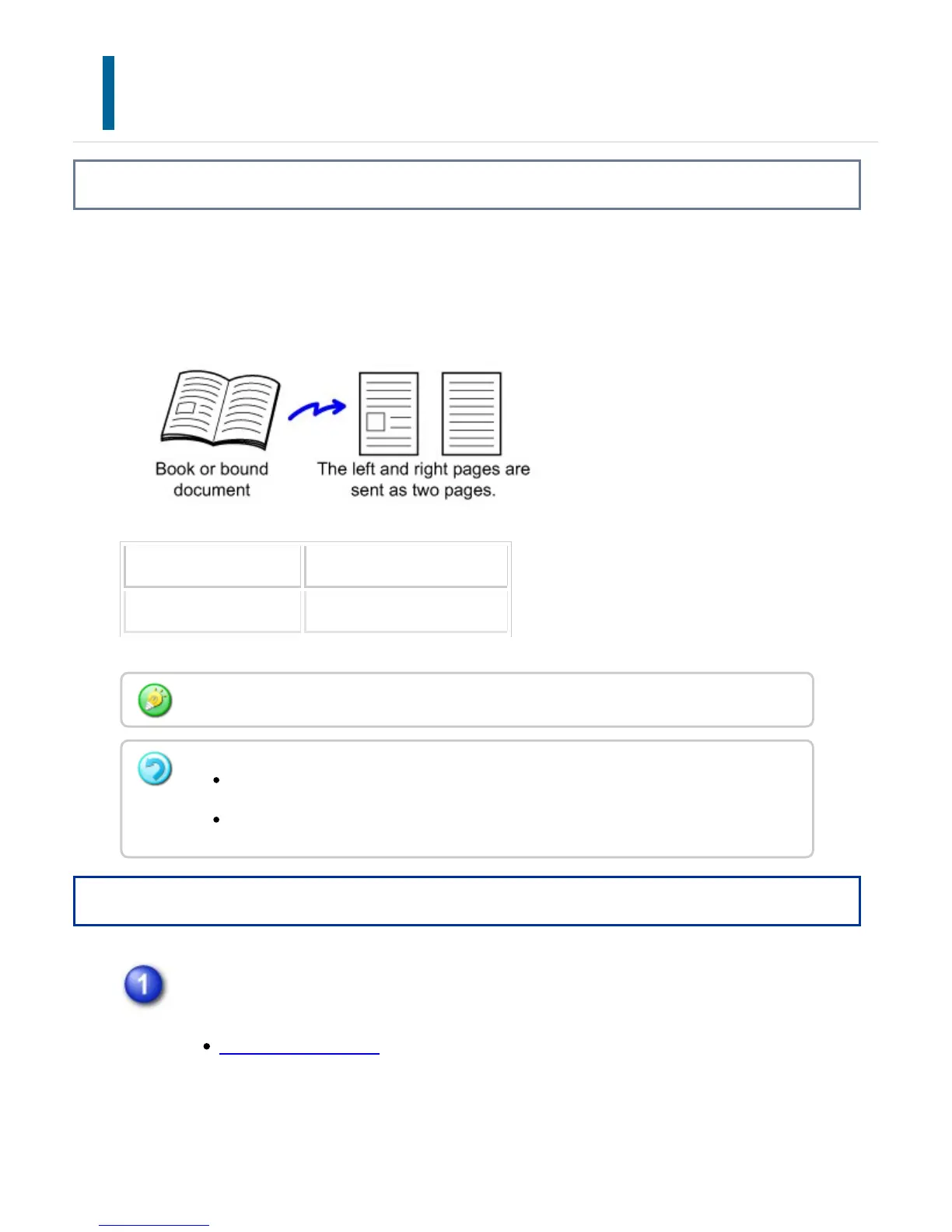
The left and right sides of an original can be transmitted as two separate pages. This
function is useful when you wish to fax the left and right pages of a book or other bound
document as separate pages.
Original scan size Transmitted image
11" x 17" (A3) x 1 page 8-1/2" x 11" (A4) x 2 page
Operation
Place the original on the document glass.
DOCUMENT GLASS
When using dual page scan, the original must be placed on the document glass.
This function can be enabled when the original size setting is set to [Auto].
Note that "Center Erase" and "Edge + Center Erase" cannot be used.
USER'S MANUAL | MX-M365N/MX-M465N/MX-M565N USER'S ... http://siica.sharpusa.com/portals/0/downloads/Manuals/MX-M365N-M...
635 of 1441 3/17/2016 7:14 AM



 To Next Page