SENDING A THIN ORIGINAL
(SLOW SCAN MODE)
Overview
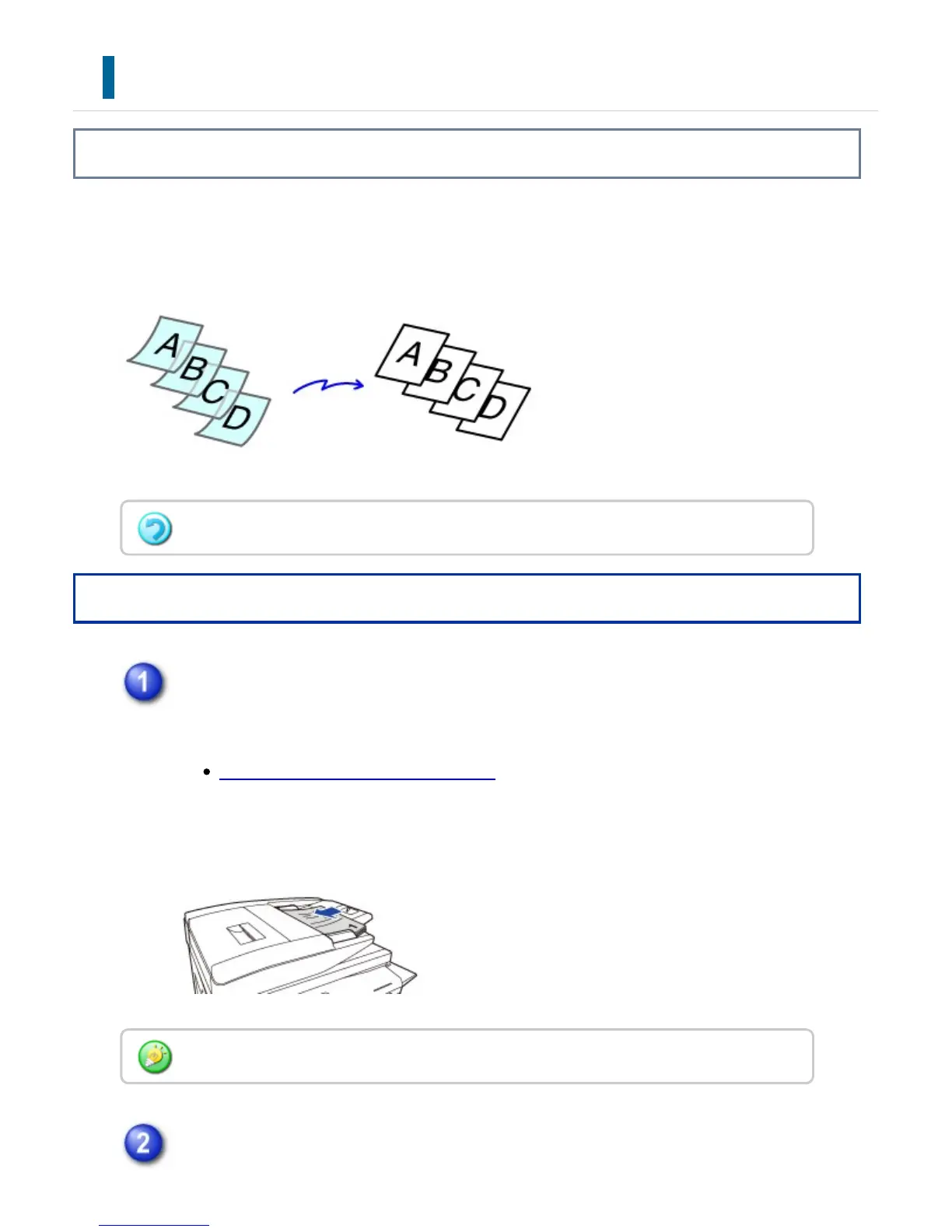
Use this function when you wish to scan thin originals using the automatic document
feeder. This function helps prevent thin originals from misfeeding.
Operation
Place the original in the document feeder tray of the automatic document
feeder.
AUTOMATIC DOCUMENT FEEDER
Adjust the original guides slowly.
Enter the destination fax number.
When slow scan mode is selected, 2-sided scanning is not possible.
If the originals are inserted with too much force, they may crumple and misfeed.
USER'S MANUAL | MX-M365N/MX-M465N/MX-M565N USER'S ... http://siica.sharpusa.com/portals/0/downloads/Manuals/MX-M365N-M...
644 of 1441 3/17/2016 7:14 AM



 To Next Page