OPERATION OF FREQUENTLY USED KEYS
Numeric keys
[Start] key
[STOP] key ([Cancel Copy] key)
[CA] key
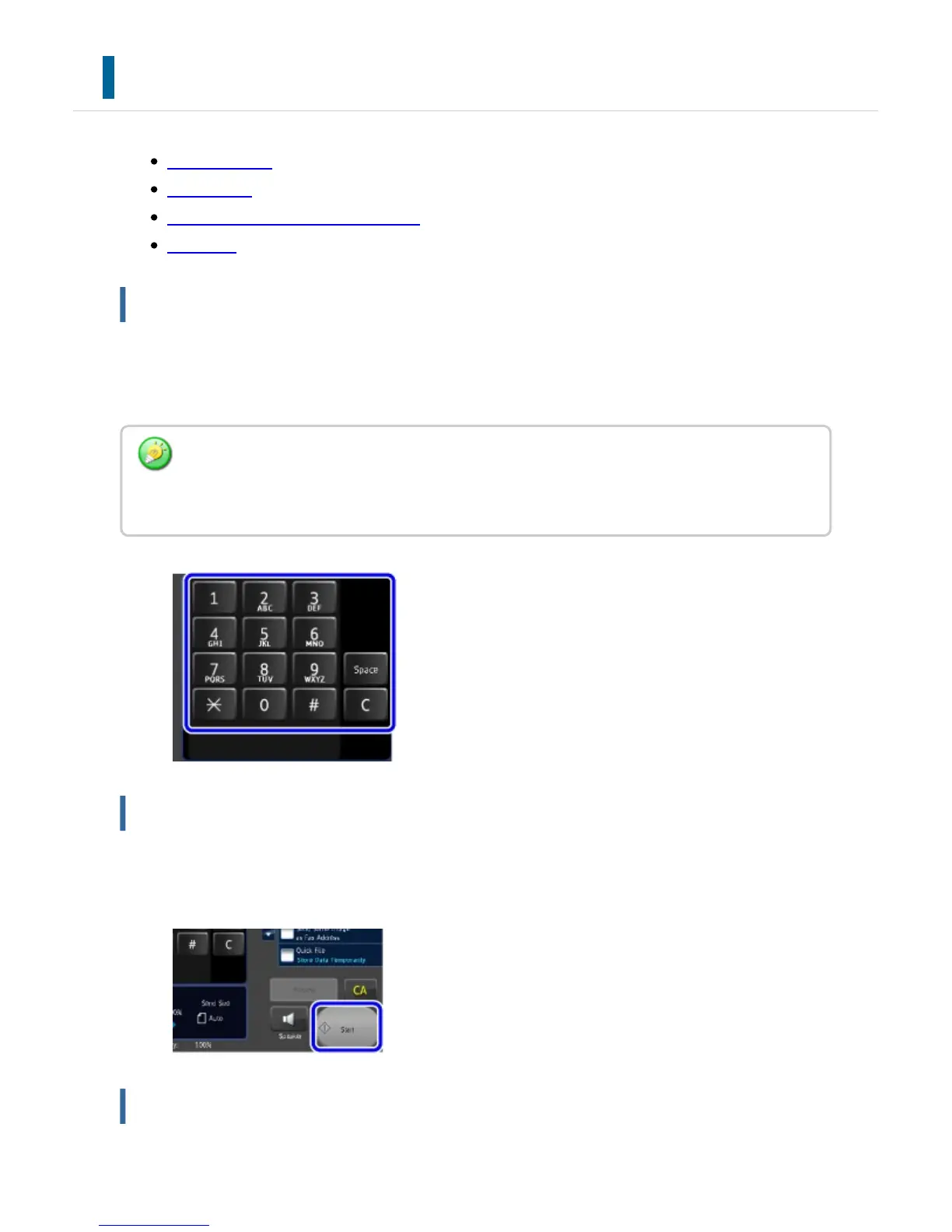
Numeric keys
Tap a number to enter it.
To clear the entered number, tap the [C] key.
[Start] key
Tap to perform a print or send job.
[STOP] key ([Cancel Copy] key)
On the address screen, you can enter characters other than numbers, and a different key
layout is provided. You can also move the cursor by using the [←] and [→] keys. Tap the [C]
key to delete one character to the left of the cursor.
USER'S MANUAL | MX-M365N/MX-M465N/MX-M565N USER'S ... http://siica.sharpusa.com/portals/0/downloads/Manuals/MX-M365N-M...
71 of 1441 3/17/2016 7:14 AM



 To Next Page