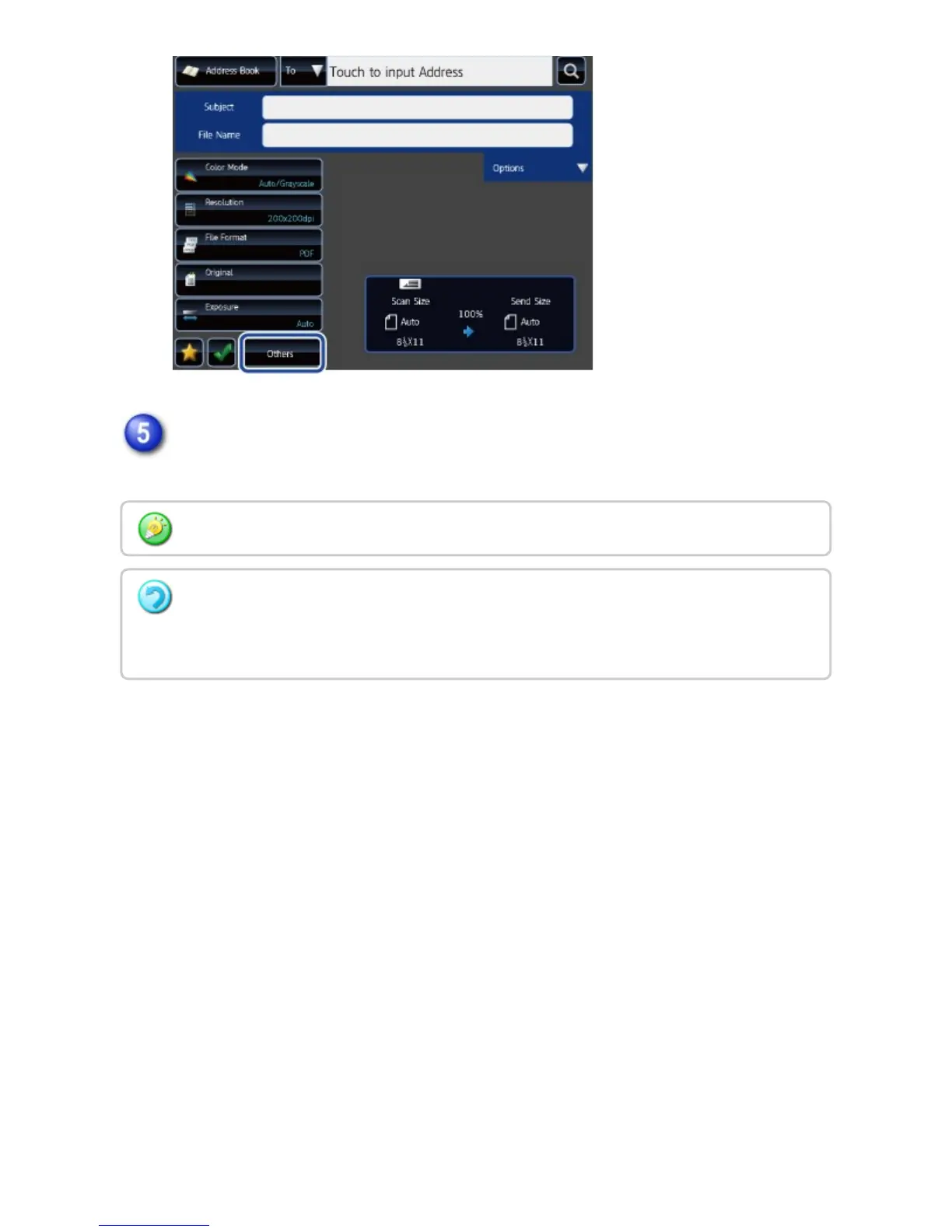
Send the original.
Tap the [Start] key.
You can check the preview of an image by tapping the [Preview] key.
When the original is placed on the document glass:
Repeat the placing original and transmission procedures until all originals have been sent.
After scanning all originals, tap the [Read-End] key.
USER'S MANUAL | MX-M365N/MX-M465N/MX-M565N USER'S ... http://siica.sharpusa.com/portals/0/downloads/Manuals/MX-M365N-M...
720 of 1441 3/17/2016 7:14 AM



 To Next Page