RETRIEVING A DESTINATION FROM AN
ADDRESS BOOK
Overview
In the address book screen, simply tap the one-touch key of a registered destination to
retrieve the destination.
If necessary, store multiple destinations in a one-touch key. Tapping the key will retrieve
all the stored destinations.
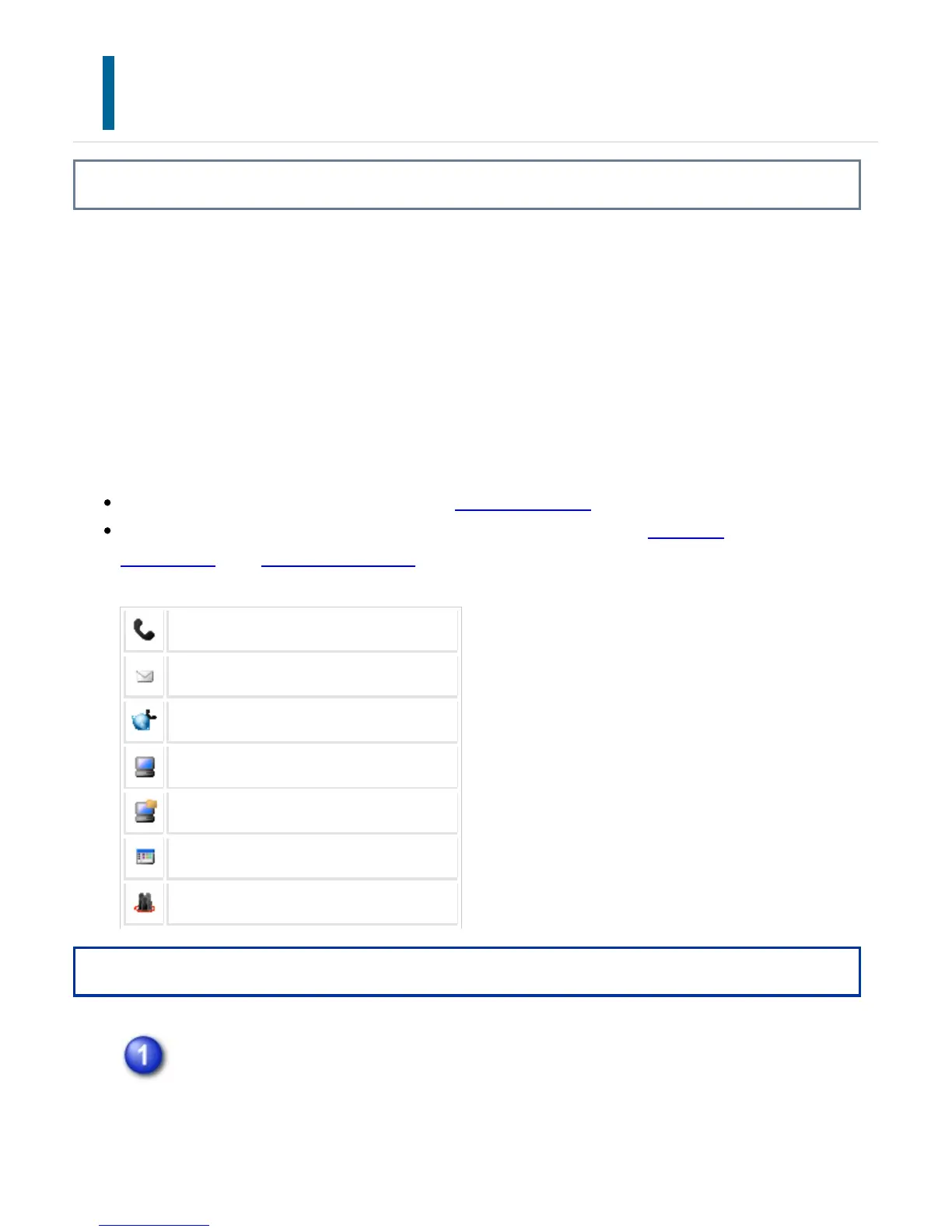
The address book screen shows all destinations used in each mode. Each one-touch key
shows the name of the destination and an icon indicating the mode used for the
destination.
For information on the address book, see "ADDRESS BOOK".
For the procedure for storing an address in the address book, see "STORING
CONTACTS" or "STORING GROUPS".
Fax
Scan to E-mail
Internet Fax (Direct SMTP)
Scan to FTP
Scan to Network Folder
Scan to Desktop
Group key with multiple destinations
Operation
Tap the [Address Book] key.
USER'S MANUAL | MX-M365N/MX-M465N/MX-M565N USER'S ... http://siica.sharpusa.com/portals/0/downloads/Manuals/MX-M365N-M...
724 of 1441 3/17/2016 7:14 AM



 To Next Page