VIEWING A LIST OF THE SELECTED
DESTINATIONS
Overview
When multiple destinations have been selected, you can display and check the
destinations. You can also delete a destination from the list (cancel selection of the
destination).
Operation
Tap the [Confirm Address] key on the action panel.
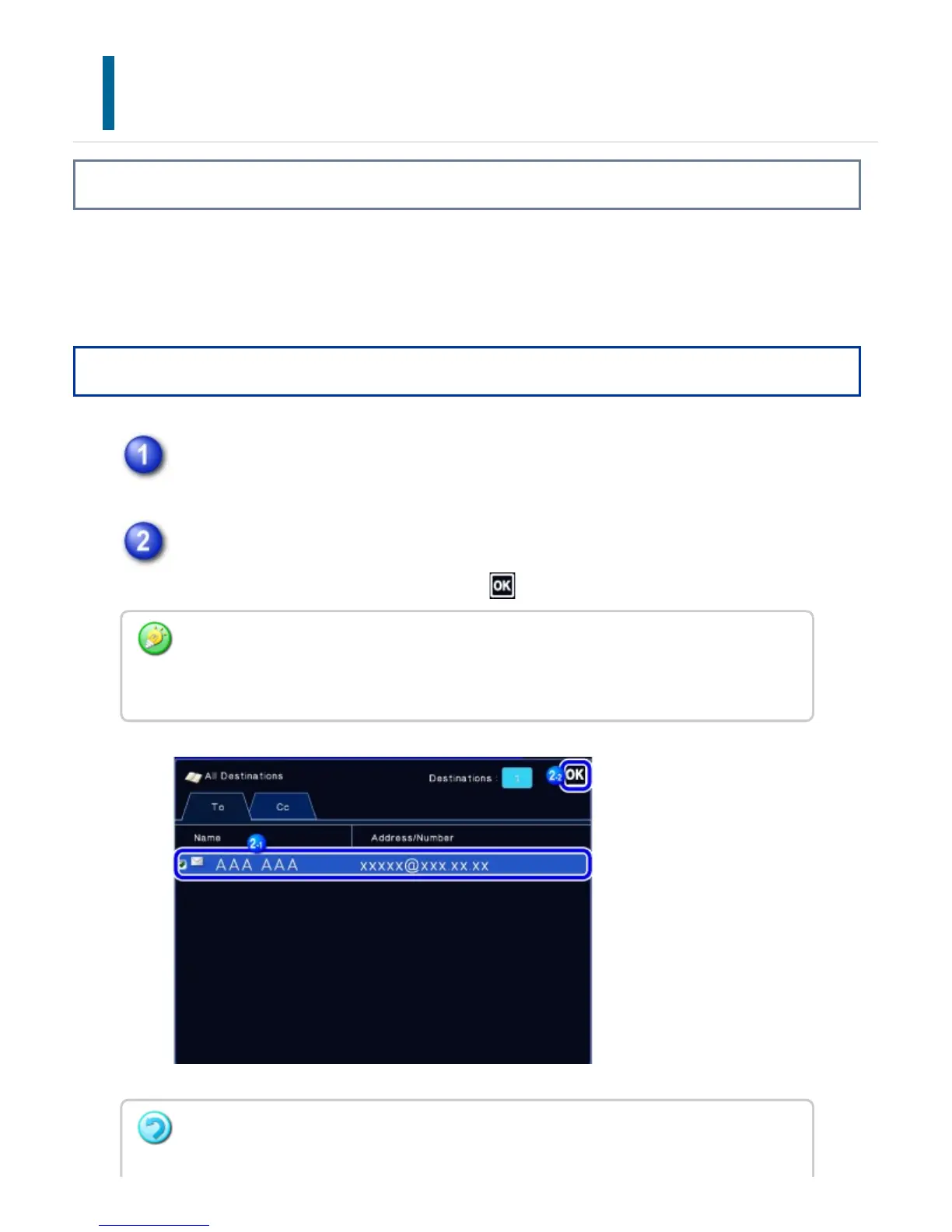
Confirm the destination.
After the confirmation is completed, tap .
To confirm detailed information such as the type or name of the specified destination, tap
the one-touch key of the target destination, and then tap the [Confirm Destination
Information] key.
To cancel a specified destination:
USER'S MANUAL | MX-M365N/MX-M465N/MX-M565N USER'S ... http://siica.sharpusa.com/portals/0/downloads/Manuals/MX-M365N-M...
727 of 1441 3/17/2016 7:14 AM



 To Next Page