Input Keyword] to enter the initial of destination, then tap the [Start Search]
key.
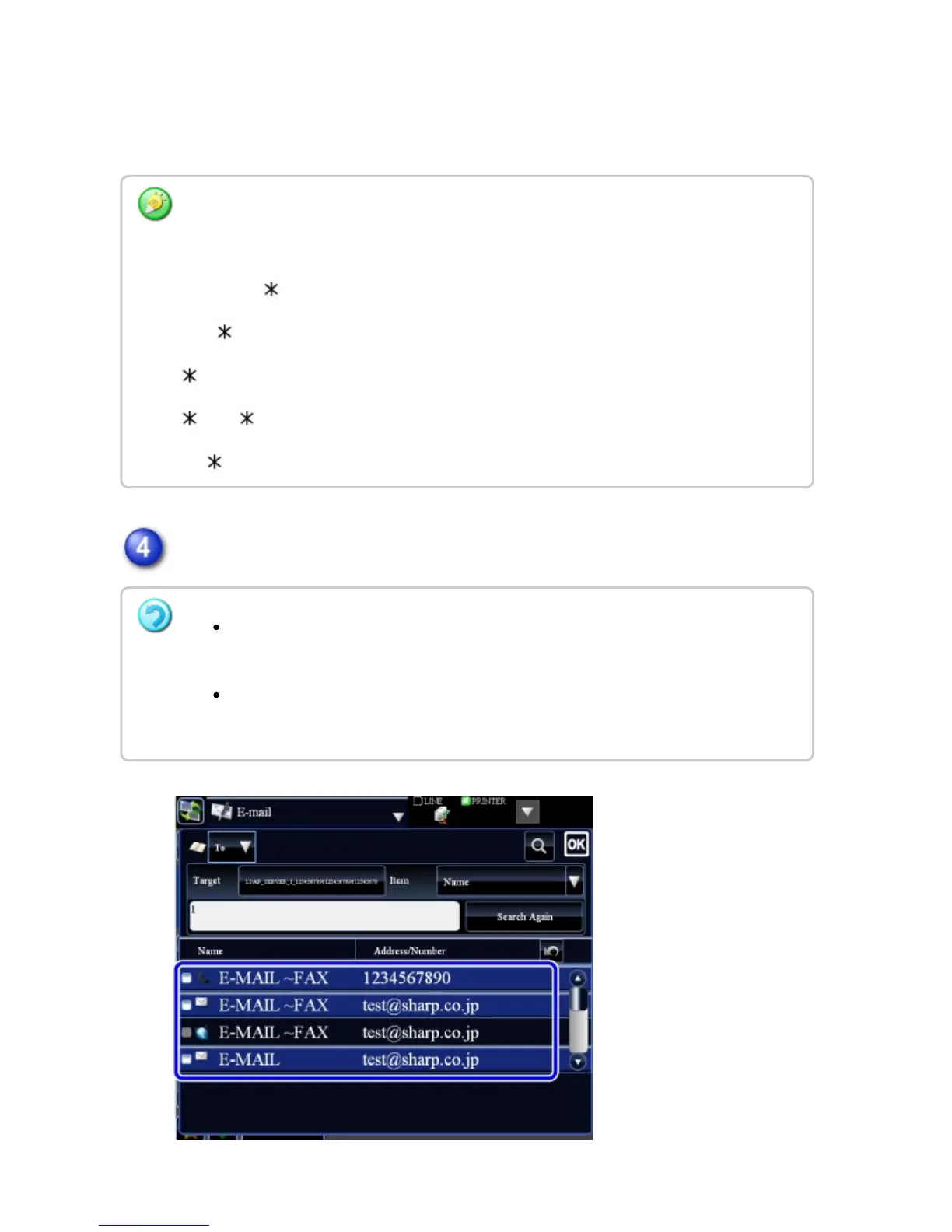
The search results will appear after a brief interval.
Tap the destination key to determine the destination.
How to search
Enter the search characters (maximum of 64 characters). The system will look for names
starting with the entered letters.
An asterisk is used as follows:
XXX : Names beginning with "XXX"
XXX: Names that end with "XXX"
XXX : Names containing "XXX"
AA XX: Names that start with "AA" and end with "XX".
If no destination is found:
Tap the [Search Again] key to add more search letters.
To continuously add other destination.
Tap the destination.
USER'S MANUAL | MX-M365N/MX-M465N/MX-M565N USER'S ... http://siica.sharpusa.com/portals/0/downloads/Manuals/MX-M365N-M...
734 of 1441 3/17/2016 7:14 AM



 To Next Page