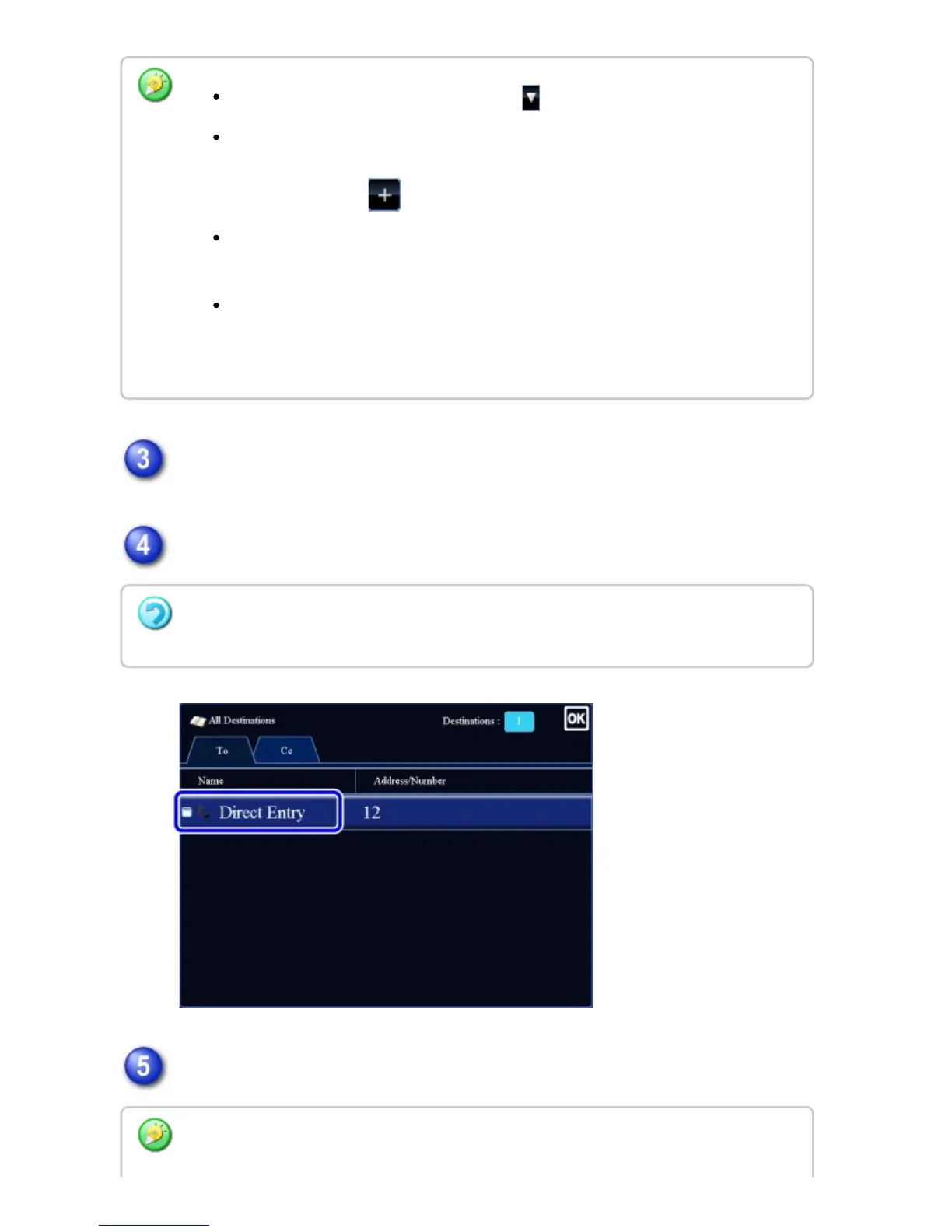
Tap the [Confirm Address] key on the action panel.
Confirm the destination.
Tap the [Start] key to start scanning of the original.
To switch delivery types (To/Cc/Bcc), tap .
If [System Settings] → [Image Send Settings] → [Operation Settings] → [Default
Settings] → [Must Input Next Address Key at Broadcast Setting] is enabled in
"Setting mode", tap before specifying the next destination.
If you wish to send the same image (Mono2) as the one for the fax address to all
destinations, tap the [Send Same Image as Fax Address] key on the action panel.
If you wish to send the same image (Mono2) as the one for the Internet fax
address to all destinations, tap the [Send Same Image as I-Fax Address] key on
the action panel.
To cancel a specified destination:
Tap the key of the destination that you wish to cancel to release the selection.
Tap the [Preview] key to check the preview of an image before sending a fax. For more
USER'S MANUAL | MX-M365N/MX-M465N/MX-M565N USER'S ... http://siica.sharpusa.com/portals/0/downloads/Manuals/MX-M365N-M...
757 of 1441 3/17/2016 7:14 AM



 To Next Page