RESENDING TO UNSUCCESSFUL BROADCAST
TRANSMISSION DESTINATIONS
Overview
The results of a completed broadcast transmission can be checked in the job status
screen. If transmission to any of the destinations failed, resend the image to those
destinations.
Operation
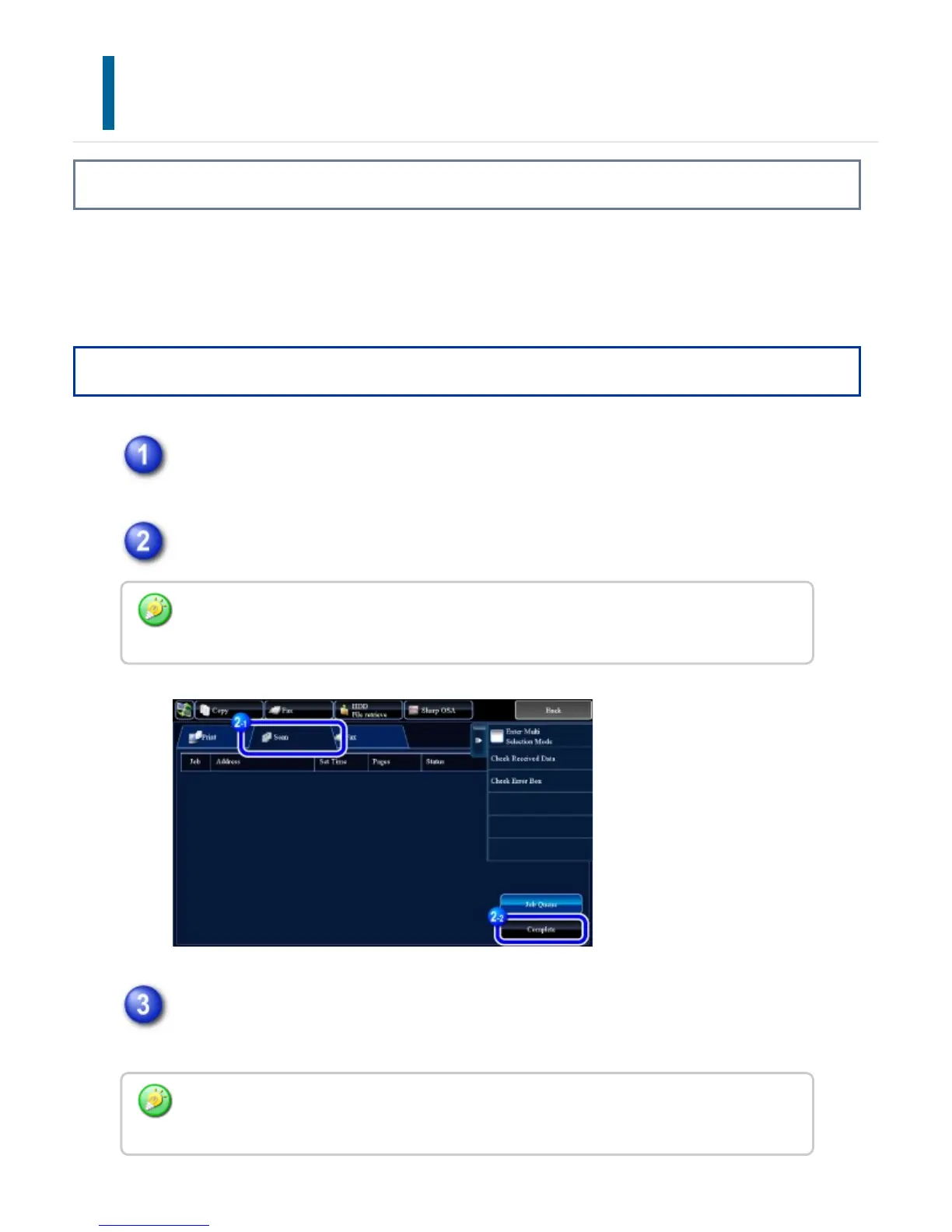
Tap the job status display.
After tapping the appropriate mode tab, tap the [Complete] key.
After tapping the key of the completed broadcast transmission, tap the
[Check Details of Selected Job] key on the action panel.
If the broadcast transmission included destinations of different modes, the same broadcast
transmission key will appear in each of those modes.
"Broadcast xxxx" will appear as the destination of the broadcast job key. The job control
number that appeared on the touch panel when scanning ended appears in "xxxx".
USER'S MANUAL | MX-M365N/MX-M465N/MX-M565N USER'S ... http://siica.sharpusa.com/portals/0/downloads/Manuals/MX-M365N-M...
761 of 1441 3/17/2016 7:14 AM



 To Next Page