TYPES OF JOB STATUS SCREENS
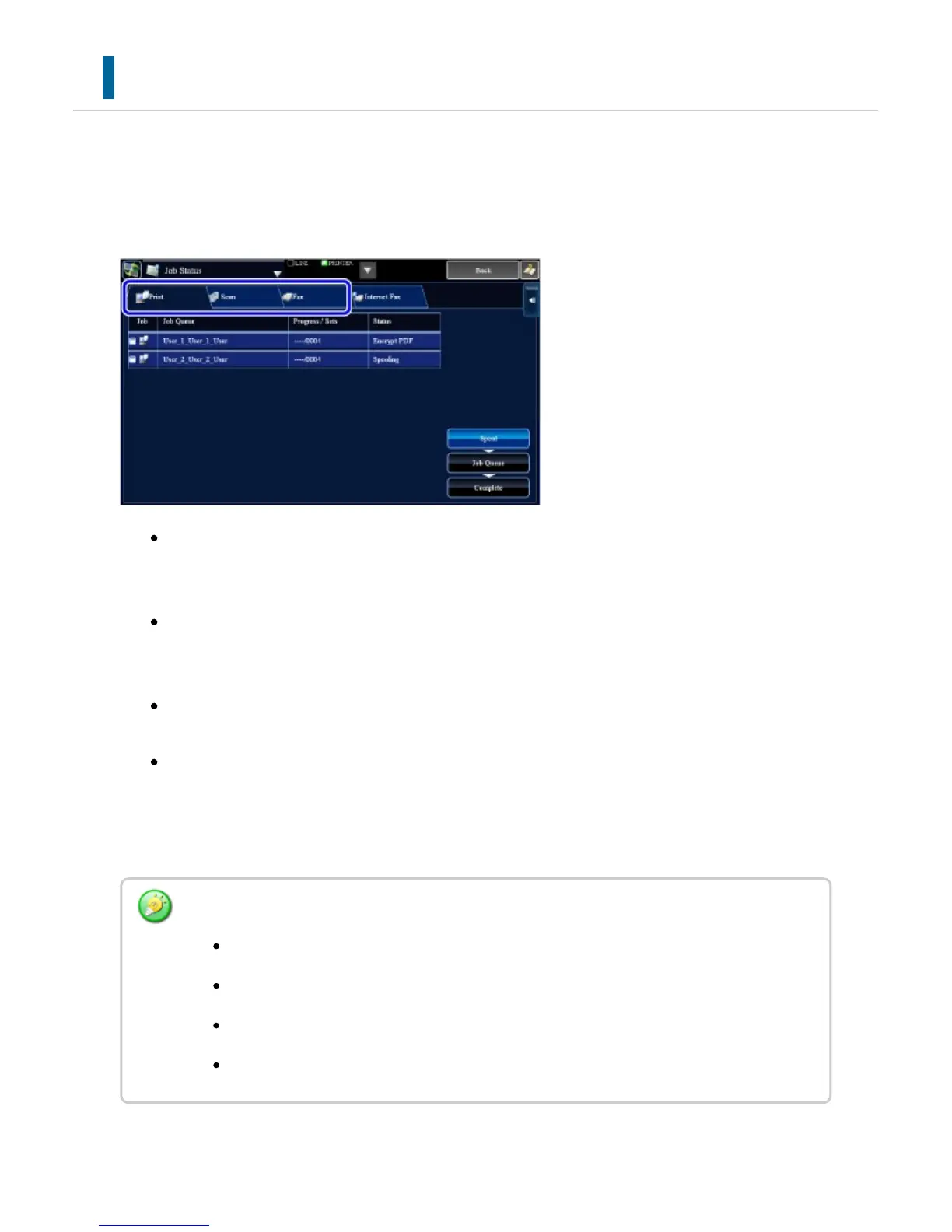
When you tap the job status display, the job status screen appears. Tap it again to return
to the previous mode.
The job status screen is divided into the following four tabs, enabling you to select a job
list by tapping a desired tab.
Print
Lists print jobs such as copying, printing from a PC, USB direct print, and printing for
faxed or other received data.
Scanner
Lists send jobs of converted images for e-mail messages and FTP/Desktop send
jobs.
Fax
Lists fax send jobs using a telephone line.
Internet Fax
Lists fax send jobs using a telephone line.
On each tab, jobs are classified into three groups.
The background of the job status display changes as follows:
Green: Job in progress
Yellow: Warming up/waiting
Red: Waiting for error clearing
Gray: No job
USER'S MANUAL | MX-M365N/MX-M465N/MX-M565N USER'S ... http://siica.sharpusa.com/portals/0/downloads/Manuals/MX-M365N-M...
78 of 1441 3/17/2016 7:14 AM



 To Next Page