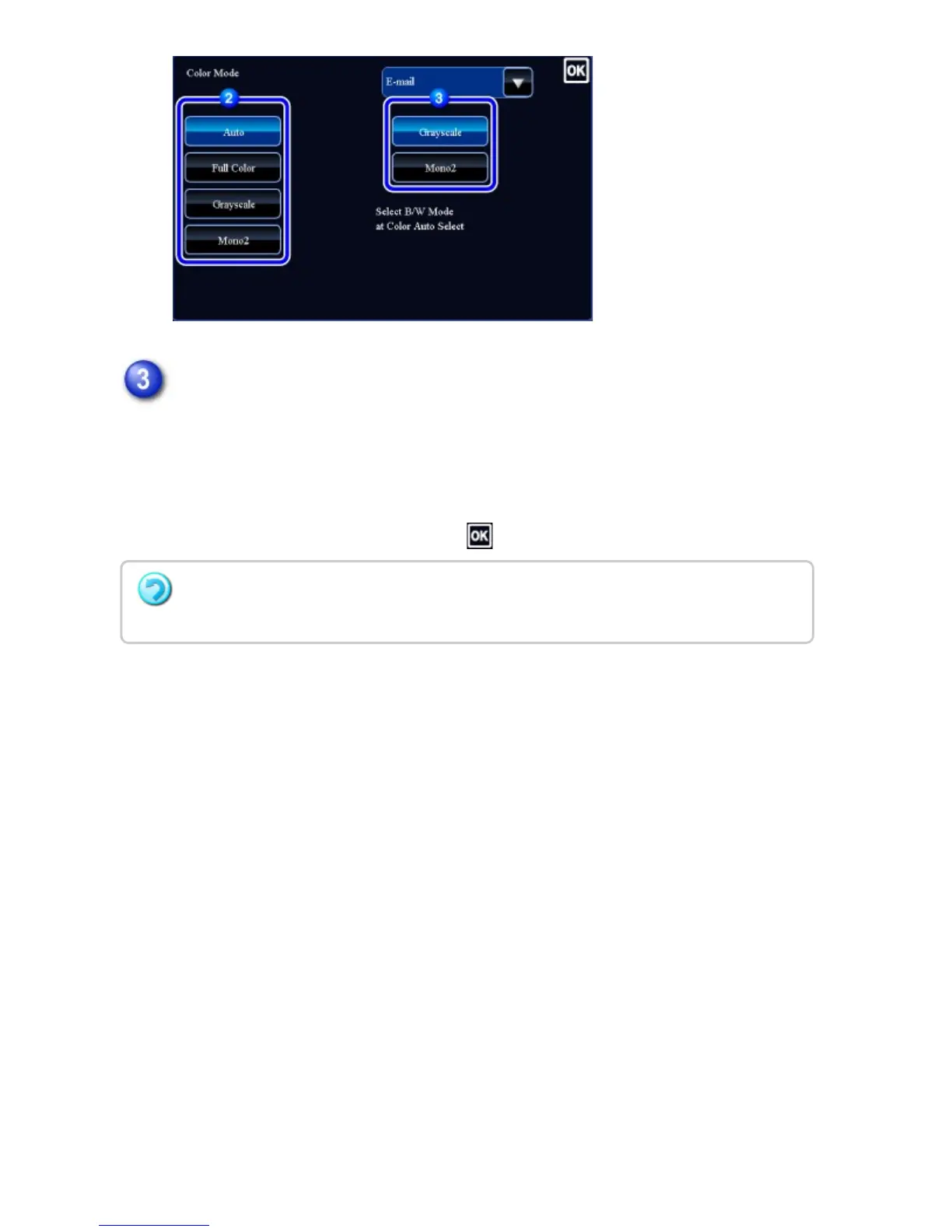
Tap the [Grayscale] or [Mono2] key to set the B/W mode for automatic color
selection.
Specify whether Mono2 or grayscale is used when scanning black and white
originals. Note that if the file format is set to JPEG, scanning will take place in
grayscale.
After the settings are completed, tap .
The B/W mode can be set only when the [Auto] key is selected in the color mode setting
(step 2).
USER'S MANUAL | MX-M365N/MX-M465N/MX-M565N USER'S ... http://siica.sharpusa.com/portals/0/downloads/Manuals/MX-M365N-M...
786 of 1441 3/17/2016 7:14 AM



 To Next Page