STOPPING/DELETING A JOB IN PROGRESS
OR RESERVED
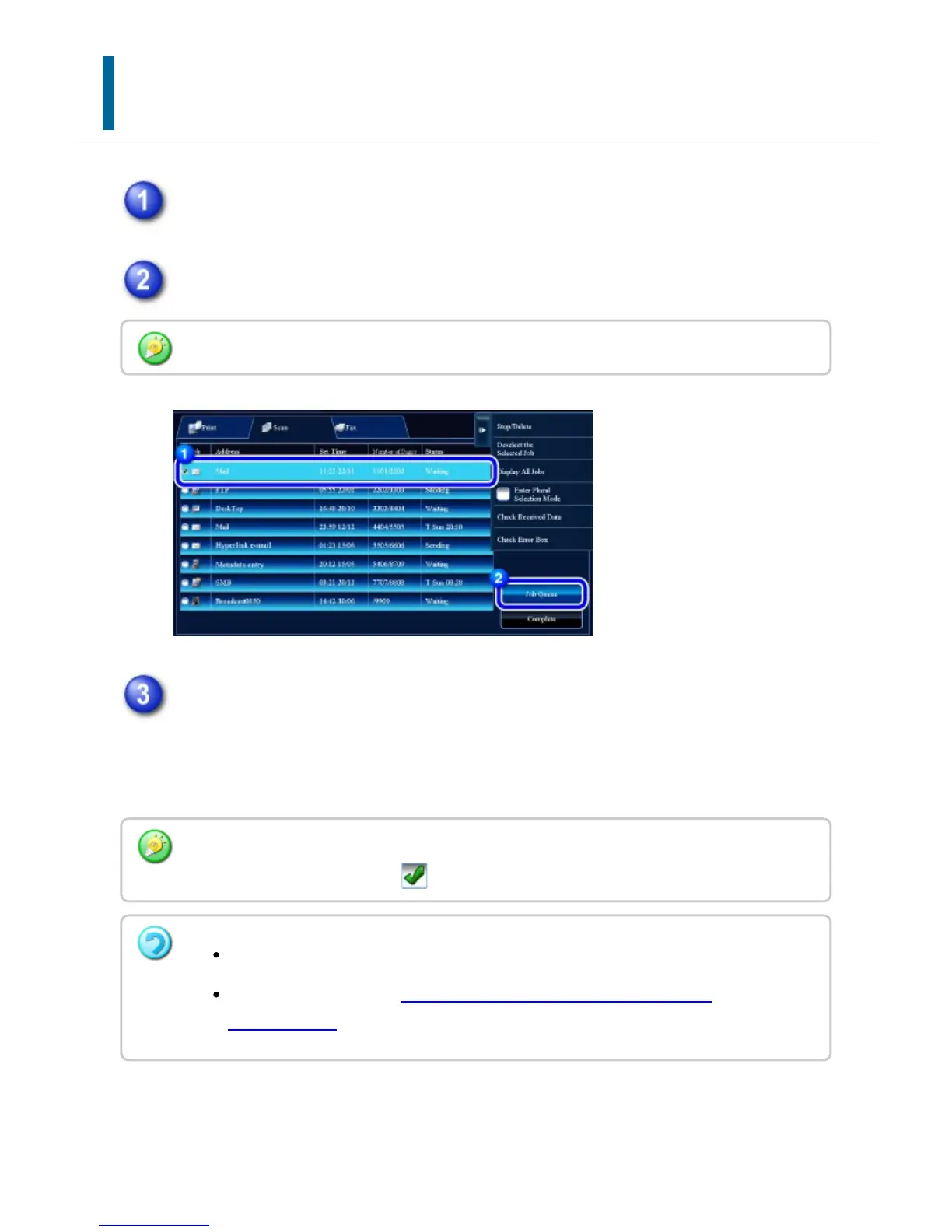
Tap the job status display and tap the tab for the job that you wish to stop or
delete.
Tap the [Job Queue] key.
Tap the job that you wish to stop or delete, and then tap the [Stop/Delete] key
on the action panel.
When a screen appears that allows you to confirm that you do want to stop the job,
tap the [Cancel] key.
When you wish to stop a print job being sent from the computer, tap the [Spool] key.
To delete more than one job, operate the check box for [Enter Multi Selection Mode] on the
action panel so that it looks like .
Printing of a received fax or Internet fax cannot be stopped.
A job set for transfer in "FORWARDING RECEIVED DATA TO PRESET
DESTINATIONS" cannot be canceled.
USER'S MANUAL | MX-M365N/MX-M465N/MX-M565N USER'S ... http://siica.sharpusa.com/portals/0/downloads/Manuals/MX-M365N-M...
80 of 1441 3/17/2016 7:14 AM



 To Next Page