ELIMINATING BLANK PAGES FROM A
TRANSMISSION
(BLANK PAGE SKIP)
Overview
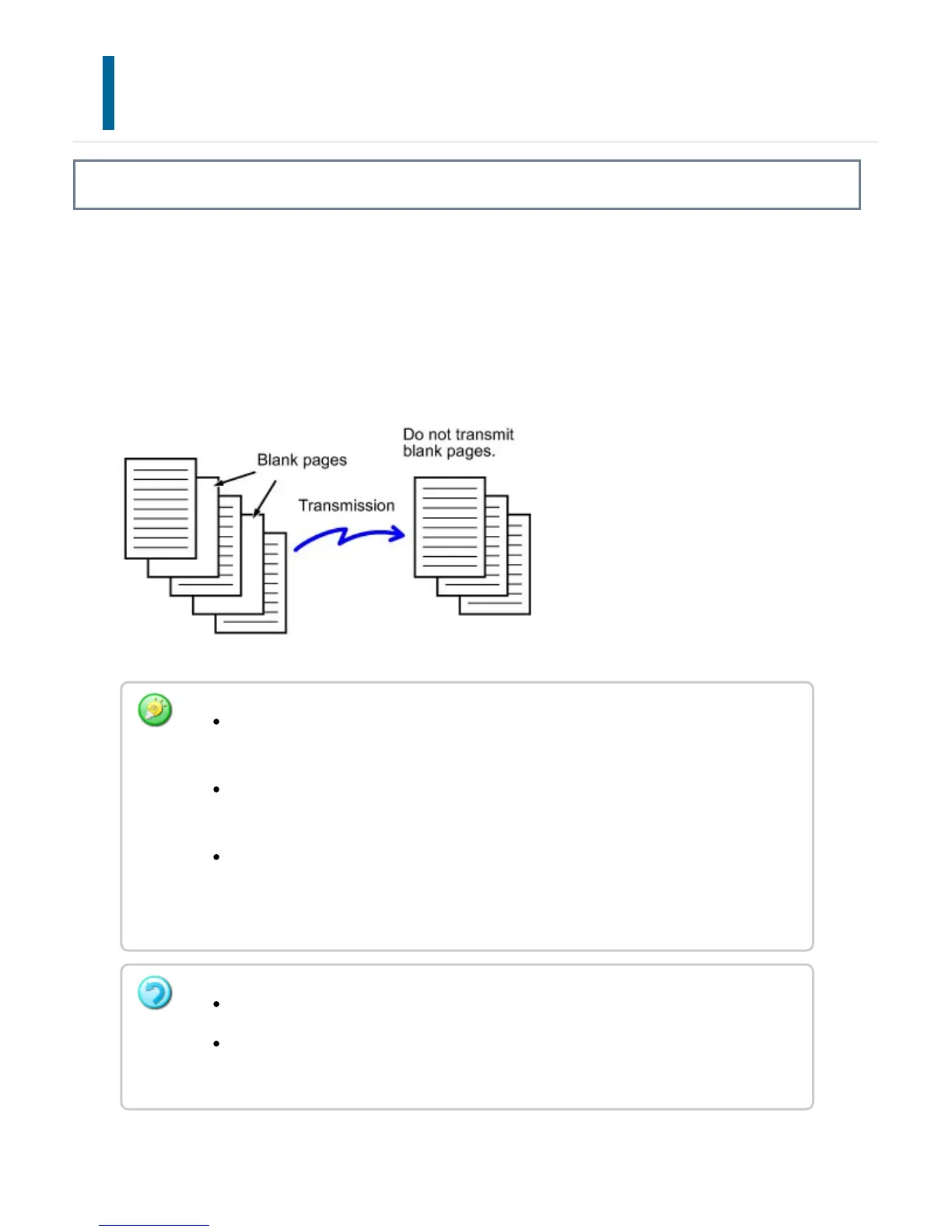
If the scanned original contains blank pages, this function skips them to send only
non-blank pages.
The machine detects blank pages, enabling you to skip useless blank sheets without
checking an original.
If an original of which one side is blank is scanned, blank pages are skipped for
2-sided sending.
In a broadcast transmission to destinations including fax and Internet fax
destinations, this function is applied to scan mode destinations only.
Depending on the original, some pages that are not blank may be detected as
blank pages and thus not sent, and some pages that are blank may not be
detected as blank and thus sent.
This function cannot be used in Internet fax mode.
If the [Send Same Image as Fax Address] key is tapped, this function is canceled
if a fax address is specified for the destination.
USER'S MANUAL | MX-M365N/MX-M465N/MX-M565N USER'S ... http://siica.sharpusa.com/portals/0/downloads/Manuals/MX-M365N-M...
823 of 1441 3/17/2016 7:14 AM



 To Next Page