CHECKING A RESERVED JOB OR THE JOB IN
PROGRESS
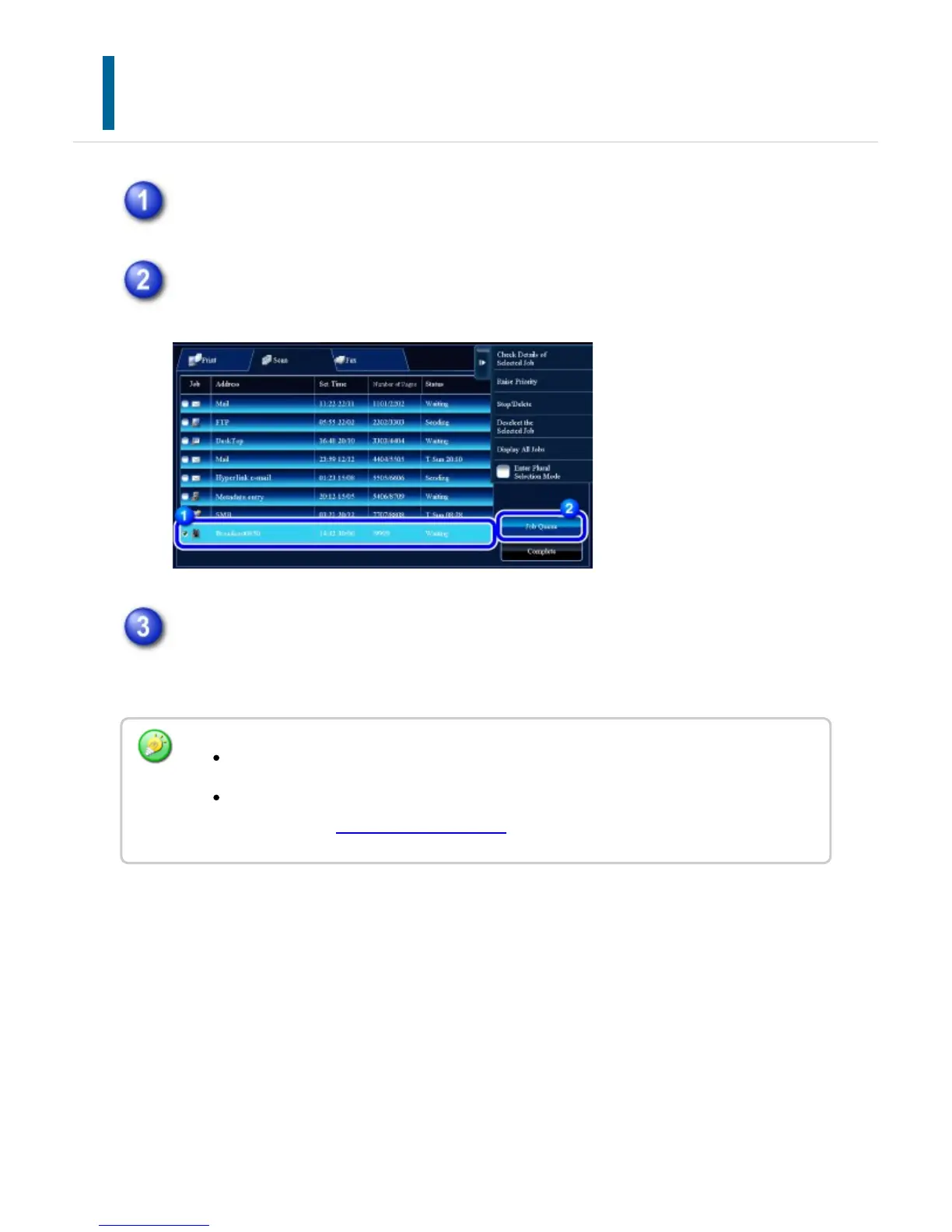
Tap the job status display and tap the tab for the job whose contents you wish
to check.
Tap the [Job Queue] key.
Tap the job whose contents you wish to check and then tap the [Check Details
of Selected Job] key on the action panel.
Different job contents appear in different modes.
For information on the icons displayed on the job keys or the messages displayed in
"Status", see "READING THE JOB LIST".
USER'S MANUAL | MX-M365N/MX-M465N/MX-M565N USER'S ... http://siica.sharpusa.com/portals/0/downloads/Manuals/MX-M365N-M...
83 of 1441 3/17/2016 7:14 AM



 To Next Page