FORWARDING RECEIVED INTERNET FAX
DATA
(FAX DATA FORWARD)
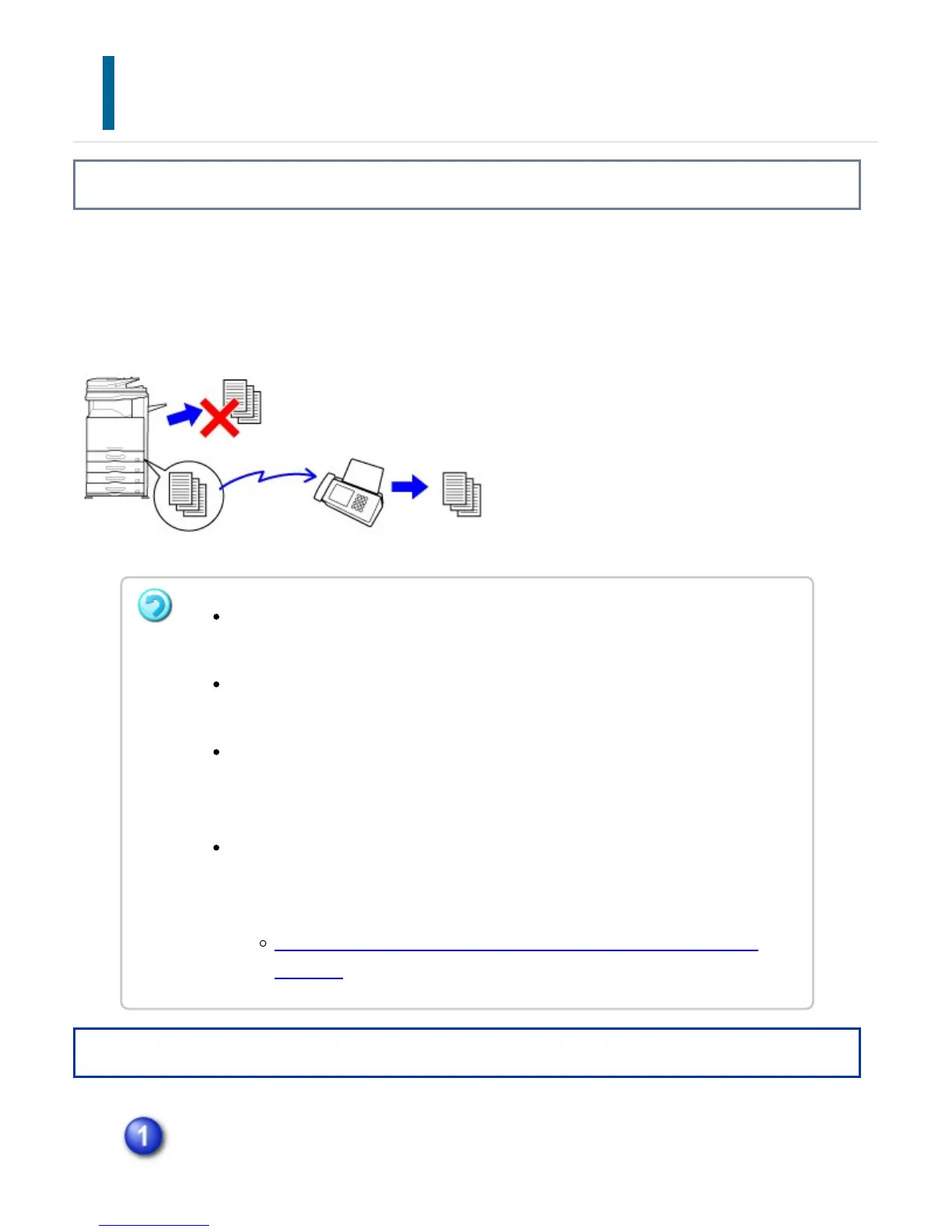
Overview
When the machine cannot print because it is out of paper or out of toner, received
Internet faxes are forwarded to another previously registered Internet fax address
(including direct SMTP).
Operation
Tap the [Setting mode] key on the Home screen.
Forwarding is not possible if no faxes were received or a forwarding fax number is
not programmed.
If some pages of a fax that is being forwarded were successfully printed, only
those pages that were not printed will be forwarded.
If forwarding was not successful because the transmission was canceled or a
communication error occurred, the faxes that were to be forwarded will return to
the machine's the print queue.
If a password entry screen appears after tapping the [OK] key, "Hold Setting for
Received Data Print" has been enabled. Enter the password using the numeric
keys to begin forwarding.
PRINTING A PASSWORD-PROTECTED FAX (Hold setting for received
data print)
USER'S MANUAL | MX-M365N/MX-M465N/MX-M565N USER'S ... http://siica.sharpusa.com/portals/0/downloads/Manuals/MX-M365N-M...
851 of 1441 3/17/2016 7:14 AM



 To Next Page