SAVING RECEIVED FAXES TO THE MACHINE'S
HARD DISK
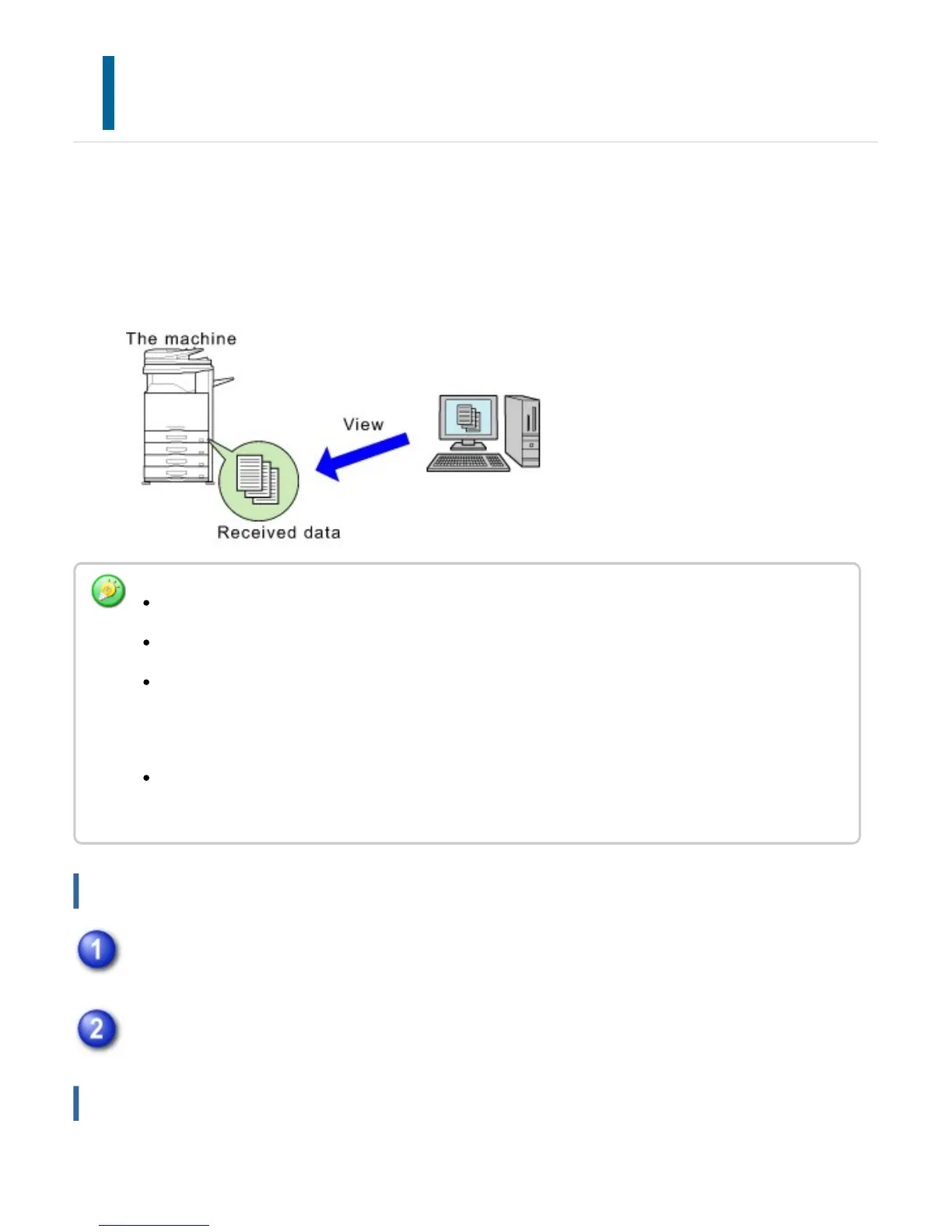
Received faxes can be saved to the machine's hard disk. Saved faxes can be viewed on a computer.
Set PDF, TIFF (multi) or TIFF (signal) for the received data. You can also receive notification of the
storage result or storage folder by E-mail.
Received faxes are saved in the following directory:
\\MFP\faxreceive
How to save received faxes to the hard disk
Click [Public Folder / NAS Setting] in "Network Settings". (Administrator rights
required.)
Select [Valid] in "faxreceive:Use of Storage" and click the [Save] button.
Settings for saving received faxes to the hard disk
Up to 500 files can be stored in one folder as received data.
The "faxreceive" folder contains files of "Inbound Routing (HDD Storage) Settings".
Received data is saved in the folder specified in "Specify folder" in "Inbound Routing (HDD
Storage) Settings" in "Application Settings". If there is no specified folder, a folder is automatically
created and the data saved.
The file name for received data can be set in "File Name Setting" in "Inbound Routing (HDD
Storage) Settings" in "Application Settings".
USER'S MANUAL | MX-M365N/MX-M465N/MX-M565N USER'S ... http://siica.sharpusa.com/portals/0/downloads/Manuals/MX-M365N-M...
858 of 1441 3/17/2016 7:14 AM



 To Next Page