SAVING RECEIVED DATA
*
Overview
Save received faxes in the document filing folder.
This function is available when [System Settings] → [Operation Settings] → [Preview
Setting] → [Received Data Image Check Setting] is enabled
*
in "Setting mode".
The factory default setting is disabled.
Operation
When data is received, is shown at the top of the screen.
The received data is listed.
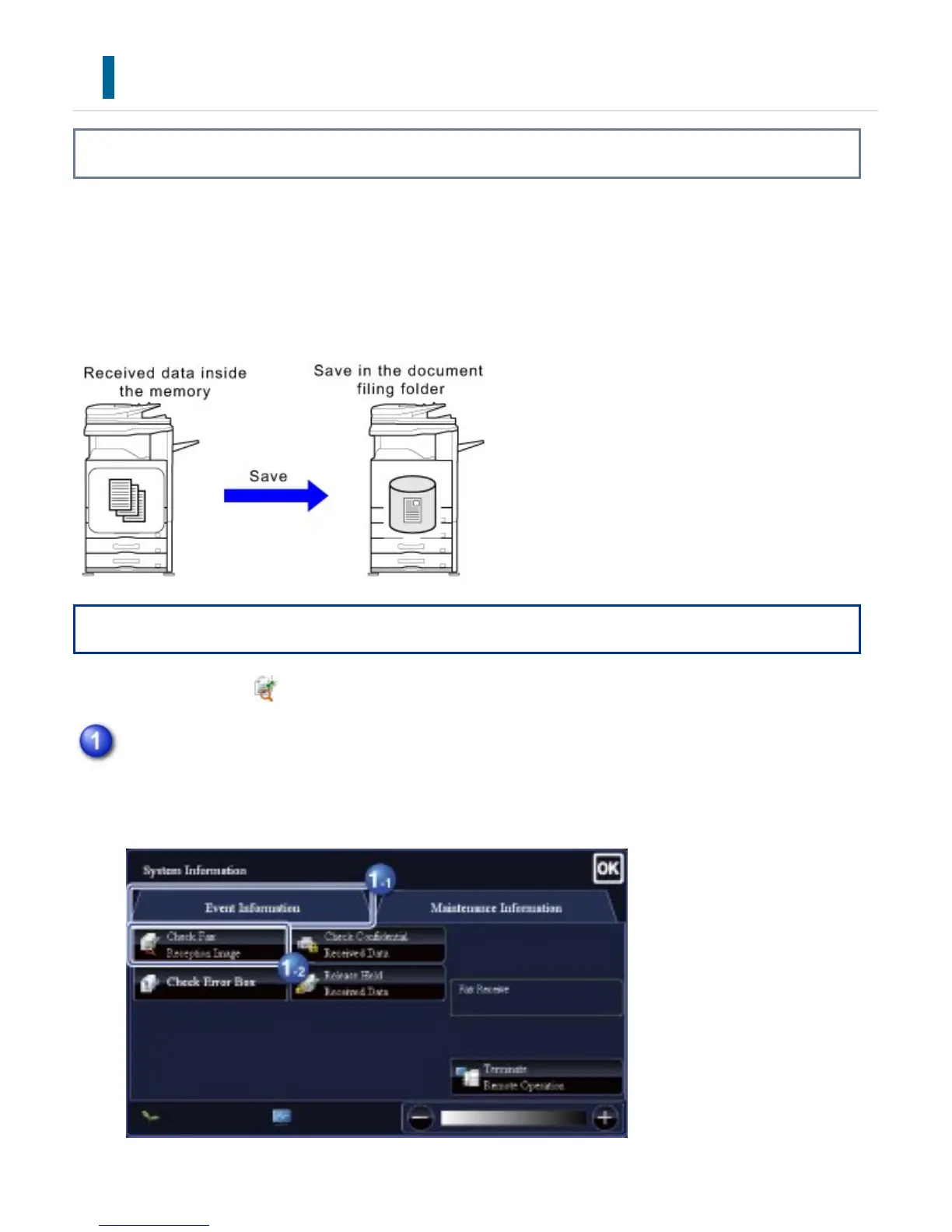
In the System Information, tap the [Event Information] tab and tap the [Check Fax
Reception Image] key
USER'S MANUAL | MX-M365N/MX-M465N/MX-M565N USER'S ... http://siica.sharpusa.com/portals/0/downloads/Manuals/MX-M365N-M...
862 of 1441 3/17/2016 7:14 AM



 To Next Page