INTERNET FAX JOBS
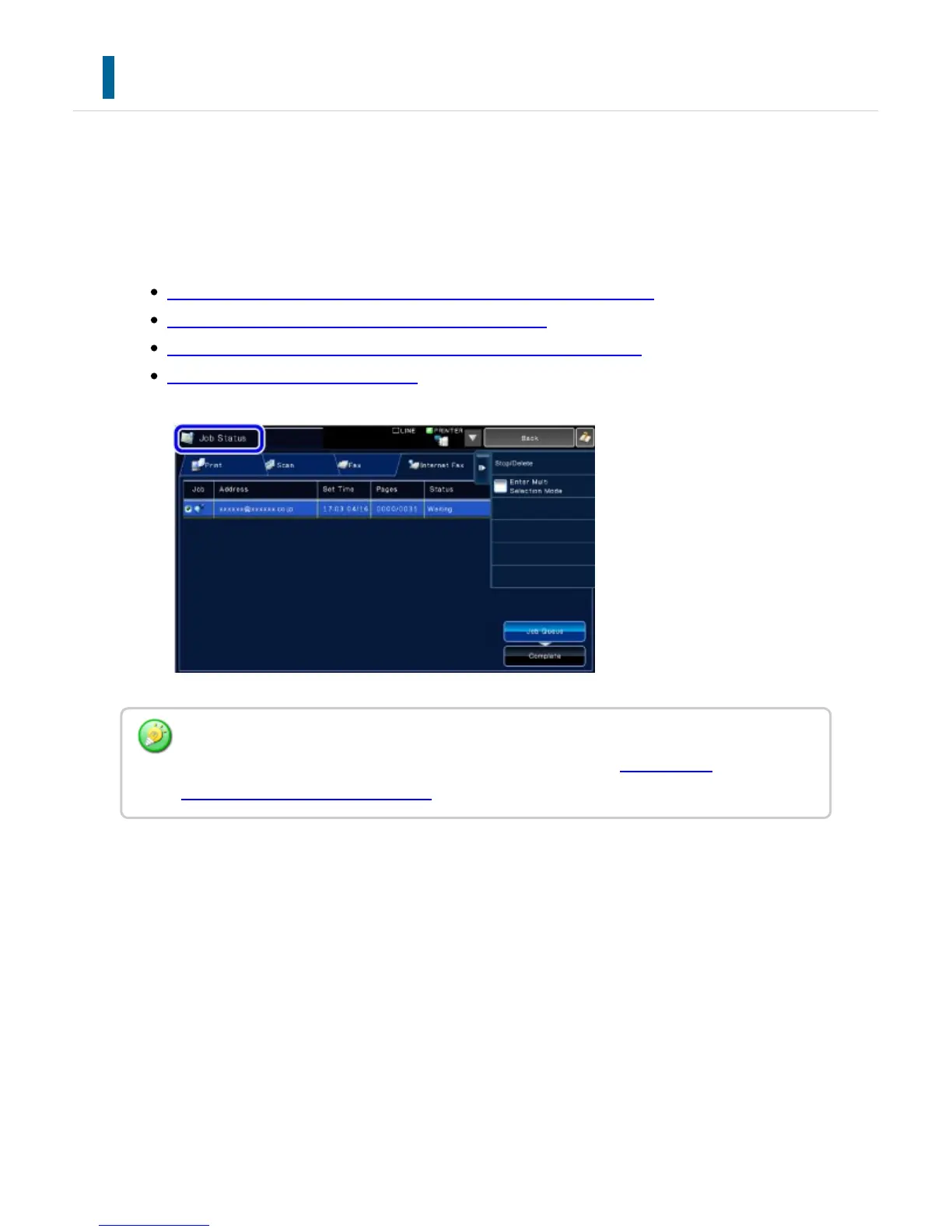
When you tap the job status display, jobs are displayed in a list. To check the status of an
Internet Fax job, tap the [Internet Fax] tab.
When you wish to stop or delete jobs or to perform priority processing, see the following
items:
STOPPING/DELETING A JOB IN PROGRESS OR RESERVED
PRIORITY PROCESSING OF A RESERVED JOB
CHECKING A RESERVED JOB OR THE JOB IN PROGRESS
CHECKING COMPLETED JOBS
Internet fax jobs include reception, timer transmission, and data forwarding as well as usual
transmission. For information on jobs in Internet fax mode, see "COMPLETED
TRANSMISSION/RECEPTION JOBS".
USER'S MANUAL | MX-M365N/MX-M465N/MX-M565N USER'S ... http://siica.sharpusa.com/portals/0/downloads/Manuals/MX-M365N-M...
864 of 1441 3/17/2016 7:14 AM



 To Next Page