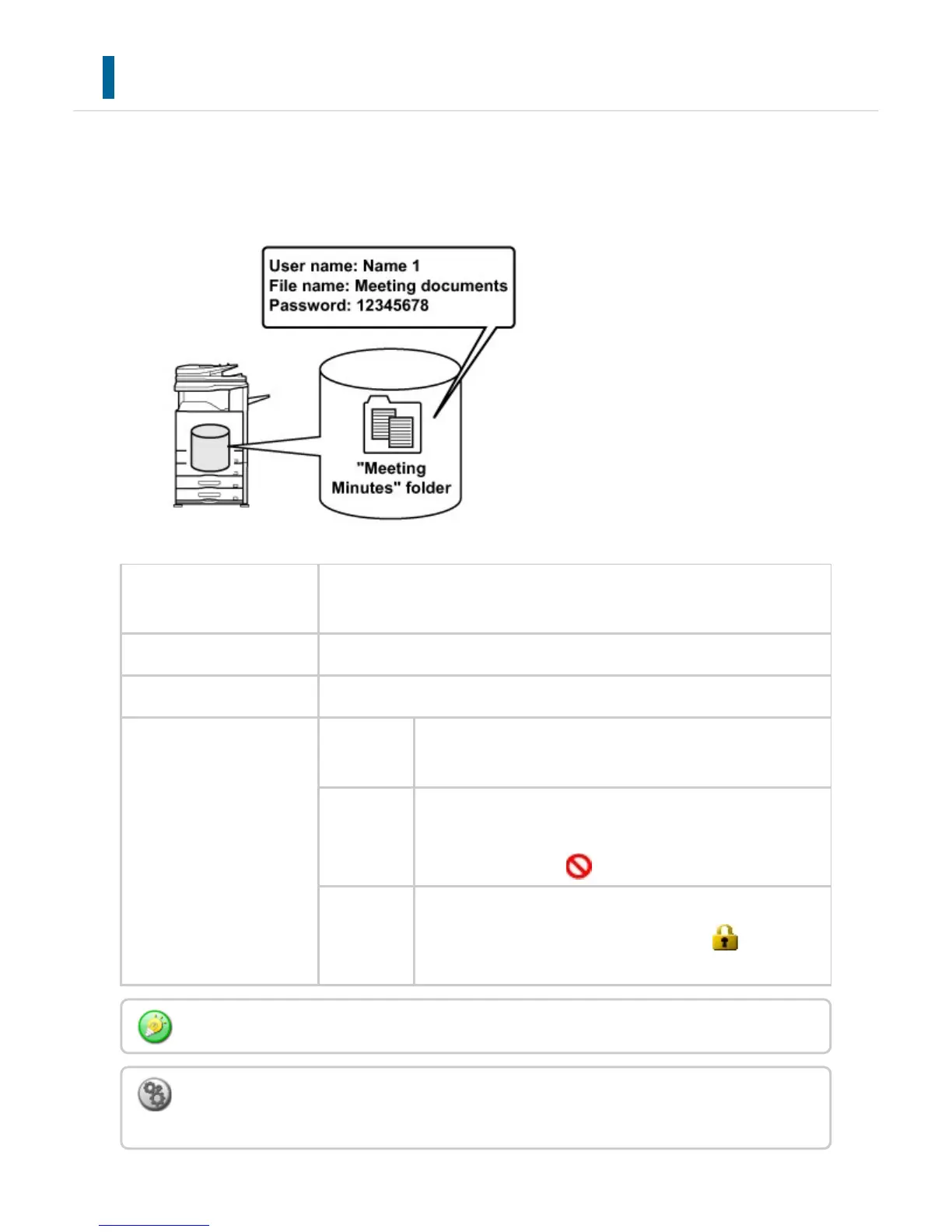
INFORMATION ADDED TO FILES
When saving a file using "File", add the following information to distinguish it from other
files.
User Name The user name is required to enter a file ownership and other information
. The user name must be registered in advance.
File Name Names a file.
Stored to Specifies a folder to store files.
Property Sharing Any user can display and operate files having the "Sharing
" property.
Protect Once "Protect" is set, its file cannot be edited, moved, an
d deleted. No password setting is required. The protected fi
les are identified by " " in each mode.
Confidential You can set a password (5 to 32 digits long) for file protecti
on. The confidential files are identified by " " in each m
ode.
The above information cannot be specified when a file is saved with Quick File.
To store a user name:
In "Setting mode", select [User Control] → [User List].
USER'S MANUAL | MX-M365N/MX-M465N/MX-M565N USER'S ... http://siica.sharpusa.com/portals/0/downloads/Manuals/MX-M365N-M...
882 of 1441 3/17/2016 7:14 AM



 To Next Page