USING DOCUMENT FILING IN EACH MODE
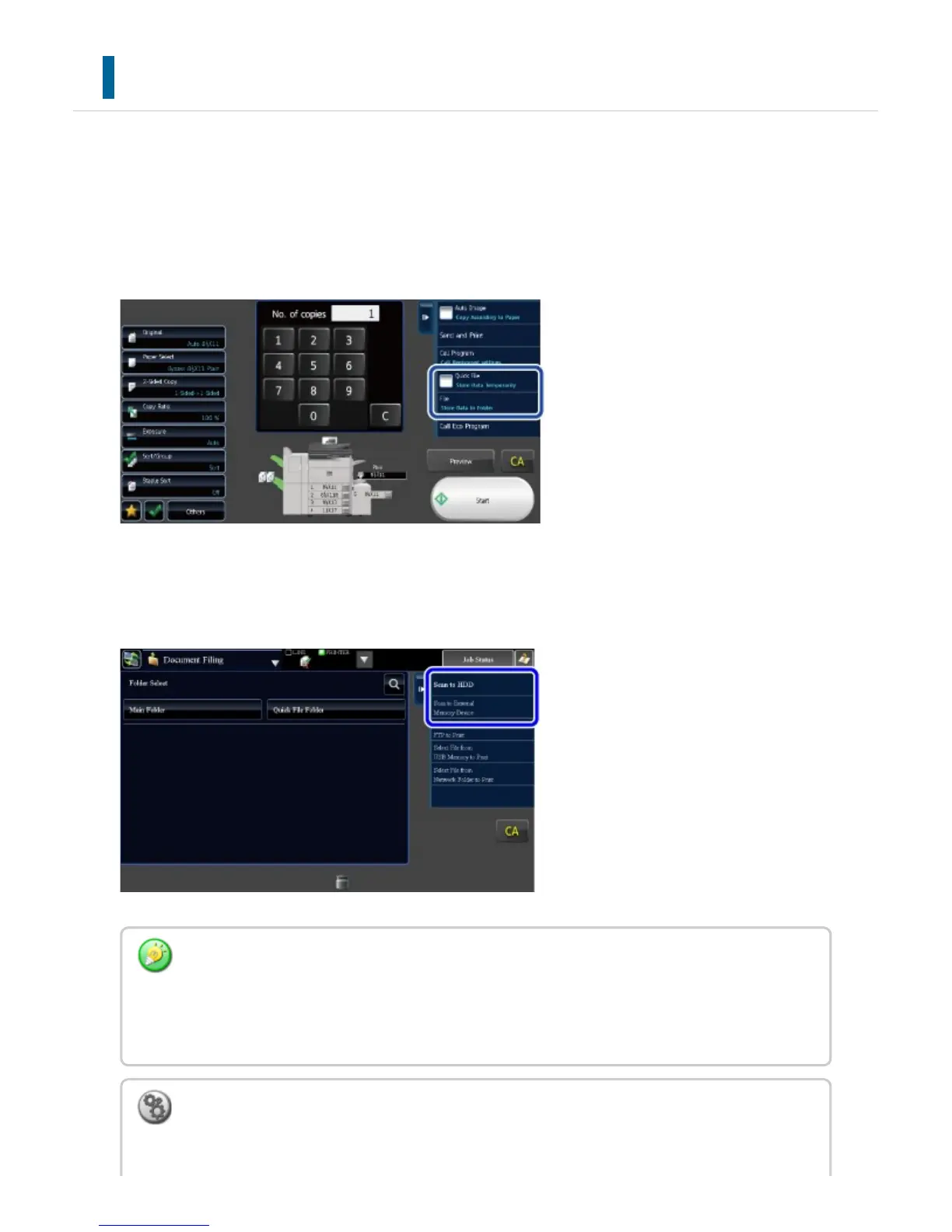
To use Document Filing, select the action panel for each mode.
To save data simultaneously with a copy or fax, tap the [File] or [Quick File] key on the
action panel in each mode.
To use Document Filing from the beginning, select the action panel in the Document Filing
mode. Tap any one of the keys shown at the right to scan and save the original.
[File] key and [Quick File] key
These keys may not appear on the action panel depending on the mode or settings. In this
case, tap the [Others] key on the base screen in each mode, and then tap the [Quick File] or
[File] key.
To change the screen display:
In "Setting mode (Web version)", select [System Settings] → [Operation Settings] →
USER'S MANUAL | MX-M365N/MX-M465N/MX-M565N USER'S ... http://siica.sharpusa.com/portals/0/downloads/Manuals/MX-M365N-M...
884 of 1441 3/17/2016 7:14 AM



 To Next Page