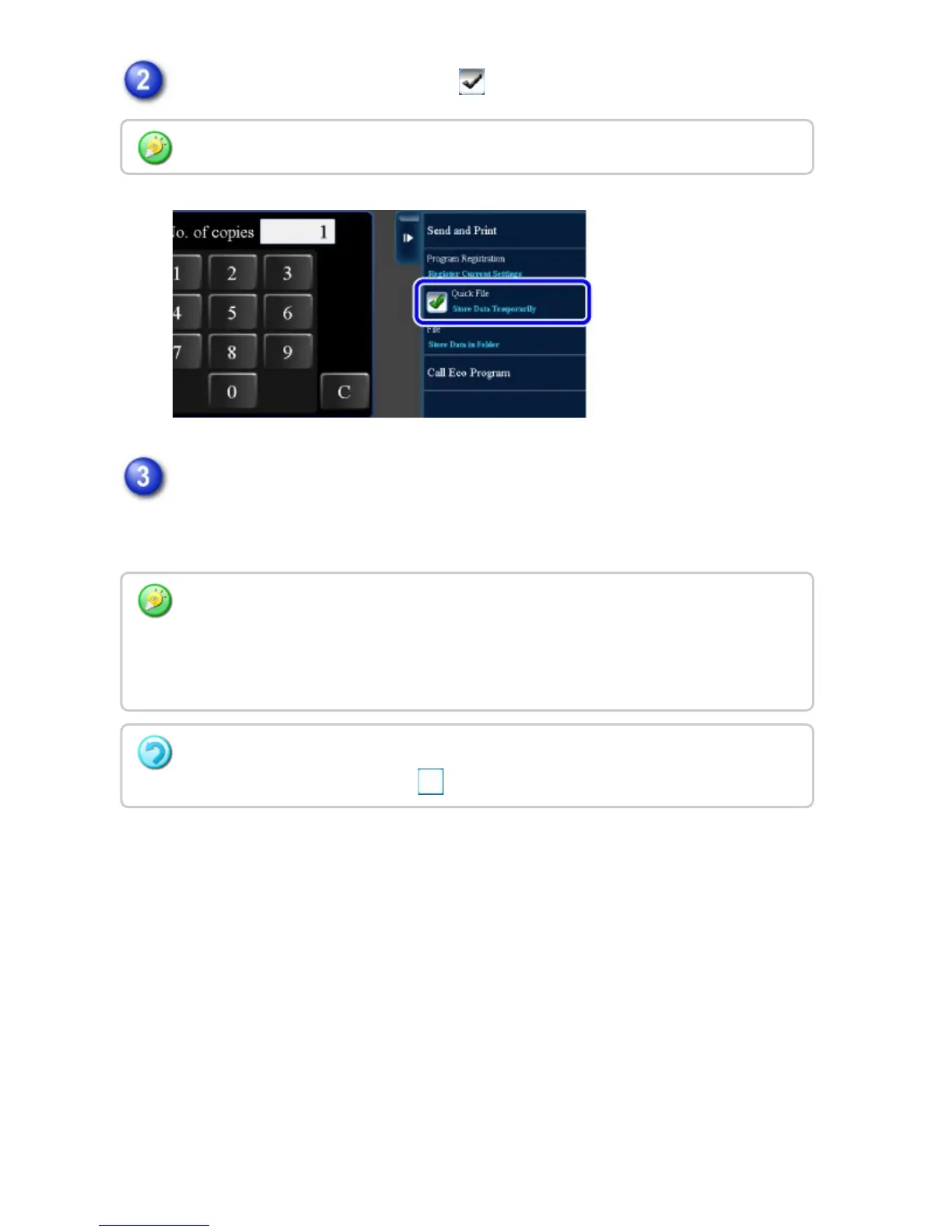
Tap the [Quick File] key to enable .
Start a copy or image sending.
When the function is executed, the image data of the original is stored in the
Quick File folder.
When a message relating to saving confidential information appears, tap the [OK] key.
To prevent accidental saving of the file, the message "The scanned data is stored in the
quick file folder." appears for 6 seconds (default setting) after the [Start] key is tapped.
To change the message display time, select [System Settings] in "Setting
mode"→[Operation Settings] → [Message Time Setting].
To cancel Quick File:
Tap the [Quick File] key to enable .
USER'S MANUAL | MX-M365N/MX-M465N/MX-M565N USER'S ... http://siica.sharpusa.com/portals/0/downloads/Manuals/MX-M365N-M...
888 of 1441 3/17/2016 7:14 AM



 To Next Page