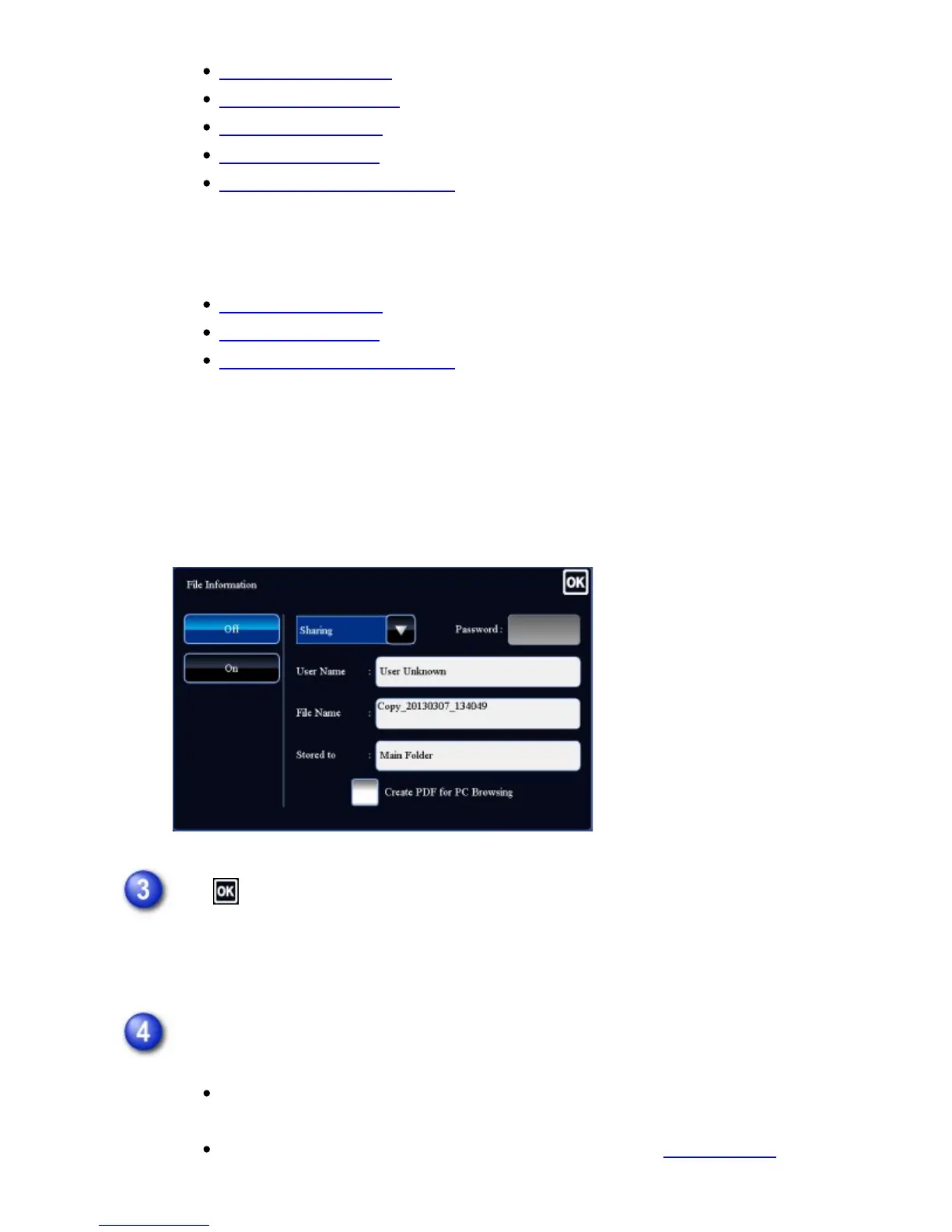
Changing the property
Specifying a user name
Assigning a file name
Specifying the folder
Creating PDF for PC browsing
To save in an external memory device:
Assigning a file name
Specifying the folder
Creating PDF for PC browsing
After configuring the above settings, you will return to this screen. Go to the next
step.
If you do not wish to assign a user name or other information to the file, go to the
next step.
Tap .
You will return to the base screen of copy mode and the [File] key will be
highlighted.
Select copy settings and then tap the [Start] key.
Simultaneously with starting copy, the original is stored as a file.
The selected copy settings are also saved.
For the procedure for placing the original, see step 1 in "SELECTING A
USER'S MANUAL | MX-M365N/MX-M465N/MX-M565N USER'S ... http://siica.sharpusa.com/portals/0/downloads/Manuals/MX-M365N-M...
890 of 1441 3/17/2016 7:14 AM



 To Next Page