SAVE ON HDD
Place the original and tap the [Preview] key.
Place the original in the document feeder tray of the automatic document feeder, or
on the document glass.
AUTOMATIC DOCUMENT FEEDER
DOCUMENT GLASS
Tap the [Scan to HDD] key on the action panel.
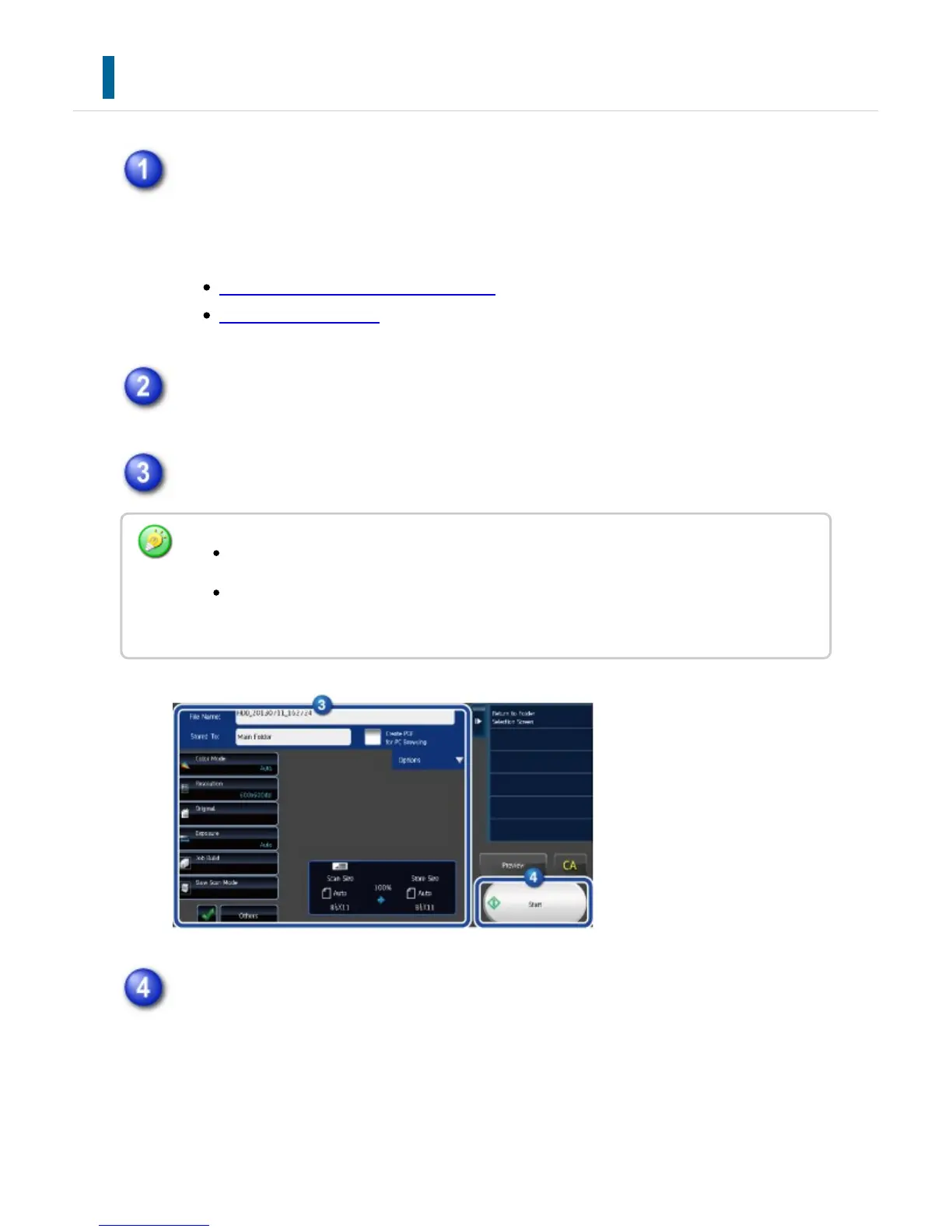
Specify the file name and a folder.
Tap the [Start] key to start scanning.
A beep will sound to indicate that scanning and file store have ended.
For original scan settings, see the explanation of the copy or image send mode.
If the original is 2-sided, be sure to tap the [Original] key and then tap the [2-Sided
Tablet] key or the [2-Sided Booklet] key as appropriate for the original.
USER'S MANUAL | MX-M365N/MX-M465N/MX-M565N USER'S ... http://siica.sharpusa.com/portals/0/downloads/Manuals/MX-M365N-M...
894 of 1441 3/17/2016 7:14 AM



 To Next Page