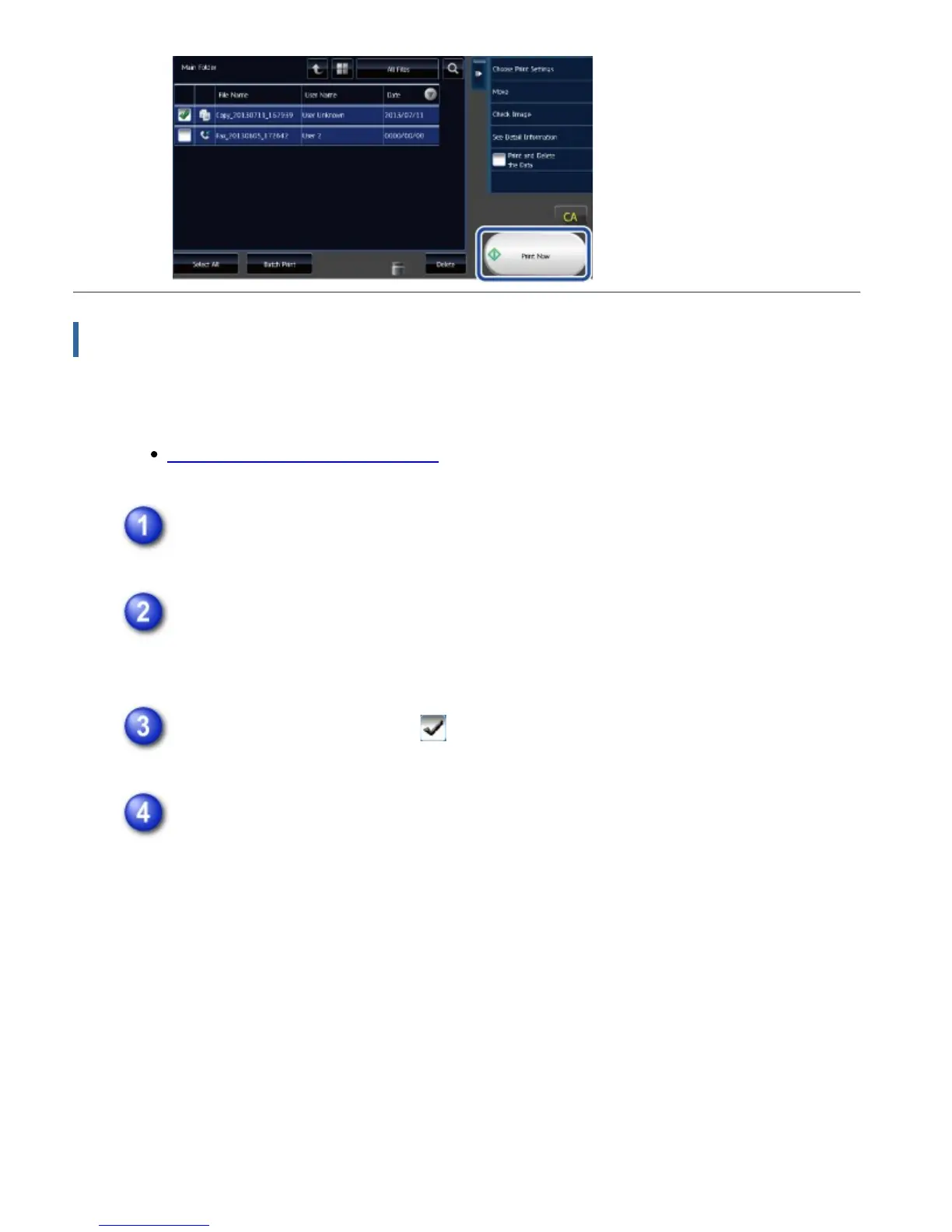
Changing settings before printing
After selecting the desired file, follow the steps below.
SELECTING A FILE TO RETRIEVE
Tap the [Choose Print Settings] key.
Change the print settings.
For more information, see "OVERVIEW".
Select the [Delete] checkbox when needed.
Tap the [Start] key.
The file will be printed.
USER'S MANUAL | MX-M365N/MX-M465N/MX-M565N USER'S ... http://siica.sharpusa.com/portals/0/downloads/Manuals/MX-M365N-M...
902 of 1441 3/17/2016 7:14 AM



 To Next Page