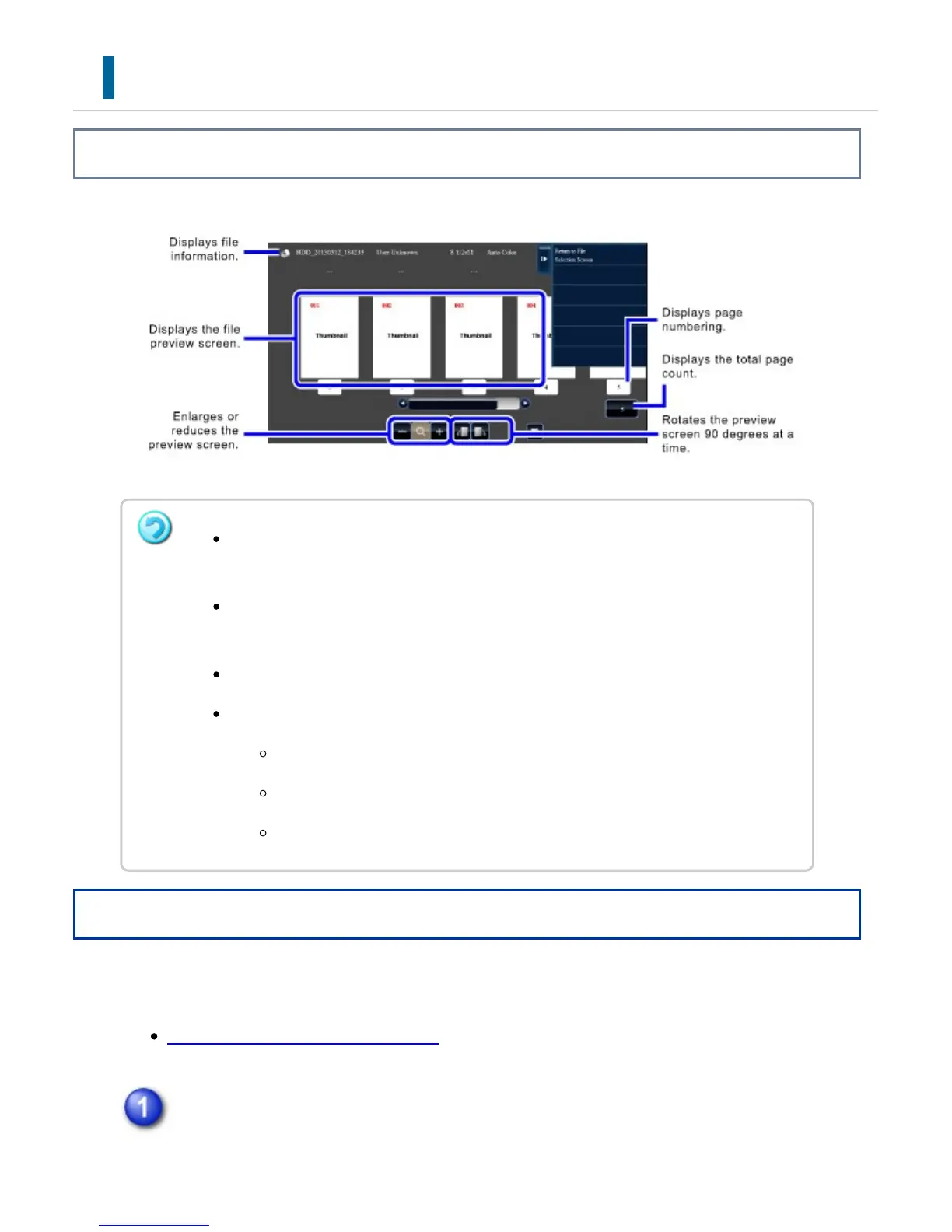
FILE IMAGE CHECKING
Overview
Operation
After selecting the desired file, follow the steps below.
SELECTING A FILE TO RETRIEVE
Tap the [Check Image] key on the action panel.
Depending on the size of the image, part of the image may be clipped off in the
image check screen on the touch panel.
A preview image is an image for display on the touch panel. It will differ from the
actual print result.
The image check screen does not appear when multiple files are selected.
The following data cannot be divided into chapters in edit mode.
Fax or Internet fax data
File-merged data
Long original data
USER'S MANUAL | MX-M365N/MX-M465N/MX-M565N USER'S ... http://siica.sharpusa.com/portals/0/downloads/Manuals/MX-M365N-M...
912 of 1441 3/17/2016 7:14 AM



 To Next Page