RETRIEVING AND USING A FILE FROM THE
JOB STATUS SCREEN
Overview
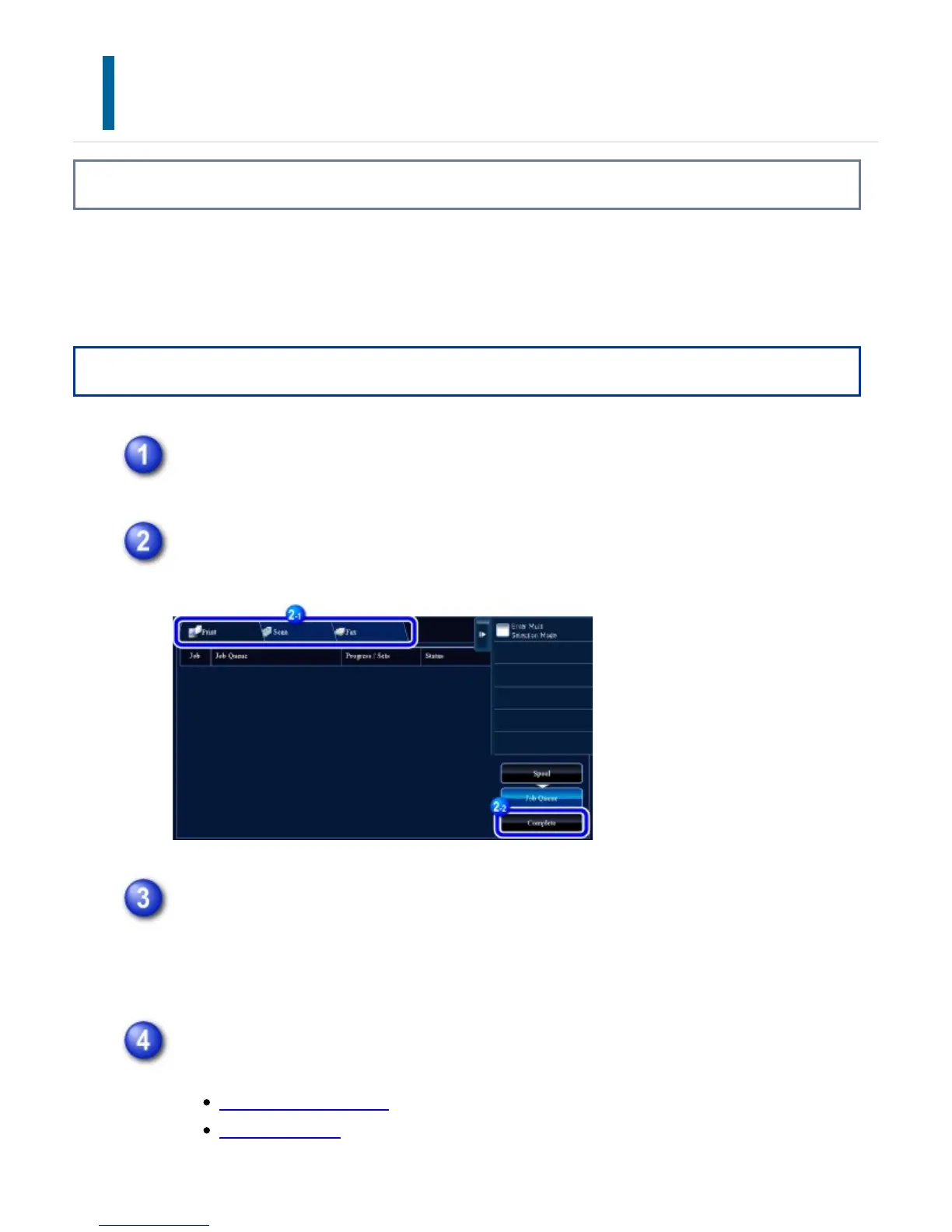
Files stored using File and Quick File appear as keys in the job status complete screen.
This is convenient when you need to quickly print the saved data of a copy job or
quickly send a saved fax to another destination.
Operation
Tap the job status display.
Tap the tab with a file to be retrieved, and tap the [Complete] key.
Tap the key of the desired file from the completed job.
A file that has been processed by Quick File or File can be selected for a job in
the retrieve operation.
Tap the [Send] or [Choose Print Settings] key on the action panel.
FILE TRANSMISSION
FILE PRINTING
USER'S MANUAL | MX-M365N/MX-M465N/MX-M565N USER'S ... http://siica.sharpusa.com/portals/0/downloads/Manuals/MX-M365N-M...
916 of 1441 3/17/2016 7:14 AM



 To Next Page