Tap the [Select File from Network Folder to Print] key on the action panel.
Select a workgroup.
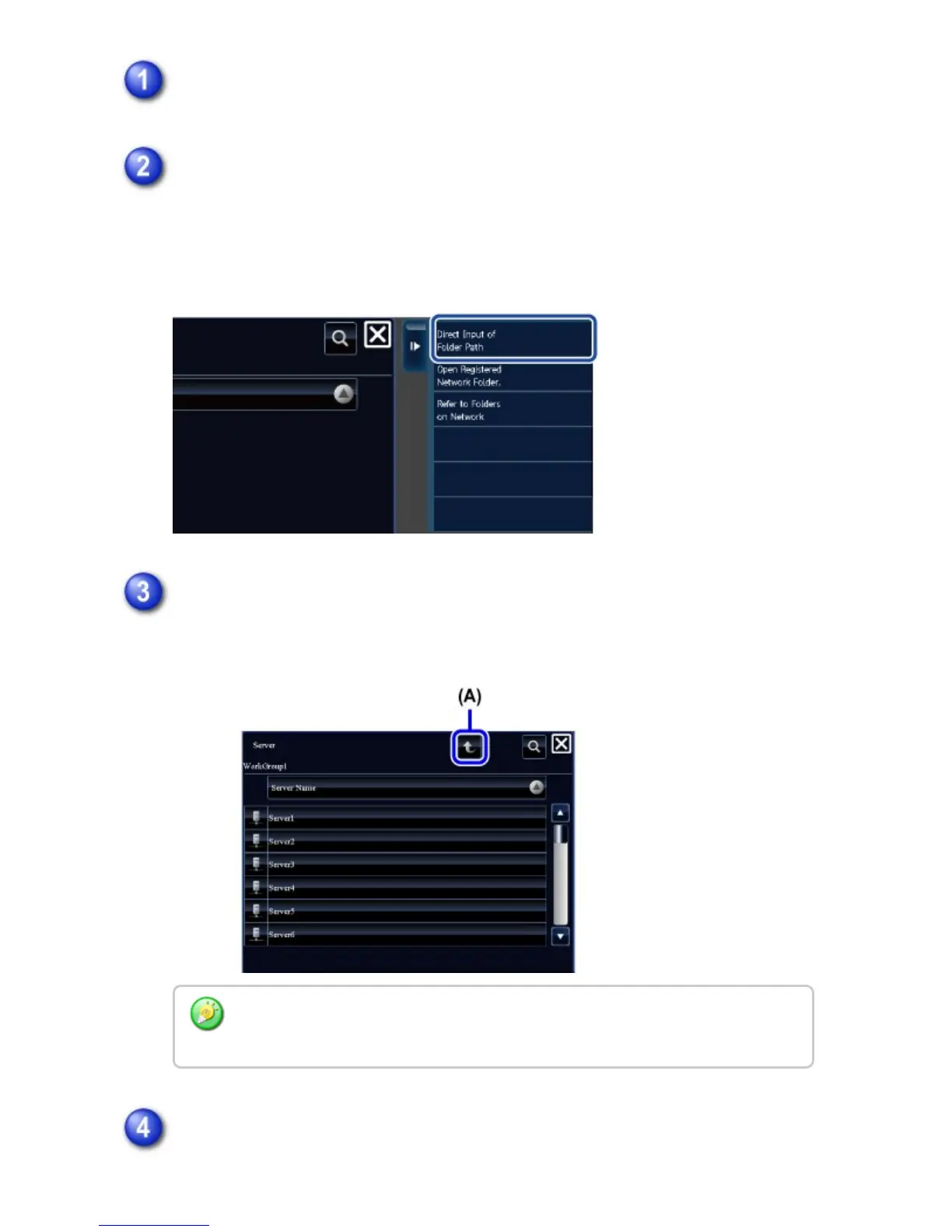
When you tap the [Direct Input of Folder Path] key in the action panel and enter
the path to a folder on the keyboard, the folder having that path appears.
Go to step 4.
Select an FTP server.
(A) Displays the workgroup selection screen.
Select a network folder.
To manually select from the folder list, tap [Refer to Folders on Network] in the
action panel.
USER'S MANUAL | MX-M365N/MX-M465N/MX-M565N USER'S ... http://siica.sharpusa.com/portals/0/downloads/Manuals/MX-M365N-M...
923 of 1441 3/17/2016 7:14 AM



 To Next Page