Tap the [Print] key on the [All Custom Setting List].
Check the IP address on the printed list.
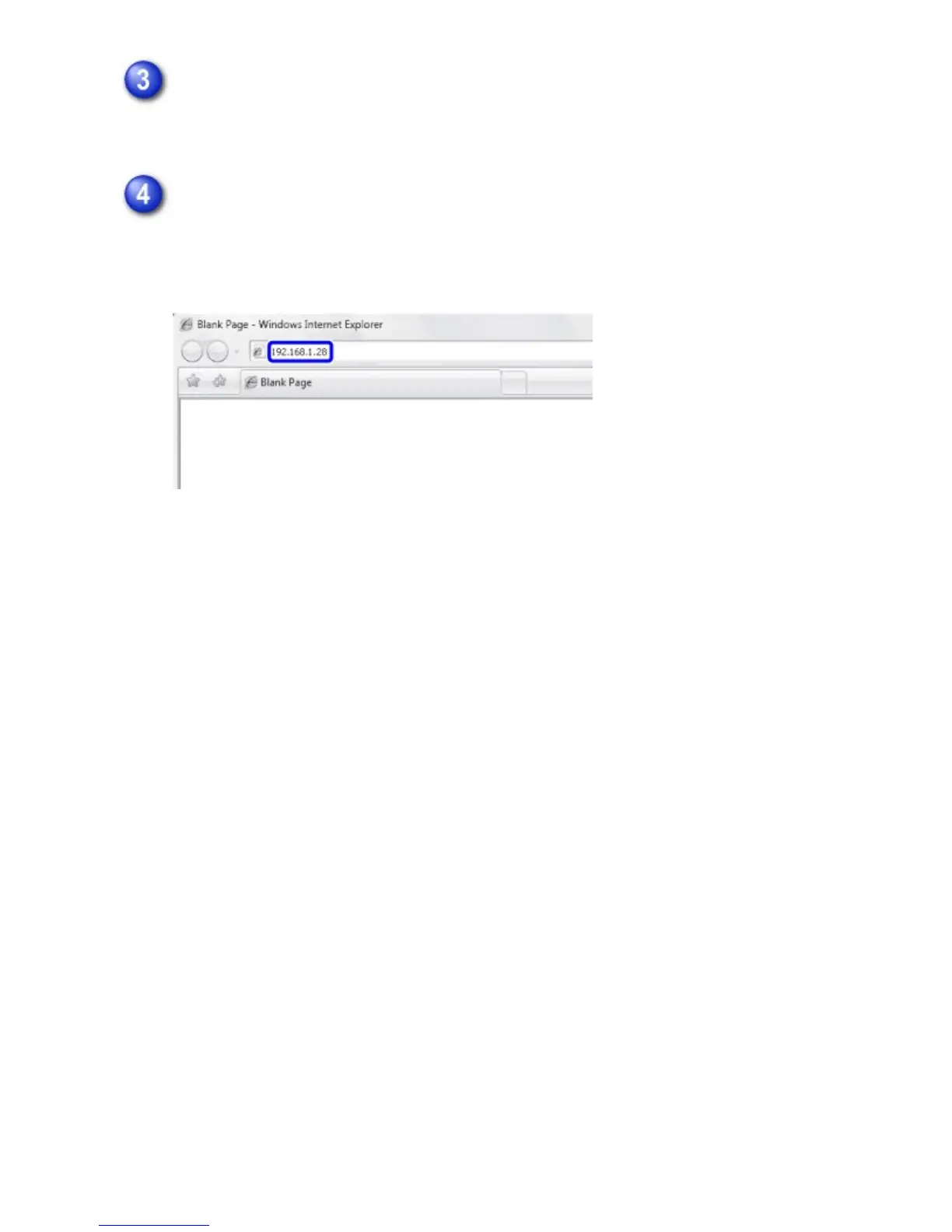
Start the Web browser on the PC, and enter the IP address of the machine.
Start a Web browser on a PC on the same network the machine is on, and enter
the IP address of the machine.
Recommended Web browsers:
Internet Explorer: 6.0 or later (Windows
®
)
Netscape Navigator: 9 (Windows
®
)
Firefox: 2.0 or later (Windows
®
)
Safari: 1.5 or later (Macintosh)
Displaying the Setting mode (Web version).
Depending on the machine settings, user authentication may be required to
display the setting mode (Web version). For password and other information
required for user authentication, contact the administrator of the machine.
USER'S MANUAL | MX-M365N/MX-M465N/MX-M565N USER'S ... http://siica.sharpusa.com/portals/0/downloads/Manuals/MX-M365N-M...
928 of 1441 3/17/2016 7:14 AM



 To Next Page