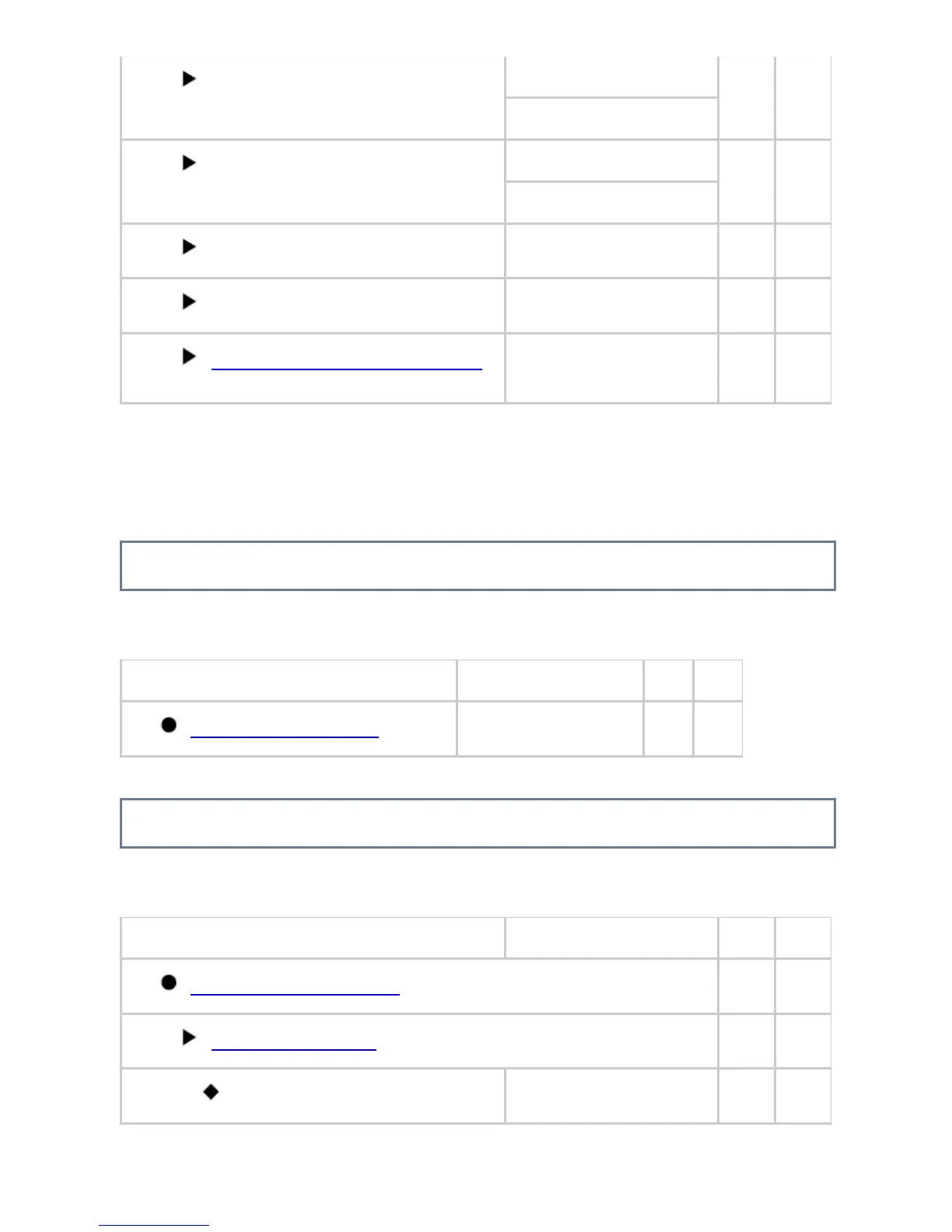
Tray 3
*1,*2
Plain, Auto-Inch
*2
Yes Yes
Plain, 8-1/2" x 11"
*3
Tray 4
*1,*2
Plain, Auto-Inch
*2
Yes Yes
Plain, 8-1/2" x 11"
*3
Tray 5
*3
Plain, 8-1/2" x 11" (A4) Yes Yes
Bypass
Plain, Auto-Inch Yes Yes
Custom Size Registration (Bypass)
Custom 1 to 7: X = 17",
Y = 11"
Yes Yes
*1 When a paper drawer is installed
*2 When a large capacity drawer is installed
*3 When a large capacity tray is installed
Paper Type Registration
U: General user; A: System administrator/Administrator
Item Factory default setting U A
Paper Type Registration
- Yes Yes
Fax Data Receive/Forward
U: General user; A: System administrator/Administrator
Item Factory default setting U A
Fax Data Receive/Forward
*1, *2
Yes Yes
Internet Fax Settings
*1
Yes Yes
Reception Start
- Yes Yes
USER'S MANUAL | MX-M365N/MX-M465N/MX-M565N USER'S ... http://siica.sharpusa.com/portals/0/downloads/Manuals/MX-M365N-M...
940 of 1441 3/17/2016 7:14 AM



 To Next Page