APPLICATION SETTINGS
The following is a list of setting mode items, factory default settings and restrictions for
each item.
U: General user; A: System administrator/Administrator
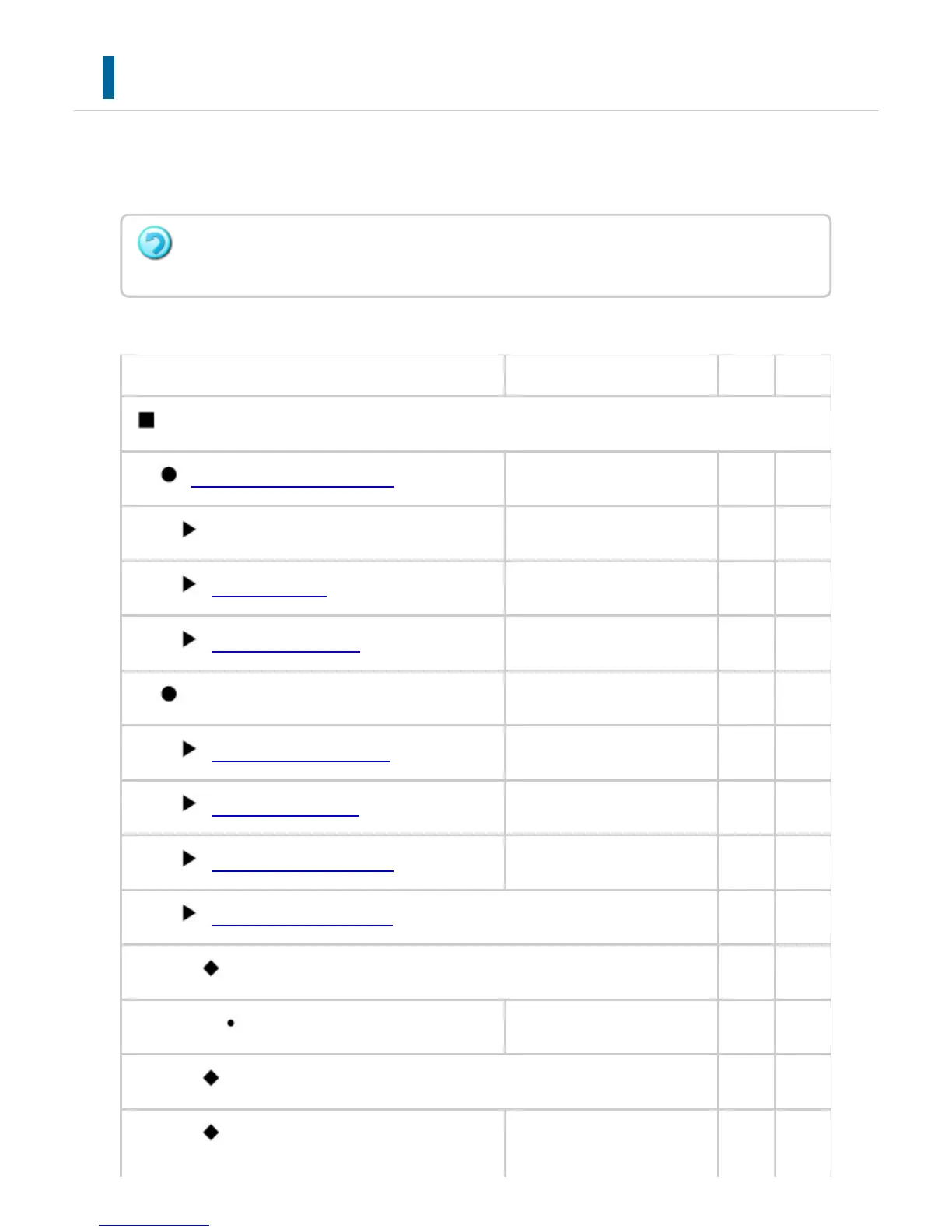
Item Factory default setting U A
Application Settings
TEXT / IMAGE PRINTING
- Yes Yes
Text Settings (Stamp)
- Yes Yes
Custom Stamp
- No Yes
Custom Watermark
- No Yes
Network Scanner Settings
- Yes Yes
Subject Name Settings
- Yes Yes
File Name Settings
- Yes Yes
Message Body Settings
- Yes Yes
Administration Settings
No Yes
Advanced Settings
No Yes
Disable Selection of Reply-to
Disabled No Yes
File Naming
No Yes
Default Subject
Scanned image from: (Na No Yes
Depending on the machine specifications and peripheral devices installed, it may not be
possible to use some settings.
USER'S MANUAL | MX-M365N/MX-M465N/MX-M565N USER'S ... http://siica.sharpusa.com/portals/0/downloads/Manuals/MX-M365N-M...
979 of 1441 3/17/2016 7:14 AM



 To Next Page