9
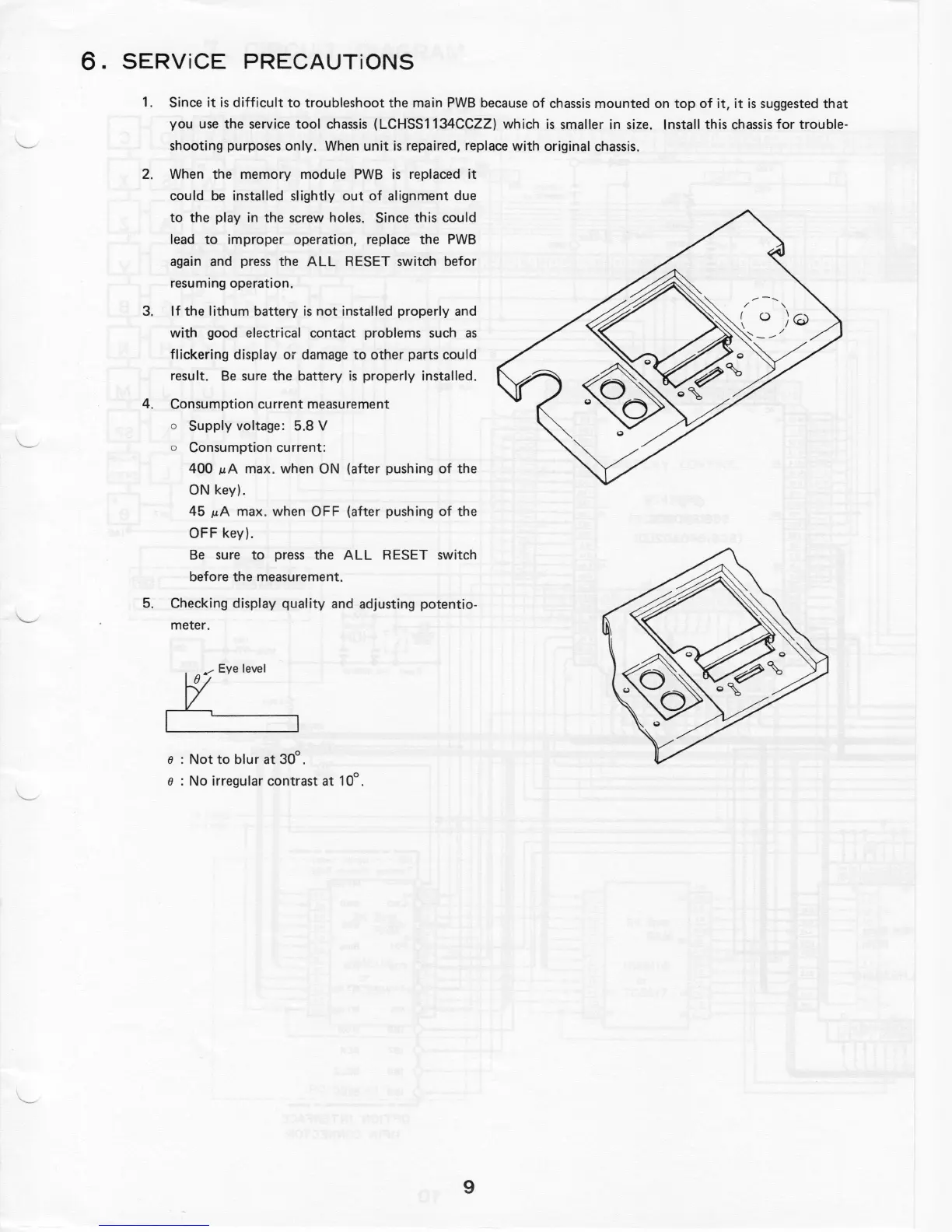
e
:
Not
to
blur
at
30
°.
e
:
No
irregula
r
contrast
at
10
°.
~'"''
~
'
5
.
Checking display
qual
it
y and adjusting
potentio
-
meter
.
4. Consumption
current
measu
r
ement
o
Supply voltage: 5.8 V
o
Consumption
current
:
400
µA
max
.
when ON (after pushing of
the
ON key).
45
µA
max
.
when OFF
(
a
fte
r
pushing of
the
OFF key).
Be sure
to
press
the
ALL RESET
sw
i
tch
before
the
measurement
.
3. If
the
lithum
battery
is
not
installed properly and
with good electrical
contact
problems such as
flickering display
o
r
damage
to other
parts could
result.
Be
sure
the battery
is
properly installed.
2. When
the
memory module PWB
is
replaced it
could be installed slightly
out of
alignment due
to the
play in
the
screw
holes
.
Since this could
l
ead
to
improper
operation
,
replace
the
PWB
again and press
the
ALL RESET switch befor
resuming
operation.
1.
Since it
is
difficult to troubleshoot the
main PWB because of chassis
mounted
on
top
of it, it
is
suggested
that
you use
the
service tool
chassi
s
(LCHSS1134CCZZ) which
is
smaller in size. Install this chassis
for trouble-
sho
o
ting purposes
only
.
When
unit
is
repaired, replace with original chassis.
6. SERViCE PRECAUTiONS



 To Next Page