EasyManua.ls Logo

Sharp PC-1403 - Page 129

Sharp PC-1403
252 pages
Print Icon
To Next Page IconTo Next Page
To Previous Page IconTo Previous Page
Loading...
l
'
123
Transfer the first
p
r
ogram
to
the computer using the CLOAD
command
.
Progra
m
area
o1
the
computer
\
__.,
-+
Program
"
PR0
-
3
"
Program
"PR0-1
"
Program
"
PA0-2
" Program
"
PR0-2
"
Program
"PR0-1"
MERGE
"PR0-2"
I
ENTER)
F
i
lename
.
j
P~.ogram
:
Program
"
PR0-1
"
CLOAD
"
PR0
-
1
"
I
ENTER
I
Progra
m
F
i
len
k
me
1
(Tape)
l§foj.jtj
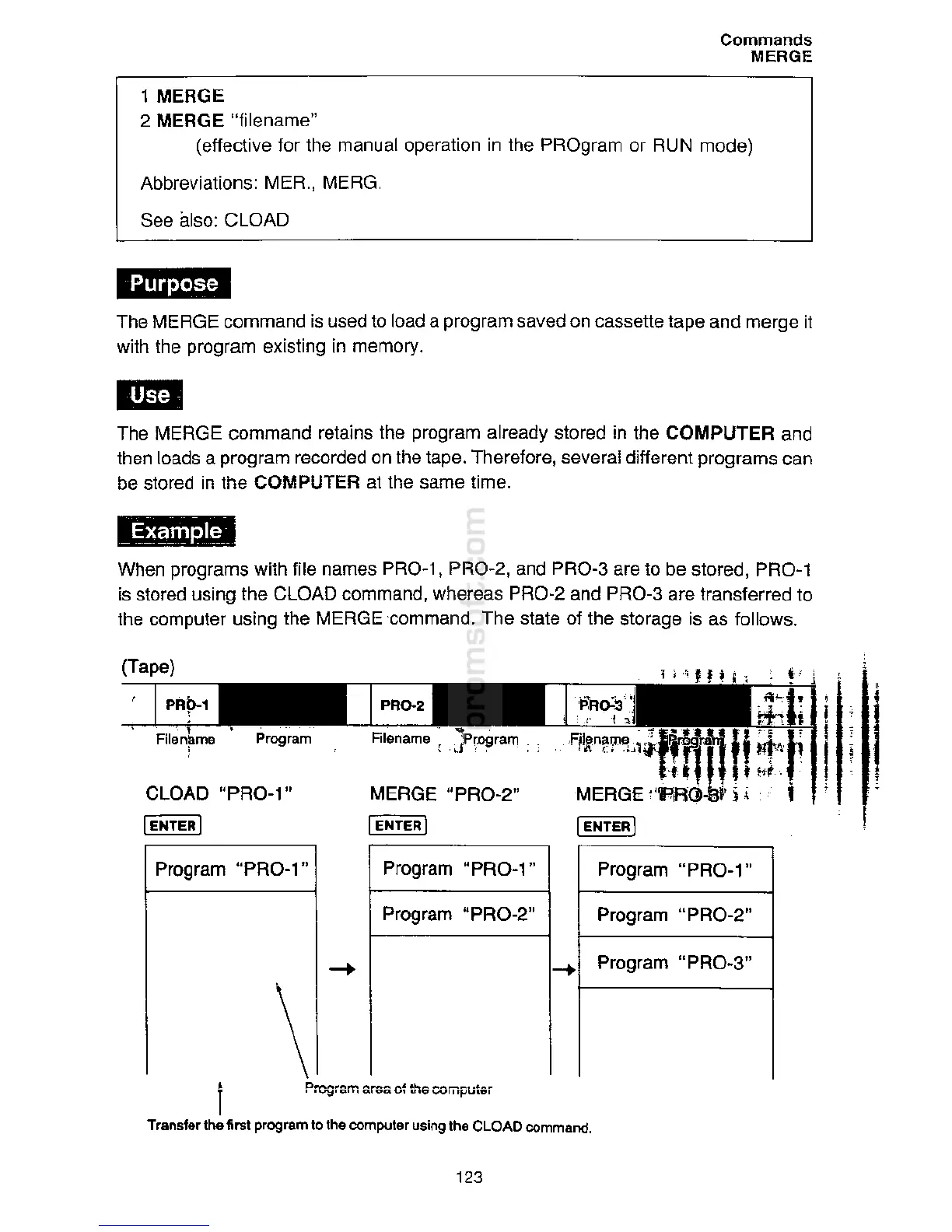
When programs
wi
t
h
file
na
m
e
s PR0-1,
P
R0
-2
,
and PR0-3 are to be
stored
,
PR0-1
is stored
usi
ng
t
h
e CLOAD command,
w
h
ere
as PR0-2 and
PR0
-
3 are
t
ran
s
ferred to
the
compute
r using the MERGE
·
comma
n
d.
T
h
e state of the
sto
r
age is
a
s
fo
ll
ows.
''Mi
The MERGE
c
ommand ret
a
i
ns th
e
program
alr
e
ady
stor
ed
i
n
t
h
e COMPUTER and
t
hen loads
a
program r
ec
orded on the
t
a
pe.
Th
e
refore
,
s
e
v
e
ra
l
diff
e
ren
t
pr
o
g
rams
ca
n
be s
t
ored
i
n
t
h
e COMPUTER
a
t the s
am
e
time
.
Th
e
MERGE
c
omm
a
nd is
u
s
ed to
lo
a
d
a
program
sa
ve
d
o
n
c
asse
tt
e
t
a
pe
a
nd m
e
rg
e
i
t
w
ith the program
ex
i
s
ting
i
n
m
e
m
ory.
1
MERGE
2 MERGE
"
fil
e
n
a
me
"
(e
ffec
t
i
ve for
th
e
man
ua
l
operation in
th
e
PROgra
m
o
r
RUN
mode)
Abbrev
i
a
tion
s
:
MER.
,
MER
G.
See
a
l
so
:
CLOAD
Commands
MERGE

Related product manuals