EasyManua.ls Logo

Sharp PC-1403 - Page 151

Sharp PC-1403
252 pages
Print Icon
To Next Page IconTo Next Page
To Previous Page IconTo Previous Page
Loading...
1
45
T
h
i
s
p
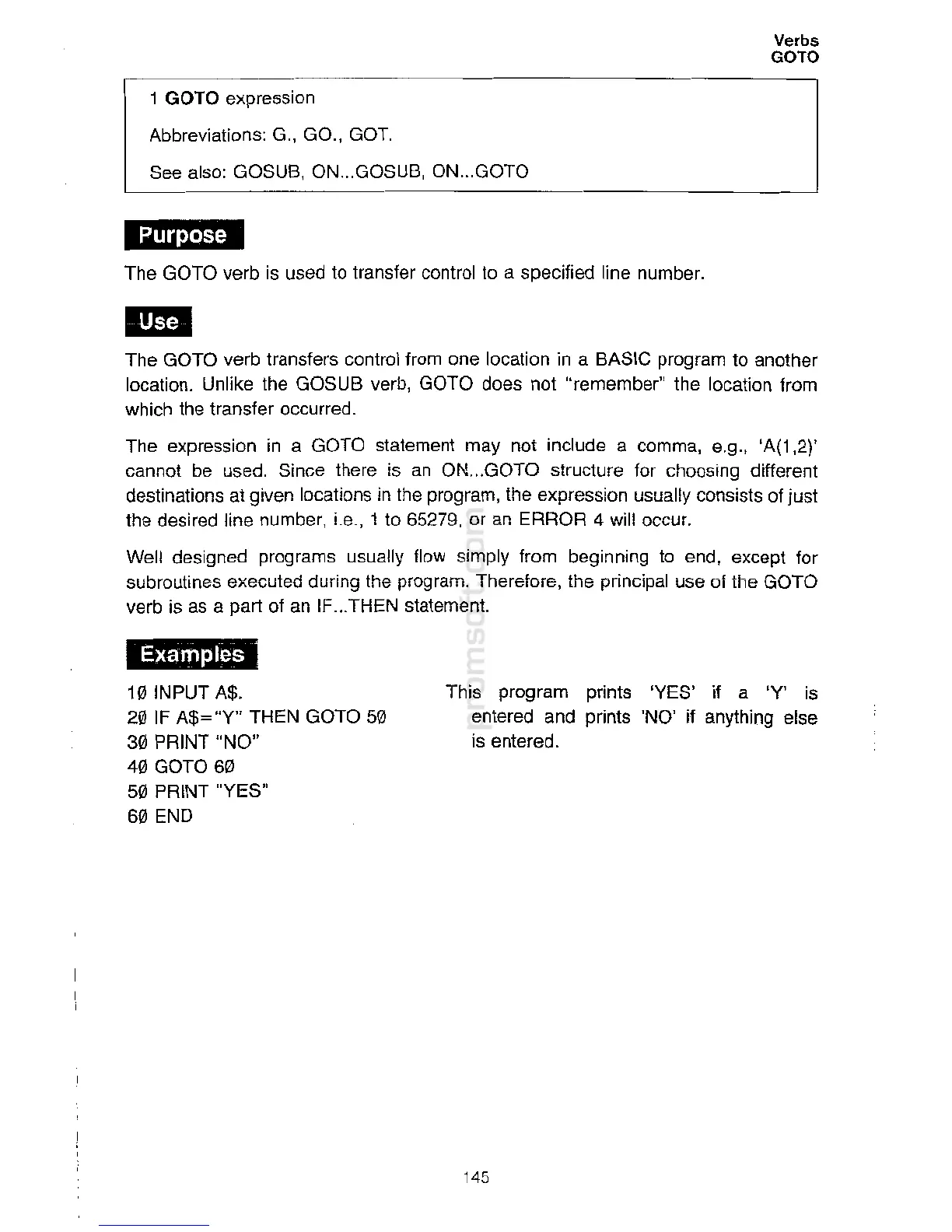
rogram prints
'YES
'
if a 'Y' is
en
te
r
ed
an
d
p
r
int
s
'
NO
'
if
anyth
i
ng else
i
s en
te
r
ed.
10
INPUT
A$
.
20
IF
A$="Y
" THEN GOTO 50
30 PRINT
"
NO
"
40 GOTO 60
50 PRINT
"
YES
"
60 END
Examples
The
express
io
n
i
n
a
GO
TO stat
e
m
en
t
m
ay not
in
clu
de a
com
m
a,
e.
g.,
'A(1,
2
)'
cannot be
used
.
Sin
c
e
t
h
ere is an ON
...
GO
TO
st
ru
cture
fo
r
c
h
o
osi
n
g
different
destinations at
gi
ve
n
locations in the
program
,
the
exp
r
essio
n u
s
u
all
y con
s
i
s
ts
of
just
the desired line
nu
mber,
i
.e.,
1
to
6527
9
,
o
r
a
n
E
RR
O
R 4
w
ill
occ
ur.
Well designed
progra
m
s
u
s
ually
f
low
s
im
p
l
y from
be
g
inni
ng
t
o
e
nd, except for
subroutines executed
durin
g the
progr
a
m
.
T
h
er
e
fo
re
,
th
e
p
rincipa
l
use of the GOTO
verb is as a part of an IF.
.
.THE
N
s
t
a
tement.
1
1
#1
The GOTO
v
er
b
1r
an
s
f
e
r
s control
fr
om
on
e
l
oca
t
i
on
i
n
a
BA
S
IC
pr
ogram
t
o
a
nother
location
.
Unl
ike
t
h
e
G
OSUB
verb
,
G
OTO
d
oes
n
ot
"
reme
m
be
r
"
th
e
l
oc
a
ti
on
fr
o
m
w
hi
c
h
th
e
tran
sf
er
o
cc
u
rred.
1411;.t-t1M
The
GOT
O verb is
us
e
d
t
o
t
rans
f
e
r
co
nt
r
o
l
1o
a
s
pe
c
i
fied
li
n
e
n
u
m
b
e
r.
1
GOTO
expression
Abbre
vi
at
i
o
ns:
G
.,
GO.
,
GOT.
See
also
:
GO
S
U
B, ON
.
..
GO
S
UB
,
O
N
...
GO
T
O
Verbs
GOTO

Related product manuals