EasyManua.ls Logo

Sharp PC-1403 - Page 181

Sharp PC-1403
252 pages
Print Icon
To Next Page IconTo Next Page
To Previous Page IconTo Previous Page
Loading...
1
7
5
Causes
PR
I
N
T
t
o
w
ait
a
bout
1
seco
nd
.
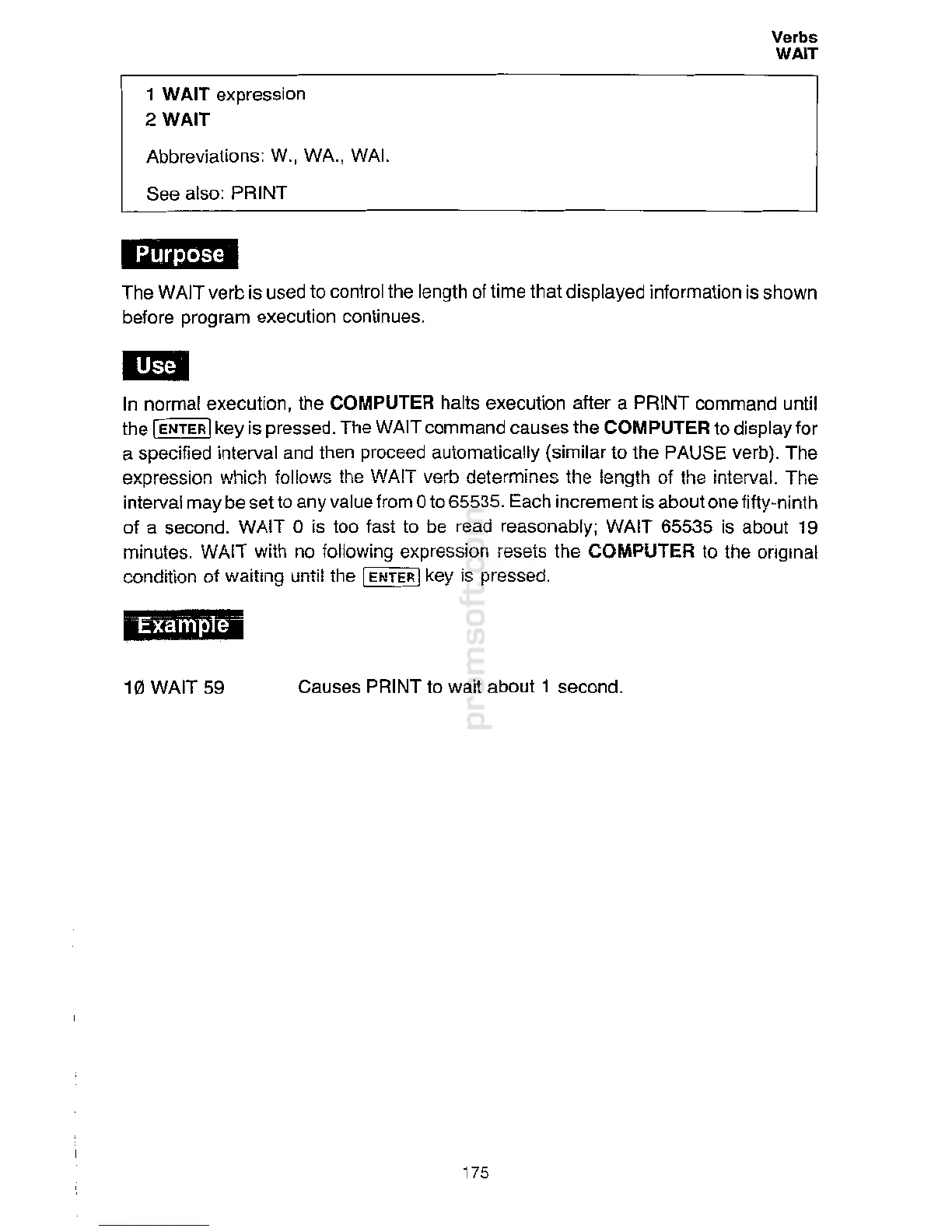
10 WAIT 59
i#ffoj.]tj
*
1
Mi
In
n
or
m
al execution, the COMPUTER
ha
l
t
s execution after a PRINT
co
mm
a
n
d
u
nti
l
the
I
ENTER
I
key is
p
ressed. The
W
AIT
c
ommand
c
a
u
ses the COMPUTER to display
f
or
a specified interval and then
p
r
oceed
automaticall
y
(
sim
il
a
r
t
o the PAUSE
v
e
rb)
.
T
he
expression
whic
h
follow
s
t
he
WA
I
T
ve
r
b
de
t
erm
in
es
t
he length
o
f
t
he
in
terval.
T
he
interval may be set to any
v
a
lu
e
fro
m 0
t
o
65535
.
E
a
ch
incr
e
m
en
t is
abo
ut
o
n
e
fifty-
n
i
n
th
of
a
second
.
WAIT 0
i
s too
fas
t to
b
e
r
ead
reas
o
nab
ly;
WA
I
T
65
535
i
s
ab
ou
t 19
m
i
nu
t
e
s.
WA
IT
w
i
th no
fo
ll
owing
e
xp
re
s
s
i
on re
se
t
s
t
he
COMP
U
TER to
th
e
o
r
i
ginal
condit
ion
o
f
waiting
unt
i
l
the
I
EN
TER
I
ke
y
i
s
pres
se
d
.
IQ!li.I.Mi
T
h
e
W
AIT
v
erb is us
e
d to
c
o
ntro
l
the
le
ngth of time
t
ha
t
di
s
p
l
ay
e
d
i
nformation
is
shown
before
progr
am
e
x
e
cut
i
on co
nti
n
ue
s.
Abbreviations
:
W
.,
WA.
,
WA
I.
See
also
:
PR
I
N
T
1
WAIT expression
2WAIT
Verbs
WAIT

Related product manuals