EasyManua.ls Logo

Sharp PC-1500 - Page 204

Sharp PC-1500
222 pages
Print Icon
To Next Page IconTo Next Page
To Previous Page IconTo Previous Page
Loading...
All and more about Sharp PC-1500 at htt
p:/l
www
.PC-1500.info
SHARP
PROGRAM
T I T L E
[ Outline I
COMPUTER-DESIGNED FLO
WER
PROGRAM NO.
PS
- F- 3
CE
- 1
50
1equired
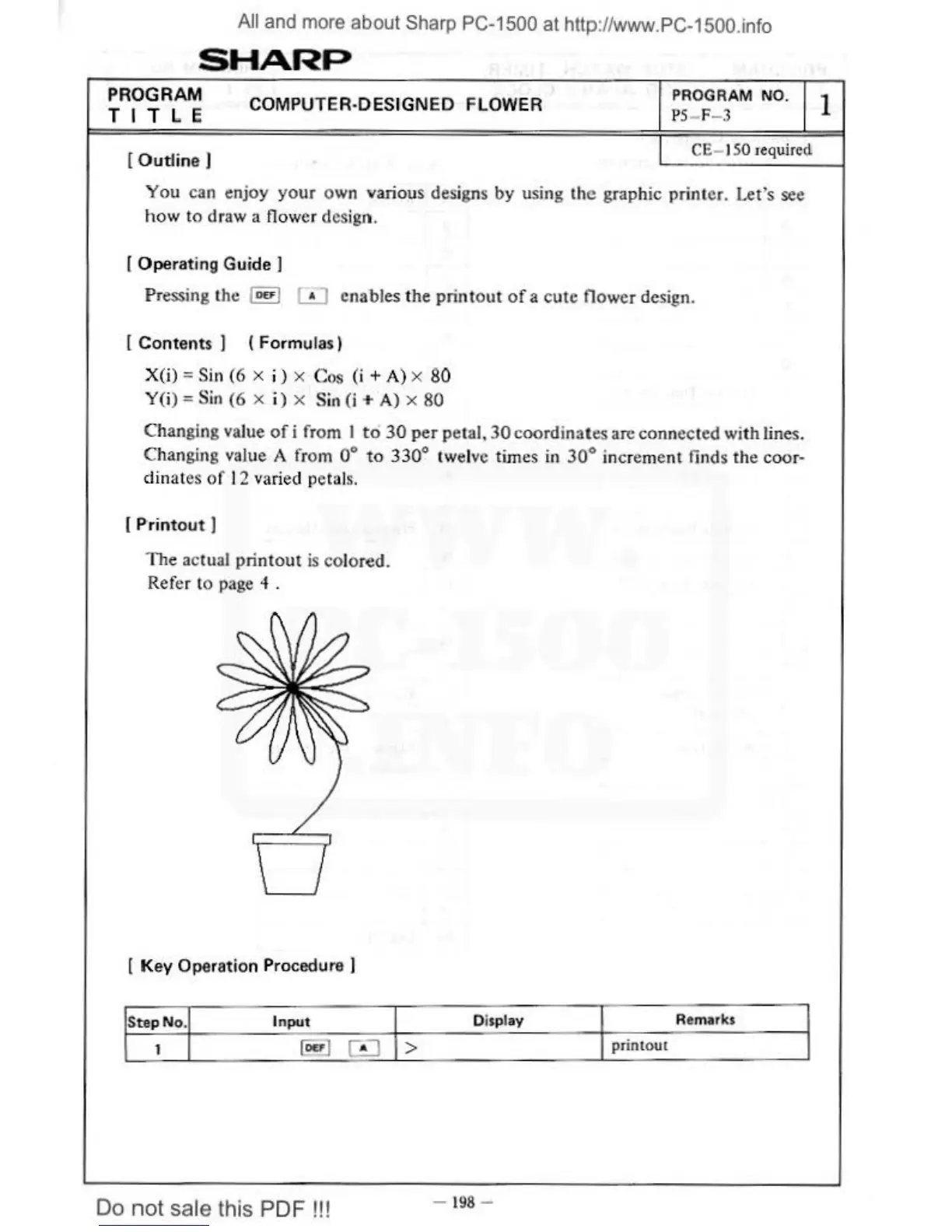
You can enjoy
your
own various designs by using
the
graphic printer. Let's see
how
to
draw a flower design.
[ Operating Guide
I
Pr
essing the luul
[iJ
enables
the
printout
of
a
cute
flower design.
[ Contents
I ( Formulas)
X(i)
=Sin
(6
x i ) x Cos (i
+A)
x
80
Y(i) =Sin
(6
x i) x Sin
(i
+A)
x
80
Changing value
of
i from I
to
30
per
petal,
30
coordinates
an:
connected
wi
th lines.
Changing value A from
to
330
° twelve times
in
30°
increment finds the coor-
dinat
es
of
12 varied petals.
[Pri
nt
out
I
The
actual pri
ntout
is
co
lored.
Refer to page
4 .
[ Key Operation Procedure I
St<>p
No.
Input
1
@a
)
0
Do
not
sale this PDF
!!!
Display
Remarks
>
printout
-
198
-
1

Other manuals for Sharp PC-1500

Related product manuals