A
ll
and more
about
Sharp PC-1500
at
http://www.PC-1500.info
SHARP
PROGRAM
TITLE
DOT PATTERN DEVELOPMENT
PROGRAM NO.
P5
- F- 6
( Outline ]
CE
-
150
required
With this unique program,
you
can play a decisive role
in
patte
rn
generation!
Using the
OJ
,
GJ
, W and
CD
key
s,
as well as alphanumeric
keys
0 and W , you can develop
dot
patterns
:a
t
your
discr
et
ion on
the
computer
display.
Any
patt
ern generated can
be
recorded for printout by
us
in
g the
[!]
key.
( Operating
Guide]
l.
Key Operation
ITl
t
GJ
- - w
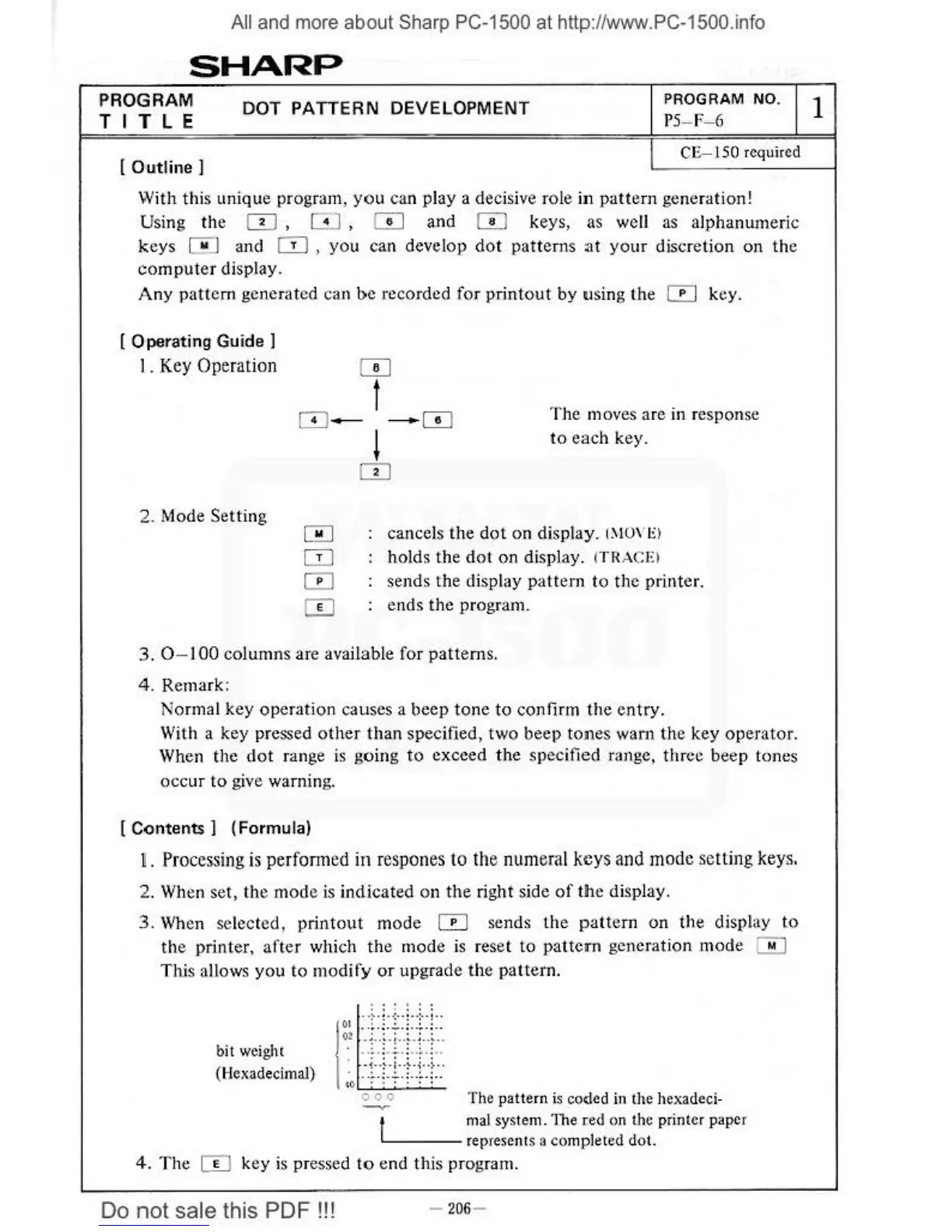
The
moves are in response
to
each key.
2. Mode Setting
l
OJ
cancels the d
ot
on display.
l
~tU\
"
El
holds
the
dot
on display.
ff
RACE>
sends the display pattern to the printer.
· ends the program.
3. 0 - 100 columns are available for
patt
erns.
4.
Remark:
Normal key operation causes a beep tone to confirm the entry.
With a key pressed
other
than specified, two beep
tone
s warn
the
key operator.
When the dot range
is
going
to
exceed the specified range, three beep tones
occur
to
give
wa
rning.
[Cont
ents ] (Formula)
~.
Processing
is
perfonned
in
respones
to
the
numeral
keys
and
mode
setting
keys.
2. When set, the mode is indicated on
the
ri
ght side
of
the display.
3.
Wh
en selected, print
out
mode 0 sends
the
pattern on the
disph1y
to
th
e printer,
after
which
th
e mode
is
reset to pattern generation mode m
Tltis allows you to modify
or
upgrade the pattern.
b
it
weight
(Hexadecimal)
The pattern
is
coded in
the
hexadeci-
1 mal system.
The
(ed on the printer
pape
r
~.
-
--
rep
re
sents a completed
dot.
4.
The
m key is pressed
to
end this program.
Do
not
sale this PDF
!!!
-
206
-
1



 To Next Page