5
E
Supplied Components
If any component should be missing, please contact your dealer.
* SHARP Corporation holds authorship rights to the Utility Disk program. Do not reproduce it without permission.
* For environmental protection!
Do not dispose of batteries in household waste. Follow the disposal instructions for your area.
Preparing the Remote Control Unit
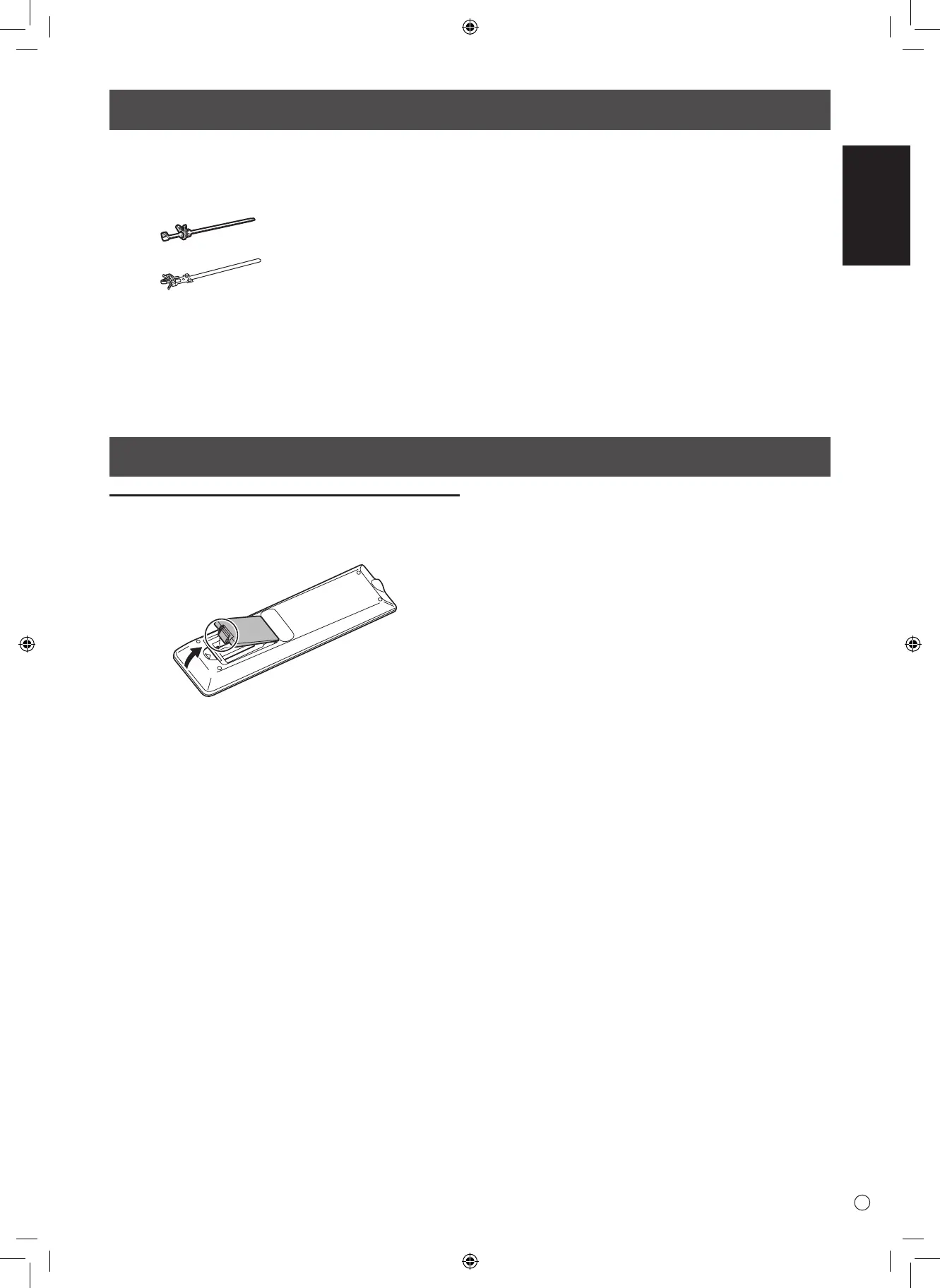
Installing the batteries
1. Place your nger on the part marked with the ▲, and then
pull the cover off.
2. See the instructions in the compartment and put in the
batteries (R-03 (“AAA” size) x 2) with their plus (+) and
minus (-) sides oriented correctly.
3. Close the cover.
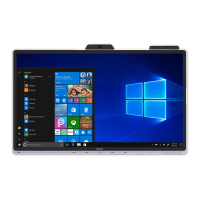
Liquid Crystal Display Monitor: 1
Remote control unit: 1
Cable clamp: 2
Cable clamp (for power cord): 1
Power cord: 1
Remote control unit battery
(R-03 (“AAA” size)): 2
CD-ROM (Utility Disk): 1
Sharp Display Connect License: 1
Setup Manual (this manual): 1
Touch pen: 1
Tray: 1
Tray mounting screw (M3) : 5
Eraser: 1
USB cable: 1
Camera mount: 1
Camera mount screw (M3): 2
Camera screw (inch thread): 1
Stand hole protection cover: 2
Cover SHARP logo: 1
Place this sticker onto the SHARP logo to cover
the logo.


 To Next Page