5
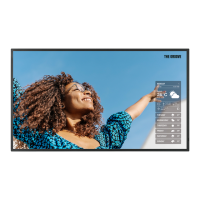
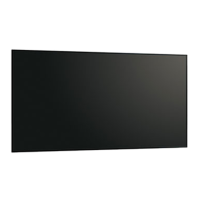
Supplied Components
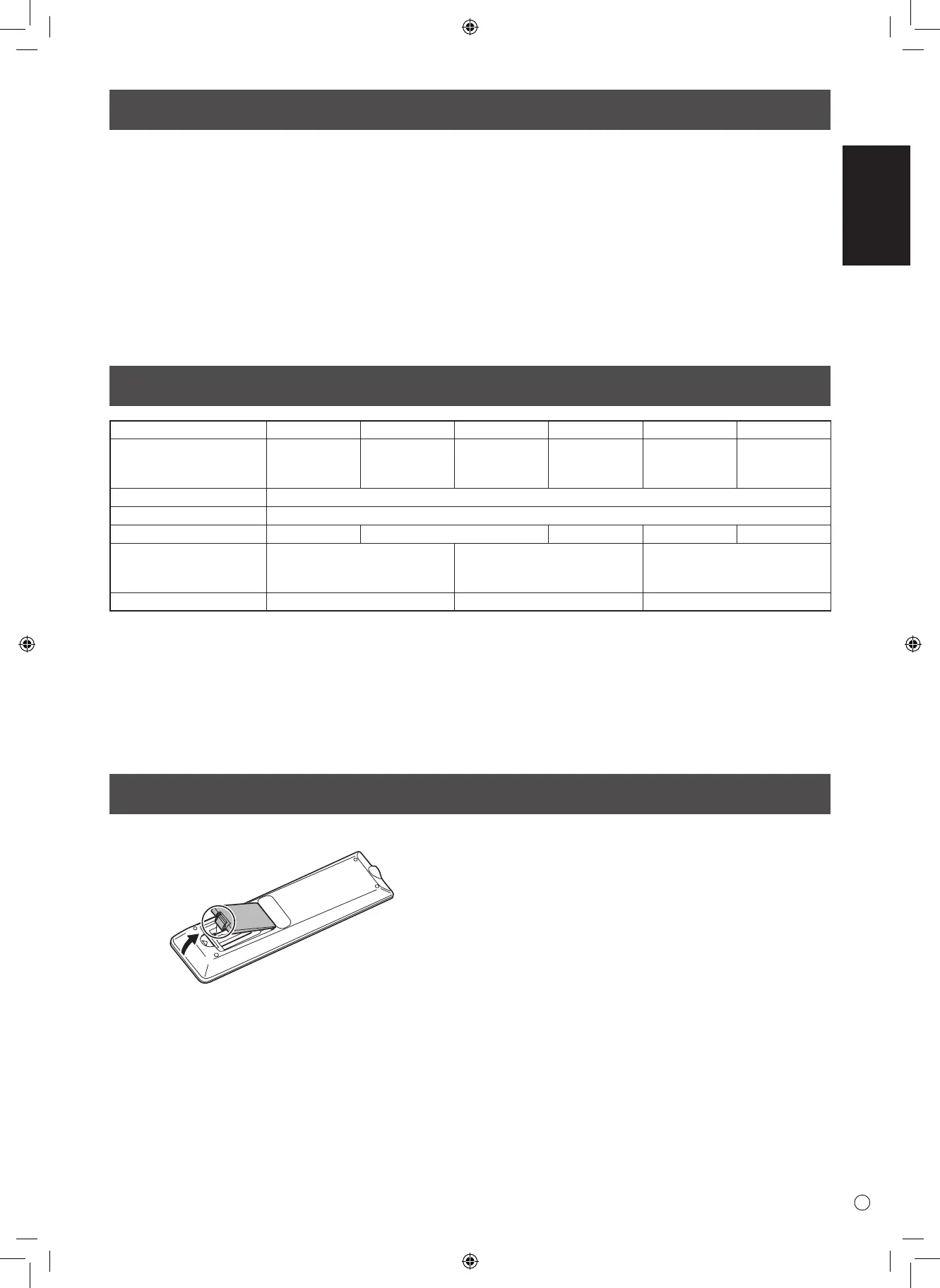
Preparing the Remote Control Unit
1. Place your nger on the part marked with the ▲, and then pull the cover o.
2. See the instructions in the compartment and put in the batteries (R03 or LR03 (“AAA” size) x 2) with their plus (+)
and minus (-) sides oriented correctly.
3. Close the cover.
If any component should be missing, please contact your dealer.
Specications
Model PN-HS551 PN-HY551 PN-HS501 PN-HY501 PN-HS431 PN-HY431
Power requirement AC 100 - 240 V,
2.1 A,
50/60 Hz
AC 100 - 240 V,
1.8 A,
50/60 Hz
AC 100 - 240 V,
1.7 A,
50/60 Hz
AC 100 - 240 V,
1.3 A,
50/60 Hz
AC 100 - 240 V,
1.6 A,
50/60 Hz
AC 100 - 240 V,
1.2 A,
50/60 Hz
Operating temperature * 32°F to 104°F (0°C to 40°C)
Operating humidity 20% to 80% (no condensation)
Power consumption 190 W 150 W 110 W 140 W 100 W
Dimensions inch (mm)
(excluding protrusions)
Approx. 48-7/8 (W) x
2-1/2 (D) x 28-1/16 (H)
(1241.8 x 63.5 x 712.6)
Approx. 44-7/16 (W) x
2-1/2 (D) x 25-9/16 (H)
(1128.4 x 63.5 x 649)
Approx. 38-5/16 (W) x
2-1/2 (D) x 22-1/8 (H)
(973 x 63.5 x 561.2)
Weight lbs. (kg) Approx. 39.7 (18.0) Approx. 33.1 (15.0) Approx. 25.4 (11.5)
* When using the monitor laying at on a surface (when the monitor is tilted more than 20 degrees upward or downward from the perpendicular
in relation to a level surface), use the monitor at a temperature between 32°F (0°C) to 86°F (30°C).
Temperature condition may change when using the monitor together with the optional equipments recommended by SHARP. In such cases,
please check the temperature condition specied by the optional equipments.
As a part of our policy of continuous improvement, SHARP reserves the right to make design and specication changes for
product improvement without prior notice. The performance specication gures indicated are nominal values of production
units. There may be some deviations from these values in individual units.
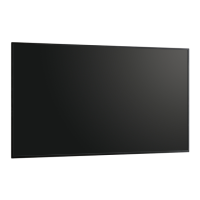
Liquid Crystal Display Monitor: 1
Remote control unit: 1
Power cord
Remote control unit battery: 2
CD-ROM (Utility Disk for Windows): 1
Setup Manual (this manual): 1
Cable clamp: 2
Logo sticker: 1
USB ash drive cover: 1
USB ash drive cover xing screw: 2
* SHARP Corporation holds authorship rights to the Utility Disk program. Do not reproduce it without permission.
* For environmental protection!
Do not dispose of batteries in household waste. Follow the disposal instructions for your area.


 To Next Page