11
Note:
Using the
r
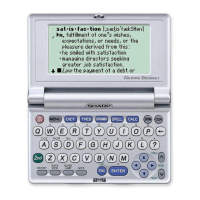
key will display the following:
• The New Oxford American Dictionary
• Usage notes
• Additional (boxed) information
• Oxford American Thesaurus of Current English
• Additional information
• Garner’s Modern American Usage
• Additional information
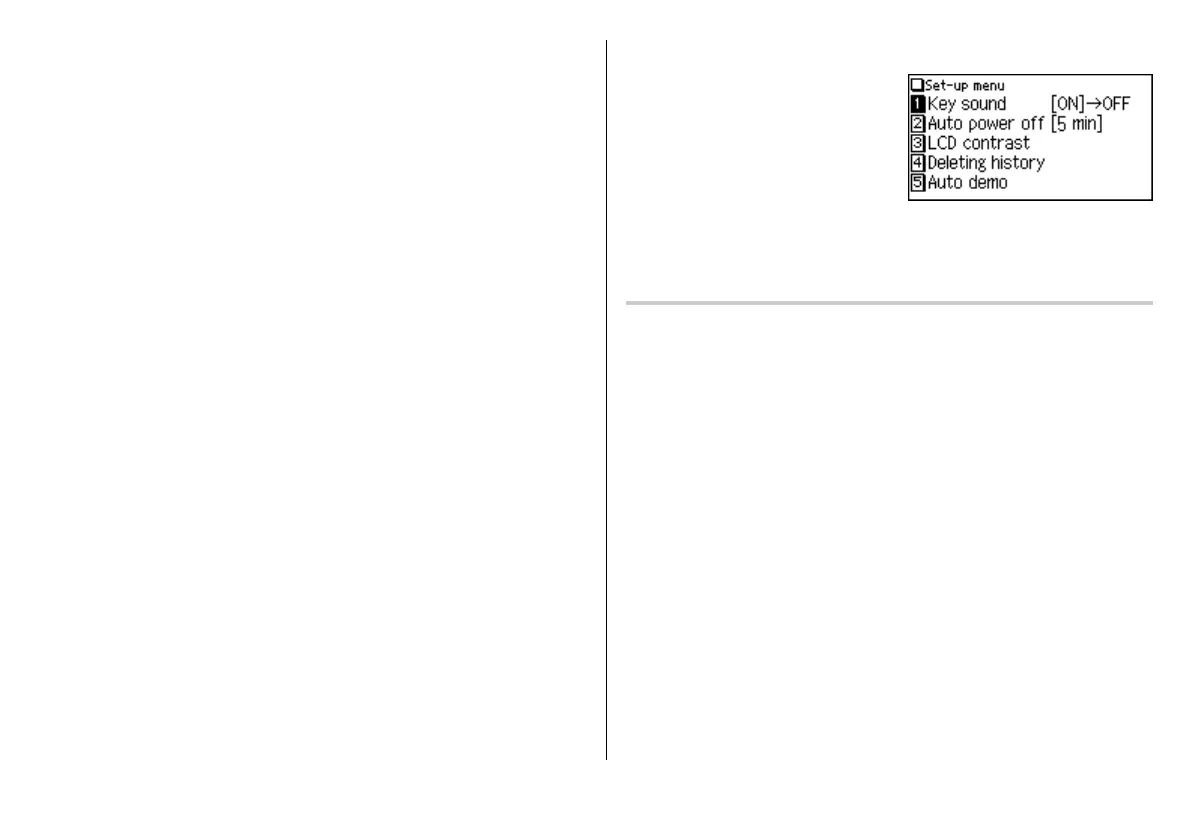
Set-up Menu
Press
m
to display the main menu,
then press
5
. The set-up menu appears.
Select a desired item to change the setting.
•To delete the history list, see page 24.
Setting the key sound on/off
The key sound (a short audible beep when a key is pressed) can be set to on or off.
1. Press
m
,
5
, then
1
, to toggle the key sound on or off.
A splash message appears to indicate the change of setting, then the main
menu will be displayed.


 To Next Page