EN -6-
CHAPTER -2: YOUR FRIDGE FREEZER
CHAPTER -3: USING YOUR FRIDGE FREEZER
A
B
B1
B2
1
2
3
3
4
5
6
4
5
6
7
8
8
12
13
9
10
11
11
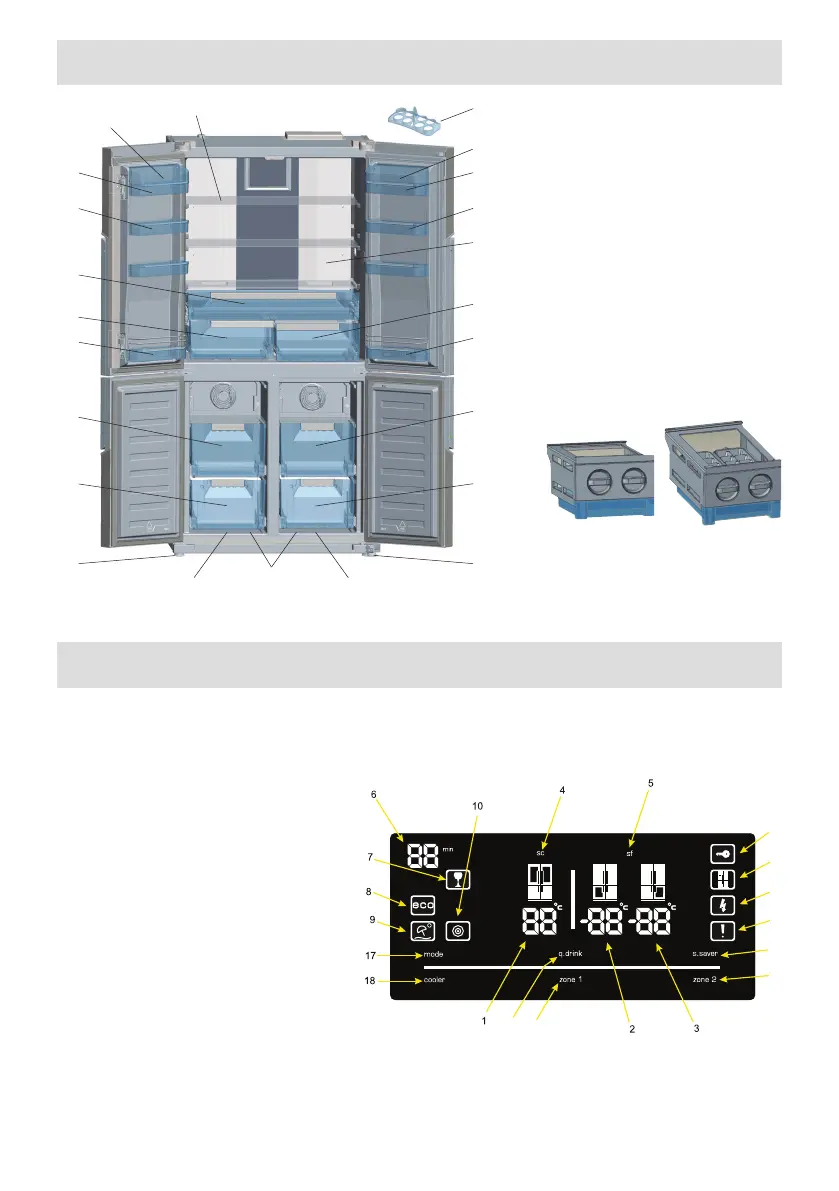
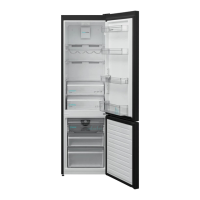
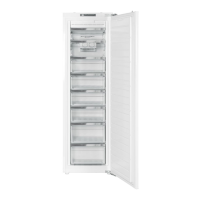
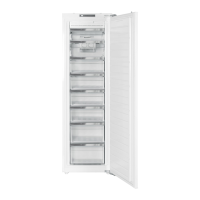
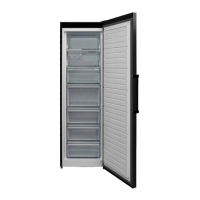
This gure has been drawn for information purposes to show the various parts and accessories in the appliance.
Parts may vary according to the model of the appliance.
A) Fridge compartment
B) Fridge / Freezer compartment
B1. Zone-1 / B2. Zone-2
1) Fridge compartment shelves
2) Chiller compartment
3) Crispers
4) Cheese-Butter shelf covers *
5) Cheese, butter shelf
6) Door shelves
7) Eggcups
8) Door bottle shelves
9) Fridge / Freezer top baskets
10) Fridge / Freezer bottom baskets
11) Adjustable feet
12) Freezer top baskets
13) Freezer bottom baskets
* In some models
Ice-matic (In some models)
General features of your appliance
The LED lights are designed to come on gradually and will take a few seconds to reach 100% brightness.
Electronic display
1.Fridge Compartment Temperature indicator
2.Left Freezer Compartment Temperature
indicator
3.Right Freezer Compartment Temperature
indicator
4. Super cooling light
5. Super freezing light
6. Qdrink alarm counter
7. Qdrink light
8. Economy mode
9. Holiday mode
10. Night sensor
11. Child lock
12. Demo mode
13. Low voltage warning
14. Alarm
15. Screensaver button
16. Zone 2 (Right freezer) button
17. Mode button
18. Cooler button
19. Qdrink mode button
20. Zone 1 (Left freezer)button
11
12
13
14
15
16
19
20
The values on the screen indicate temperature values specied by
the consumer.
The display is designed to avoid error if unintentionally touched. To
interact with the display touch and button for 2 seconds, an audible
beep will sound and to indicate it is ready for use.



 To Next Page