EasyManua.ls Logo

Sharp VC-MH321HM - Page 20

Sharp VC-MH321HM
41 pages
Print Icon
To Next Page IconTo Next Page
To Previous Page IconTo Previous Page
Loading...
ADVANCED
OPERATION
AUDIO
AND
Your
ver
(HiFi
VCR’S
Only)
HI-FI
STEREO
SOUND
Stereo
sound
is
possible
from
Hi-Fi
VCR's
if
you
have
a
stereo
TV
connected
to
the
VCR
with
a
seart
lead,
or
audio
equipment
connected
with
audio
phono
leads.
The
VCR
is
normally
set
so
that
stereo
sound
is
possible.
The
sound
output
from
the
VCR
is
controlled
by
the
AUDIO
OUT
button
on
the
remote
control.
If
you
wish
to
change
the
sound
output
you
can
use
the
AUDIO
OUT
button
as
follows:
@
Press
AUDIO
OUT
once.
The
LEFT
audio
channel
will
be
sent
to
BOTH
speakers.
L
will
appear
on
the
VCR
display.
@
Press
AUDIO
OUT
twice.
The
RIGHT
audio
channel
will
be
sent
to
BOTH
speakers.
R
will
appear
on
the
VCR
display.
@
Press
AUDIO
OUT
three
times.
The
MONO
track
will
be
sent
to
BOTH
speakers.
L
and
R
will
disappear
from
the
VCR
display.
@
Pressing
AUDIO
OUT
a
fourth
time,
normal
Hi-Fi
stereo
sound
will
be
heard.
L
and
R
will
appear
on
the
VCR
display.
.
NICAM
Hi-Fi
STEREO
SOUND
Your
VCR
can
receive
and
record
NICAM
sound.
The
VCR
is
normally
set
so
that
NICAM
sound
is
possible
if
it
is
present
on
the
receiving
signal,
otherwise
the
VCR
will
automatically
switch
to
receive
the
mono
signal.
NICAM
sound
can
be
turned
off.
If
you
wish
to
do
this
follow
the
procedure
below:
1.Press
MENU
to
display
the
main
menu
on
the
screen,
2.Press
[
&/W
]
to
select
MODE.
3.Press
SET.
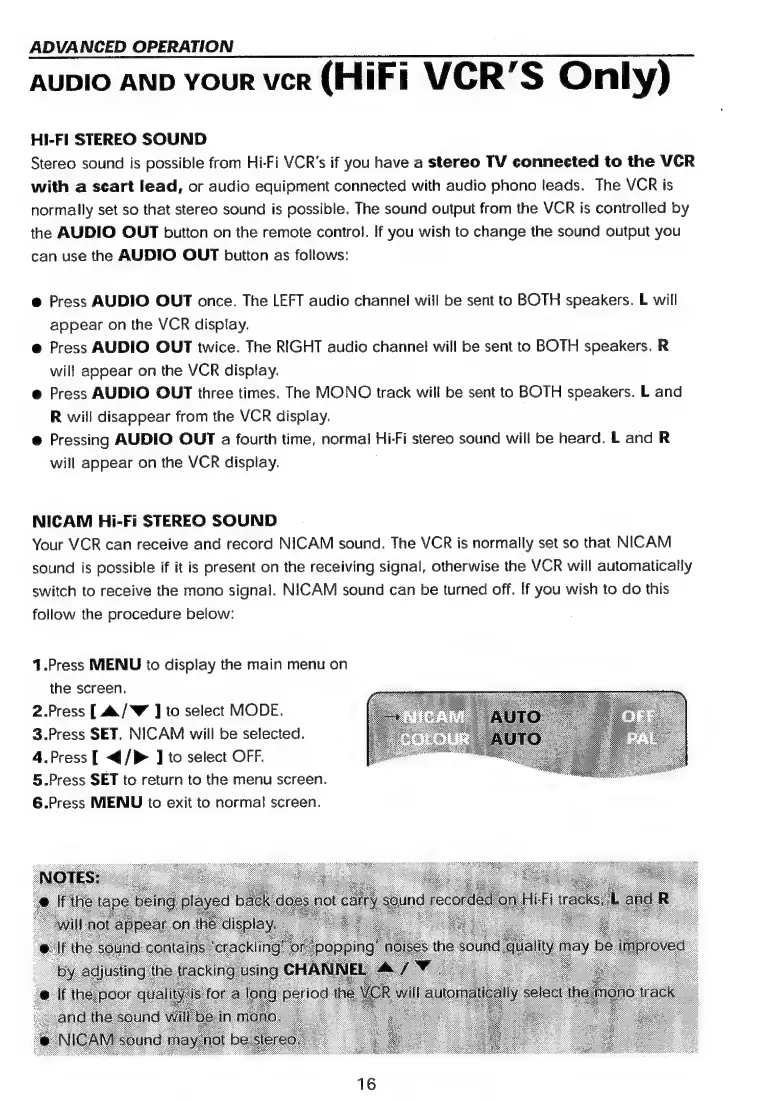
NICAM
will
be
selected.
4.Press
[
</>
]
to
select
OFF.
5.Press
SET
to
return
to
the
menu
screen.
6.Press
MENU
to
exit
to
normal
screen.
16

Related product manuals