EN
EN – 16
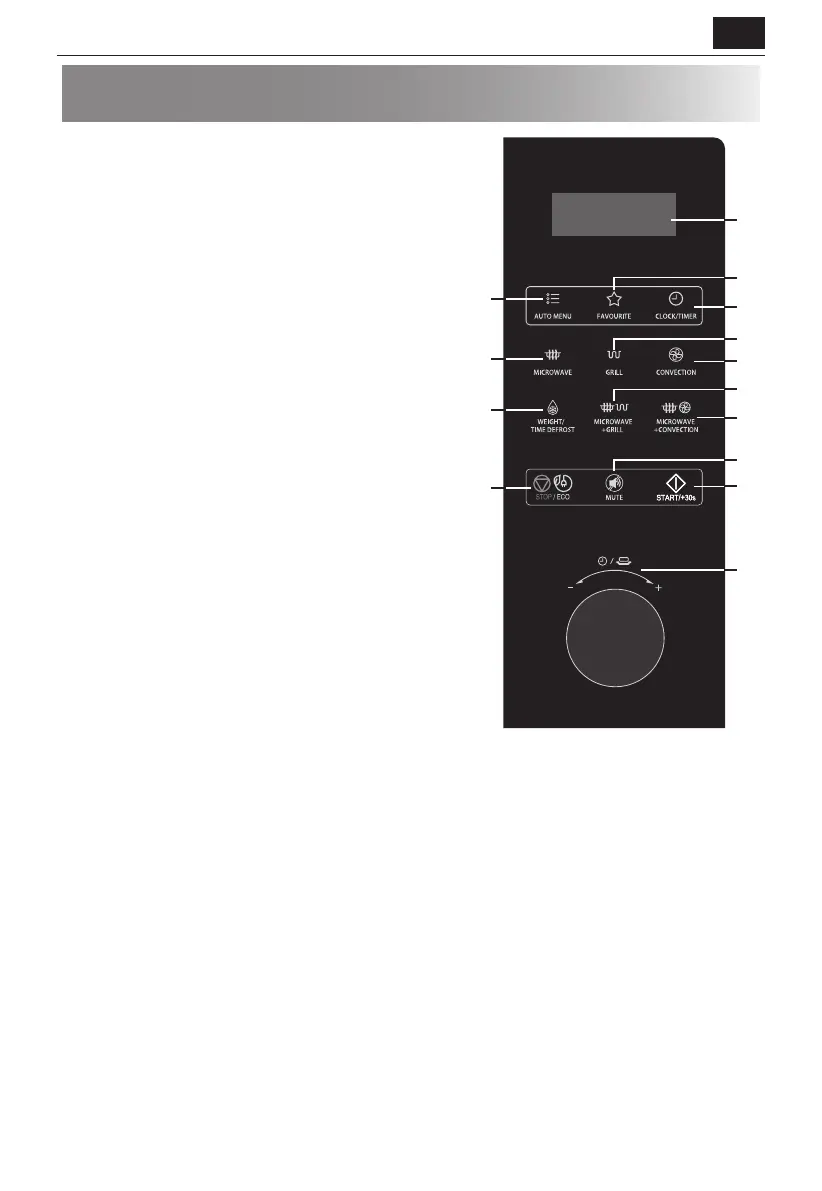
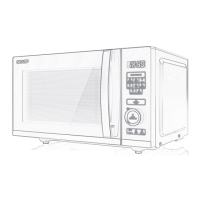
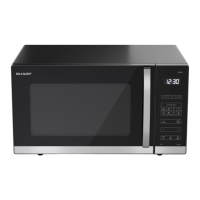
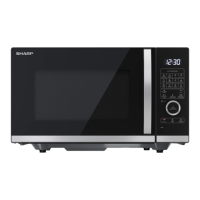
CONTROL PANEL
1. DISPLAY - Cooking time, power, indicators and clock time are
displayed.
2. AUTO MENU - Press to select auto cooking menu.
3. FAVOURITE - Use to store programs.
4. CLOCK/TIMER - Use to set clock time.
Use to set timer function.
5. MICROWAVE - Press to select microwave power level.
6. GRILL - Press to set grill cooking program.
7. CONVECTION - Press to set convection cooking program.
8. WEIGHT/TIME DEFROST - Press once to defrost based on
weight.
Press twice to defrost based on time.
9. MICROWAVE+GRILL - Press to set microwave and grill
combination cooking program.
10. MICROWAVE+CONVECTION - Press to set microwave and
convection combination cooking program.
11. STOP/ECO - Press once to temporarily stop cooking, or twice to
cancel cooking altogether.
Use to set power saving mode.
12. MUTE - Press once to set mute function, press again to
deactivate mute function.
Press and hold (for 3 sec.) to activate CHILD LOCK function. press
and hold again to deactivete it.
13. START/+30s - Press to start cooking and defrosting programs.
Simply press it a number of times to set cooking time and cook
immediately at full power level.
14. TIME/WEIGHT (knob) - Turn to set time, food weight or
servings.
4
3
13
14
1
2
7
6
5
10
9
12
8
11



 To Next Page