my Zaurus SL-C3000 and SL-C3100 http://www.users.on.net/~hluc/myzaurus/
131 of 212 16/09/2007 12:23
Installing X/Qt applications on cramfs or squashfs
I have also created a xqt-apps and a xqt-mozilla compressed image in cramfs and squashfs
formats which contains the above applications and some extra ones. Installation is the same as for
the xqt-gtk-jumbo image. Simply mount the cramfs or squashfs image and then run
xqtapps-setup to configure the applications.
Currently, the xqt-apps image contains the following applications:
abiword 2.0
bluefish 0.13
bochs 2.1.1
dia 0.92
dillo 0.8
dv 0.0.1
ethereal 0.10.2
feh 1.3.4
flfm 0.3
fltdj 0.7
gimp 1.2.5
gqview 1.4.2
gnumeric 1.2.2
grisbi 0.5
minimo 1.6
nedit 5.4
sylpheed 0.9.99
vncviewer 4.0
xchat 2.0.5
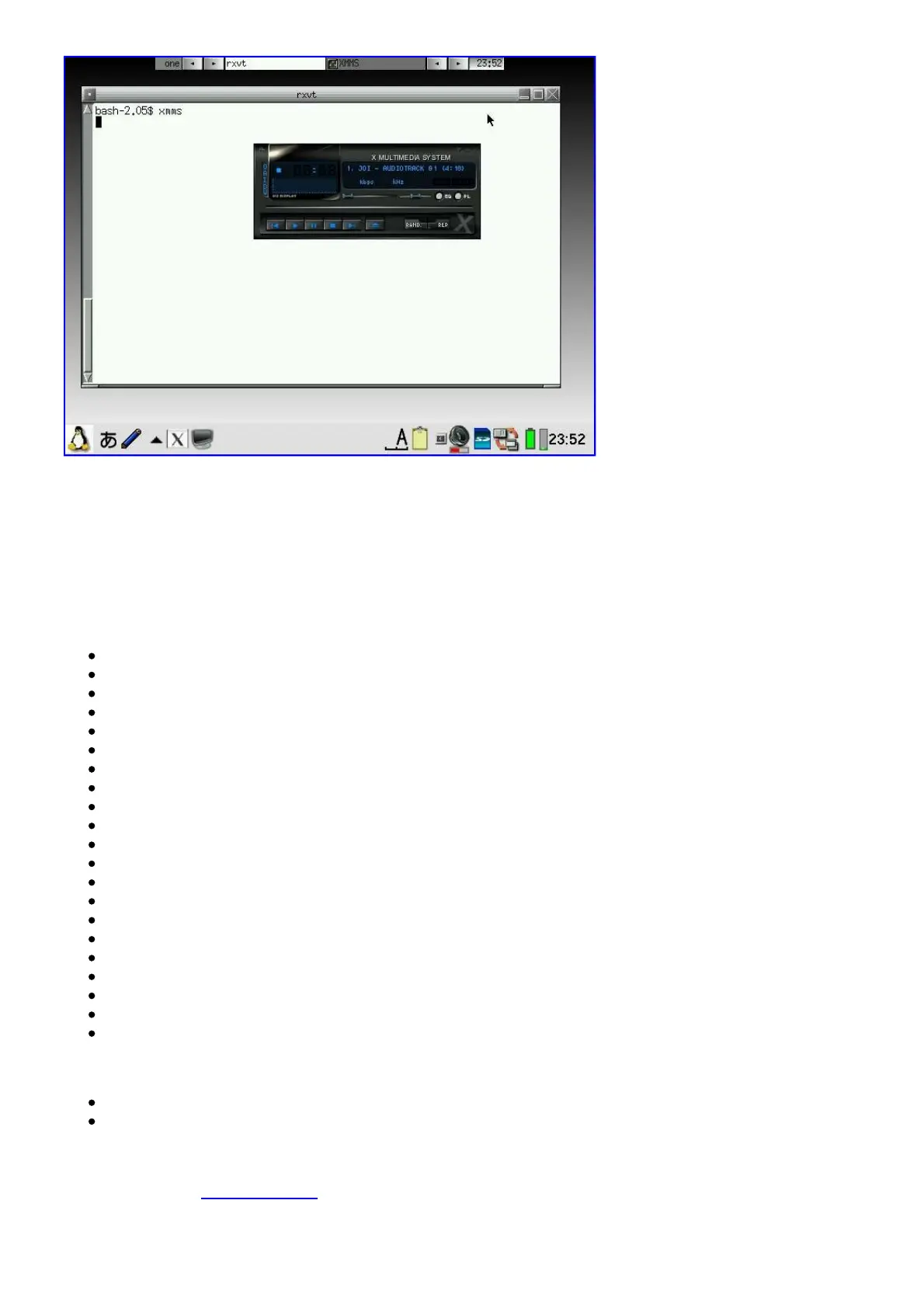
xmms 1.2.10
xpdf 2.03
And the xqt-mozilla image contains:
firefox 0.9
thunderbird 0.6
There is also a xqt-openoffice image which runs under X/Qt without requiring PocketWorkstation.
You can also use xqt-install.sh just like for xqt-gtk-jumbo. It will also mount the cramfs and/or
squashfs file and run xqtapps-setup for you. Just place all the cramfs/squashfs files you want to use
into a directory of your choosing and put the xqt-install.sh script in the same location and do the



 To Next Page