my Zaurus SL-C3000 and SL-C3100 http://www.users.on.net/~hluc/myzaurus/
69 of 212 16/09/2007 12:23
# obextool push file.ext xx:xx:xx:xx:xx:xx 6
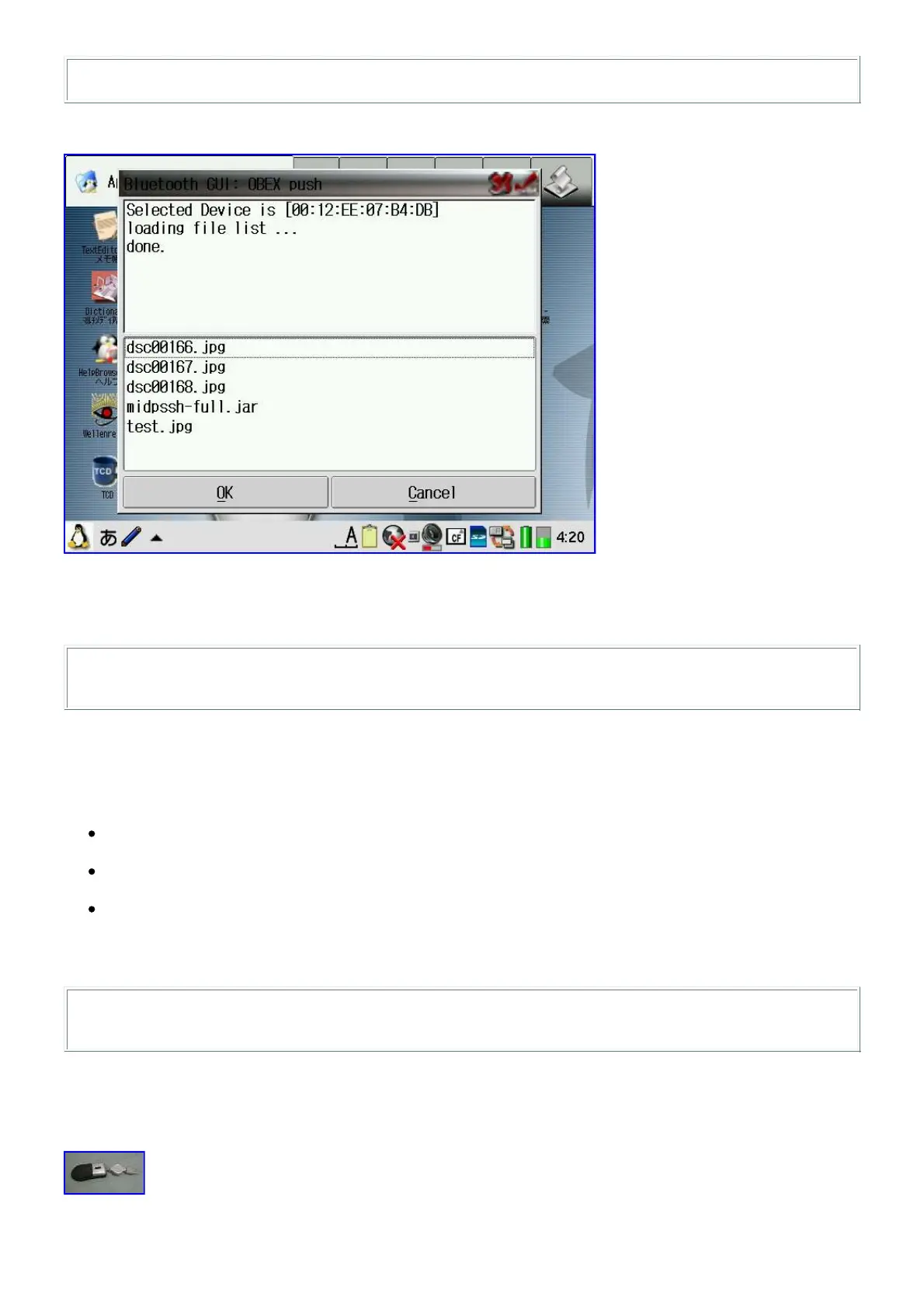
The bluetooth GUI allows you to convenniently select files to be beamed over.
To receive a file on your Zaurus via the Bluetooth interface, an OBEX server
[obexserver_1.0_arm.ipk] has to be installed and running. The service "OBEX PUSH" also has to be
registered to the SDP daemon:
# /usr/sbin/opd --mode OBEX+BIP --channel 4 --sdp --daemonize --path
/home/zaurus/Documents/Obex_Inbox
Securing Bluetooth
You can add some rudimentary security to bluetooth by editing /etc/bluetooth/hcid.conf:
Turn on encryption
remove the # in front of 'encrypt enable;'
Hide your Zaurus so it cannot be discovered
change 'iscan enable;' to 'iscan disable;'
Disable connection to your Zaurus
change 'pscan enable;' to 'pscan disable;'
You need to restart the bluetooth stack in order for the changes to take effect:
# su
# /etc/rc.d/init.d/bluetooth restart
Enabling Mouse
Yes, you can plug your USB mouse into the Zaurus but it won't work until you do the following:



 To Next Page