my Zaurus SL-C3000 and SL-C3100 http://www.users.on.net/~hluc/myzaurus/
91 of 212 16/09/2007 12:23
name.
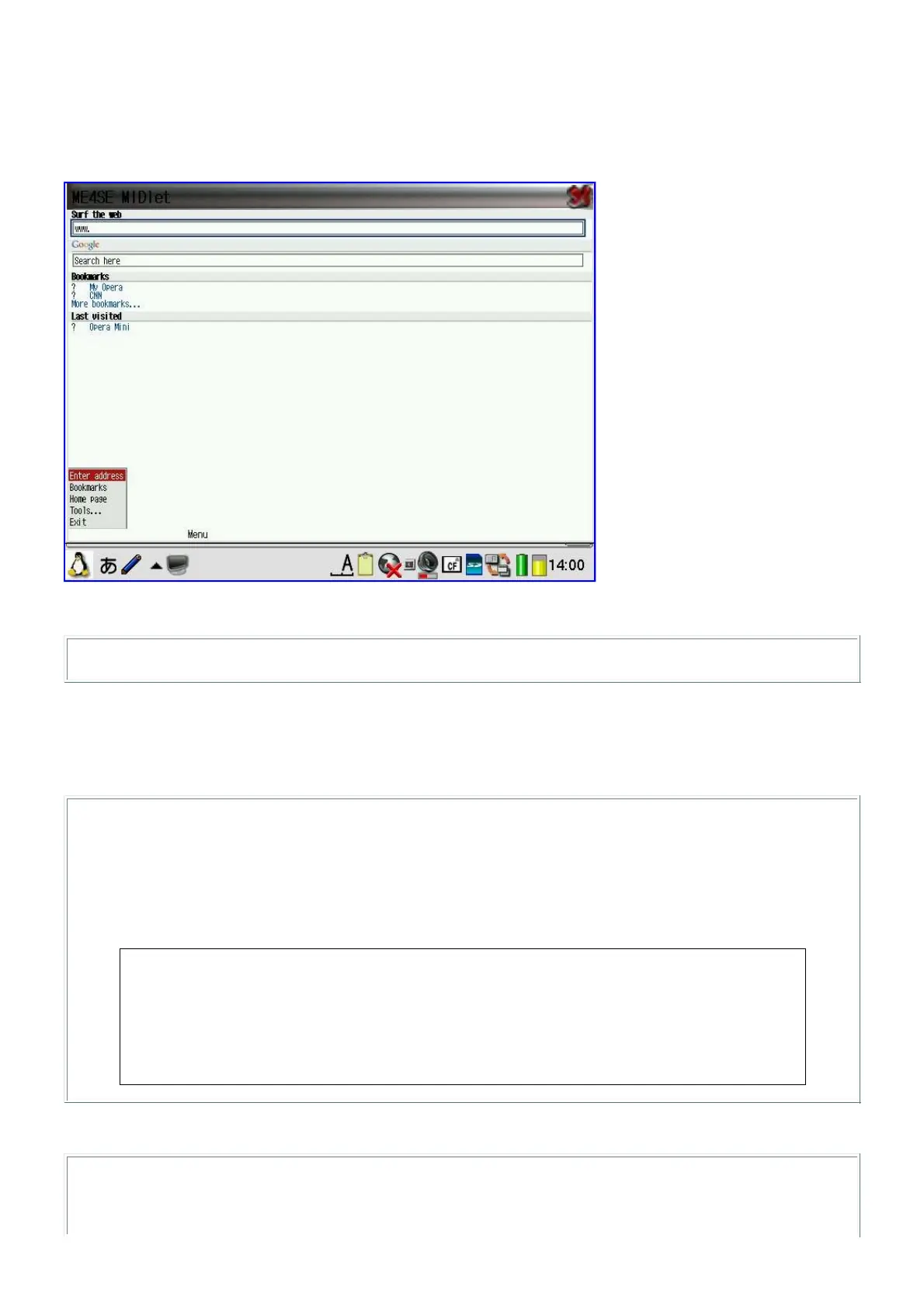
I have also created midp-launcher [midp-launcher_0.2_arm.ipk] which is a qshdlg script providing a
GUI game selector to launch game files located under /home/zaurus/Documents/games/j2me. It
also includes a modified version of me4se.jar that uses the larger 640x480 screen instead of the
default mobile screen size. It also includes other necessary files such as midpx.jar.
midp-launcher also has a command line interface which you can use to launch midp jar files:
# midp /mnt/card/opera-mini1.2.2960-basic-us.jar
J2SE
Installing the J2SE version from Blackdown is a bit trickier. If you install the ipk version, then you
need to do the following hacks to get it working after the install:
# su
# ln -s /usr/lib/jdk1.3 /usr/lib/jre
# ln -s /usr/lib/jdk1.3/bin/armv4l /usr/lib/jdk1.3/bin/armv5tel
# ln -s /usr/lib/jdk1.3/lib/armv4l /usr/lib/jdk1.3/lib/armv5tel
# ln -s /usr/lib/libstdc++-3-libc6.1-2-2.10.0.so /usr/lib/libstdc++-libc6.2-2.so.3
# vi /usr/lib/jdk1.3/bin/java
replace: APPHOME=`dirname "${0}"`/..
with: APPHOME=`dirname "${0}"`/../lib
replace: prog="${APPHOME}/bin/${proc}/${ttype}/${progname}"
with: prog="${APPHOME}/jre/bin/${proc}/${ttype}/${progname}"
For the bz2 compressed version, you should extract it to /usr/local and then do the following:
# ln -s /usr/local/j2re1.3.1/bin/java /usr/bin/java
# ln -s /usr/local/j2re1.3.1/bin/armv4l /usr/local/j2re1.3.1/bin/armv5tel
# ln -s /usr/local/j2re1.3.1/lib/armv4l /usr/local/j2re1.3.1/lib/armv5tel



 To Next Page